



Smooth Realistic for Minecraft 1.10
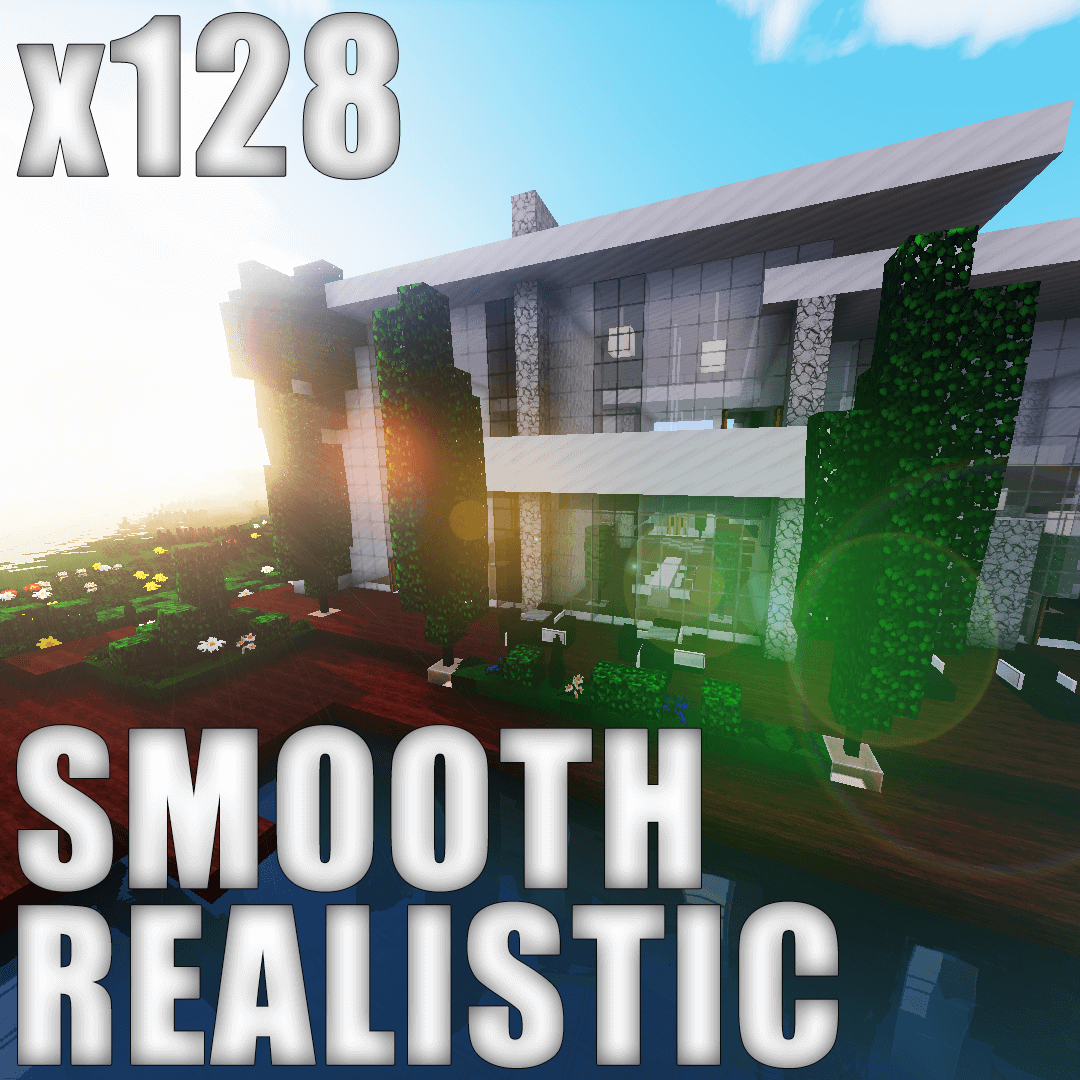 You probably enjoy having a good time and actively exploring the game’s updated environment. This time, we’d like to draw your attention to the Smooth Realistic mod for Minecraft. It’s quite interesting and offers a wide range of improvements designed to be as realistic as possible.
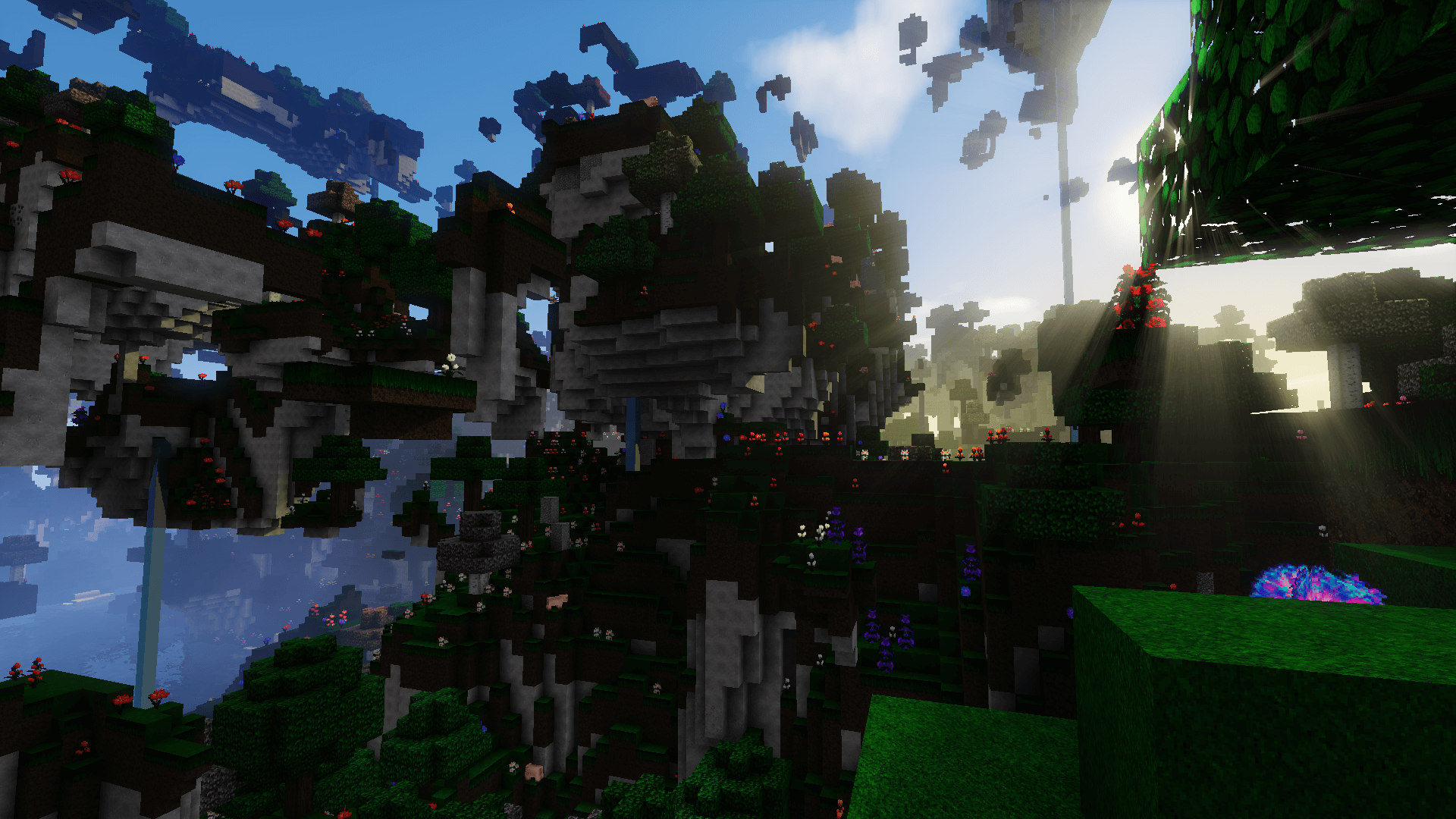 The creator of this mod has done a fine job and achieved good results with the game world’s visuals. Virtually all available textures have been reworked, making them much better and more pleasing to the eye. All that remains is to try these updates for yourself, and you’ll see that they’re definitely worth using.
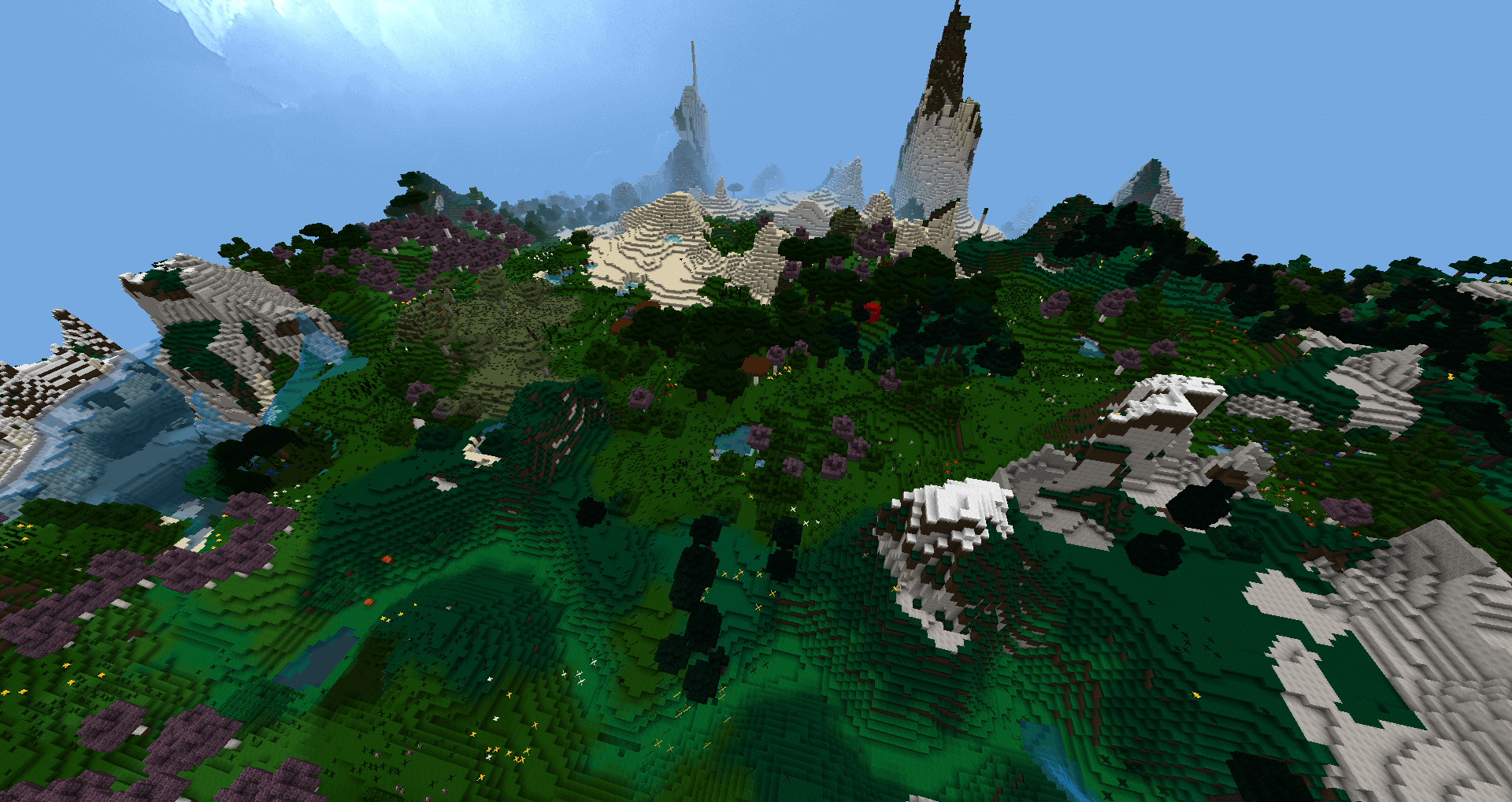
How to install the texture pack:
Step 1: Download the texture pack using the link below.
Step 2: Extract the downloaded archive and copy the folder Smooth Realistic to c:\Users\Пользователь\AppData\Roaming\.minecraft\resourcepacks\ (if this folder does not exist, create it yourself)(For Windows)
Step 3: In the game, go to Settings, then Resource Packs. Click on the icon for the new texture pack in the left-hand list.
Comments (0)