



Conquest Reforged for Minecraft 1.12.2
 It’s no secret that, in most cases, textures and their quality play a major role in the world of Minecraft. Thanks to the numerous changes, you can enjoy entirely new styles and try to achieve a good result.
The main thing is to use the right, high-quality texture packs that you’re sure to like, and you’re bound to get a good result.
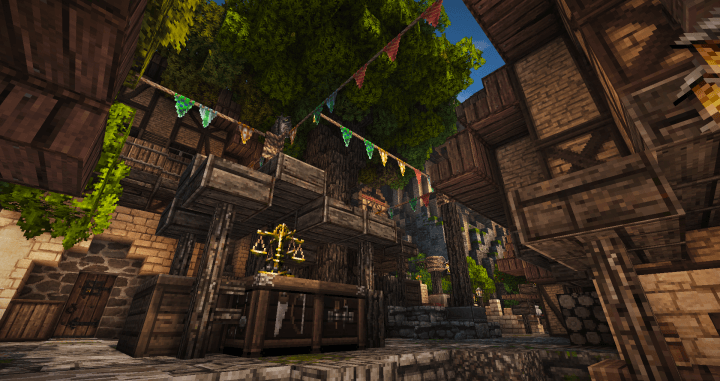
For example, you can use Conquest Reforged for Minecraft 1.12.2 – a collection of numerous, varied texture options that you’re sure to like. All that remains is to explore your surroundings carefully and take note of all the new changes. We wish you good luck!
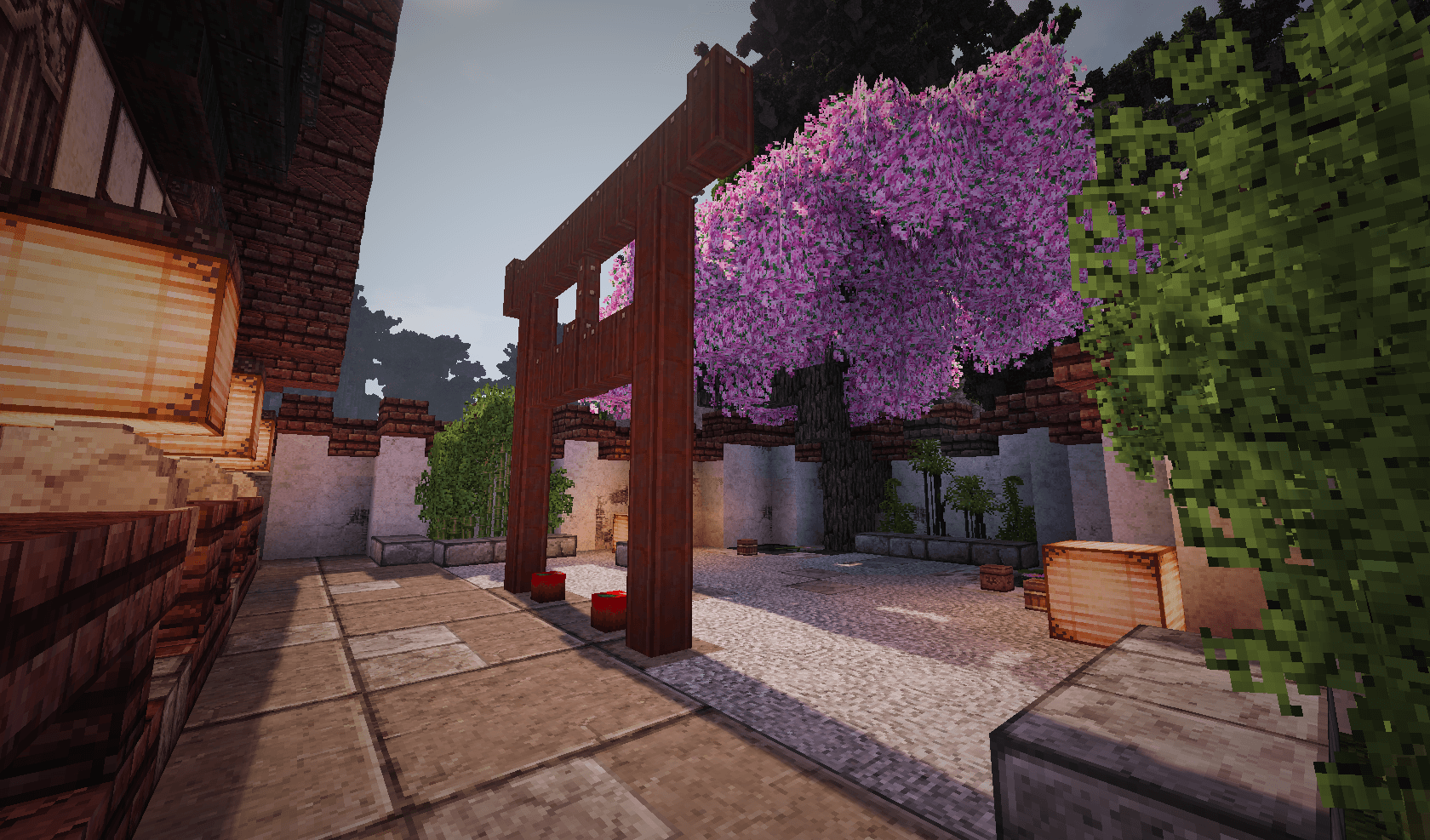
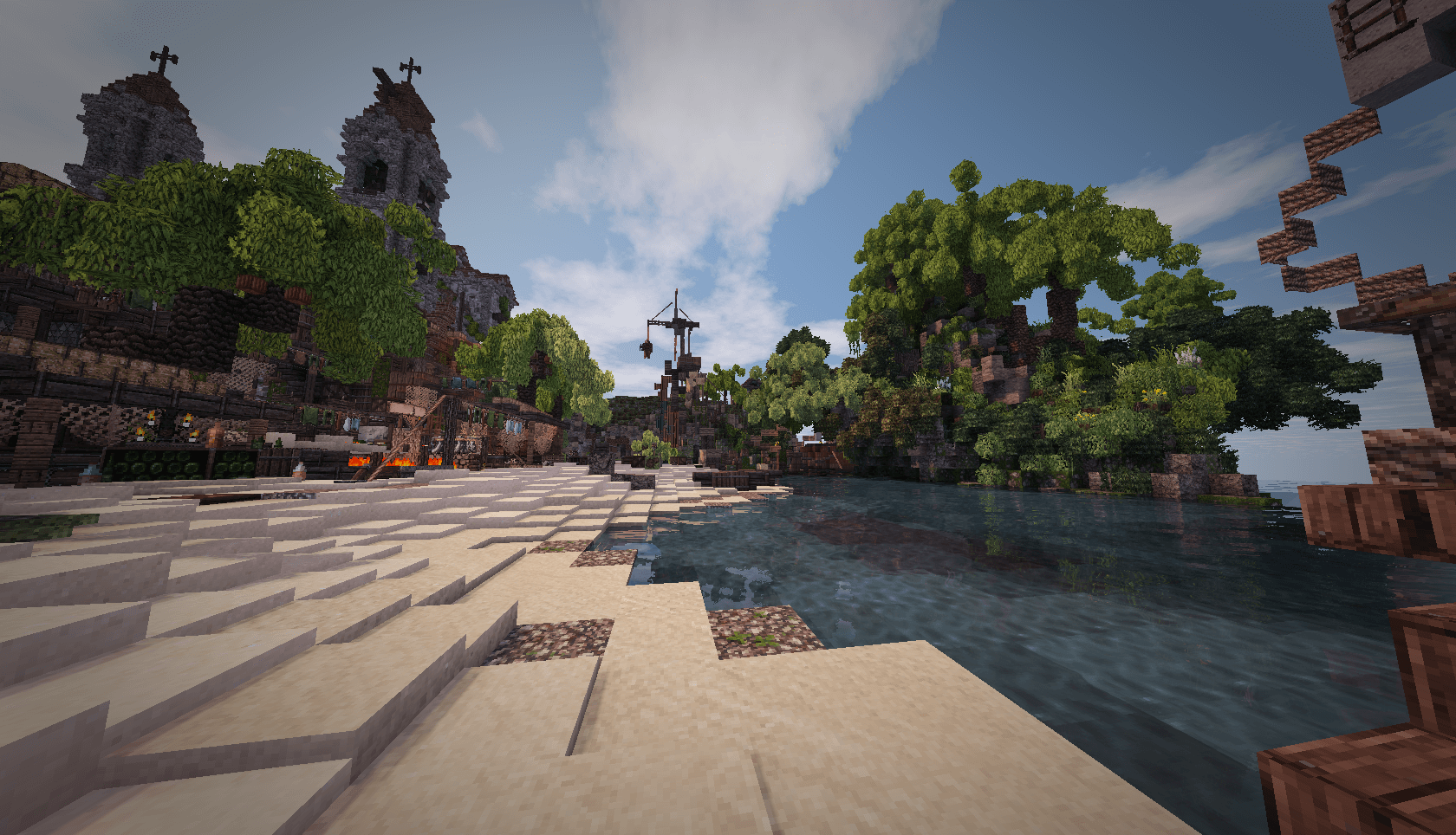
How to install the texture pack:
Step one: Download the texture pack using the link below.
Step two: Unzip the downloaded archive and copy the folder Conquest Reforged to c:\Users\Пользователь\AppData\Roaming\.minecraft\resourcepacks\ (if this folder does not exist, create it yourself)(For Windows)
Step three: In the game, go to Settings, then to Resource Packs. There, click the icon for the newly added texture pack in the list on the left.
Comments (44)