



CreatorCraft 3D for Minecraft 1.12.2
 If you’ve long wanted to improve the Minecraft world, be sure to try the mod called CreatorCraft 3D for Minecraft 1.12.2.
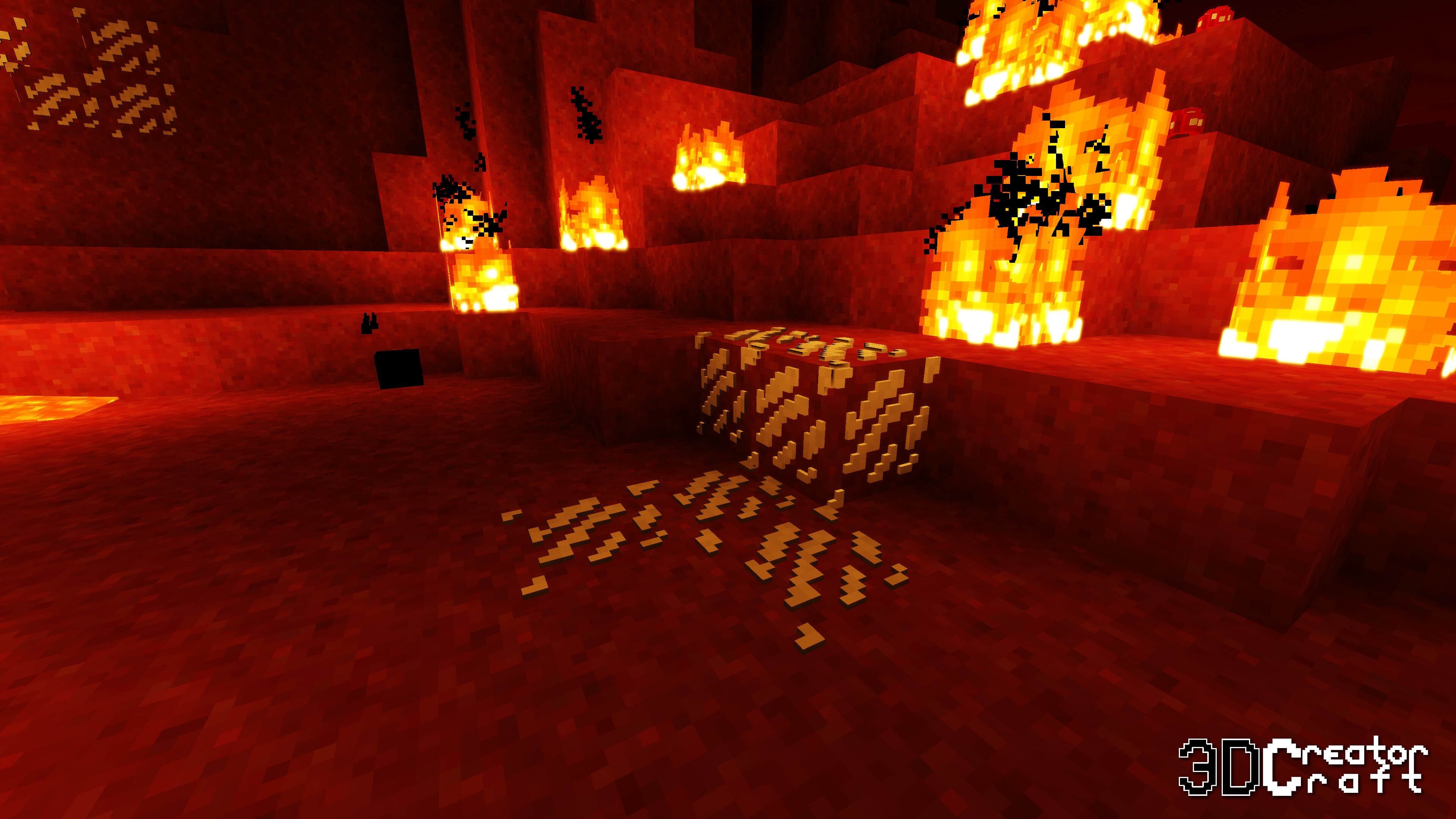
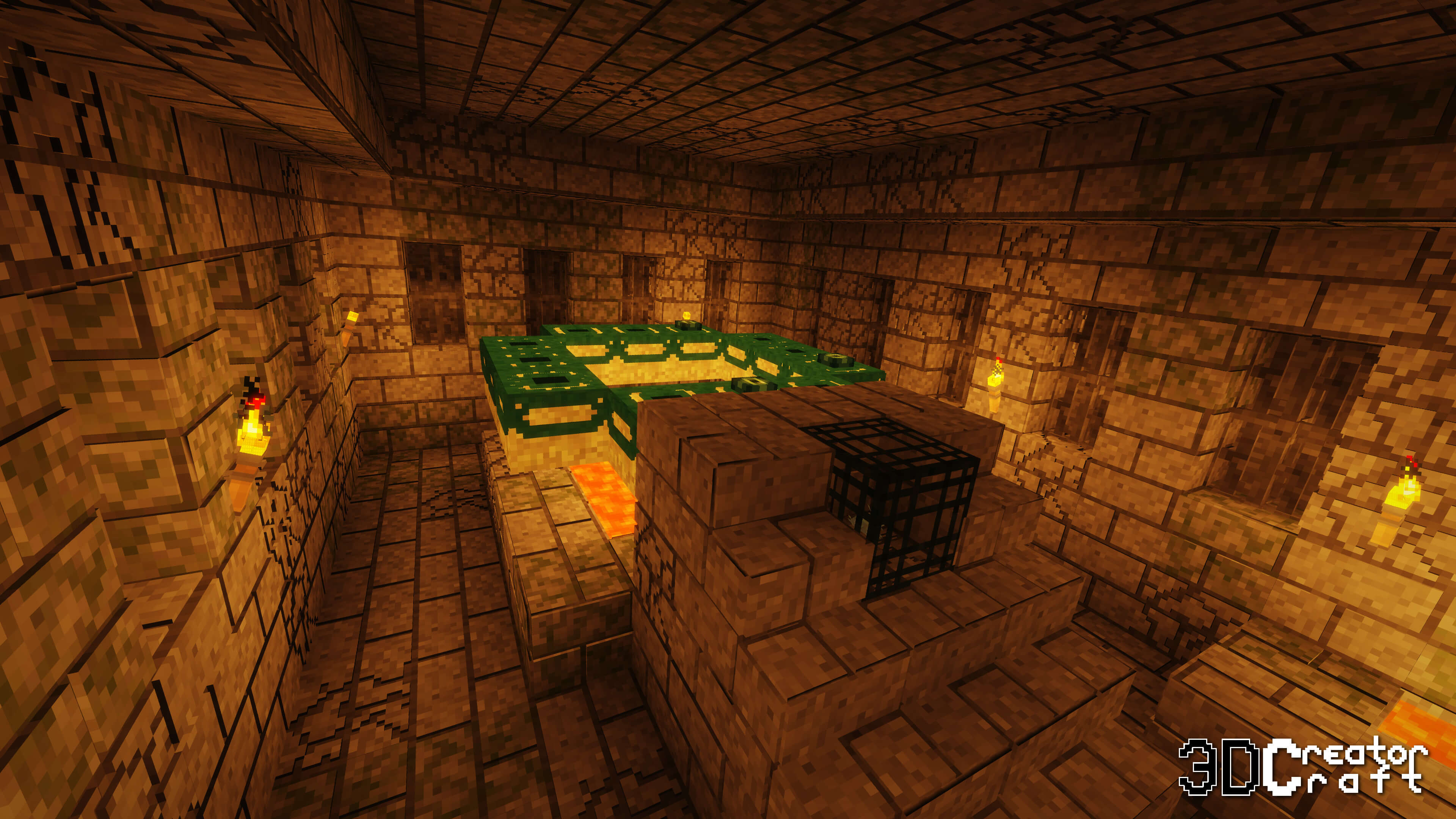
The new improvements in Minecraft 1.12.2 completely revamp the available textures and even add 3D models that fit perfectly into the game’s environment and enhance the overall atmosphere. Don’t worry: you’ll gradually get used to the new environment and realise that you won’t be able to play without this enhancement.
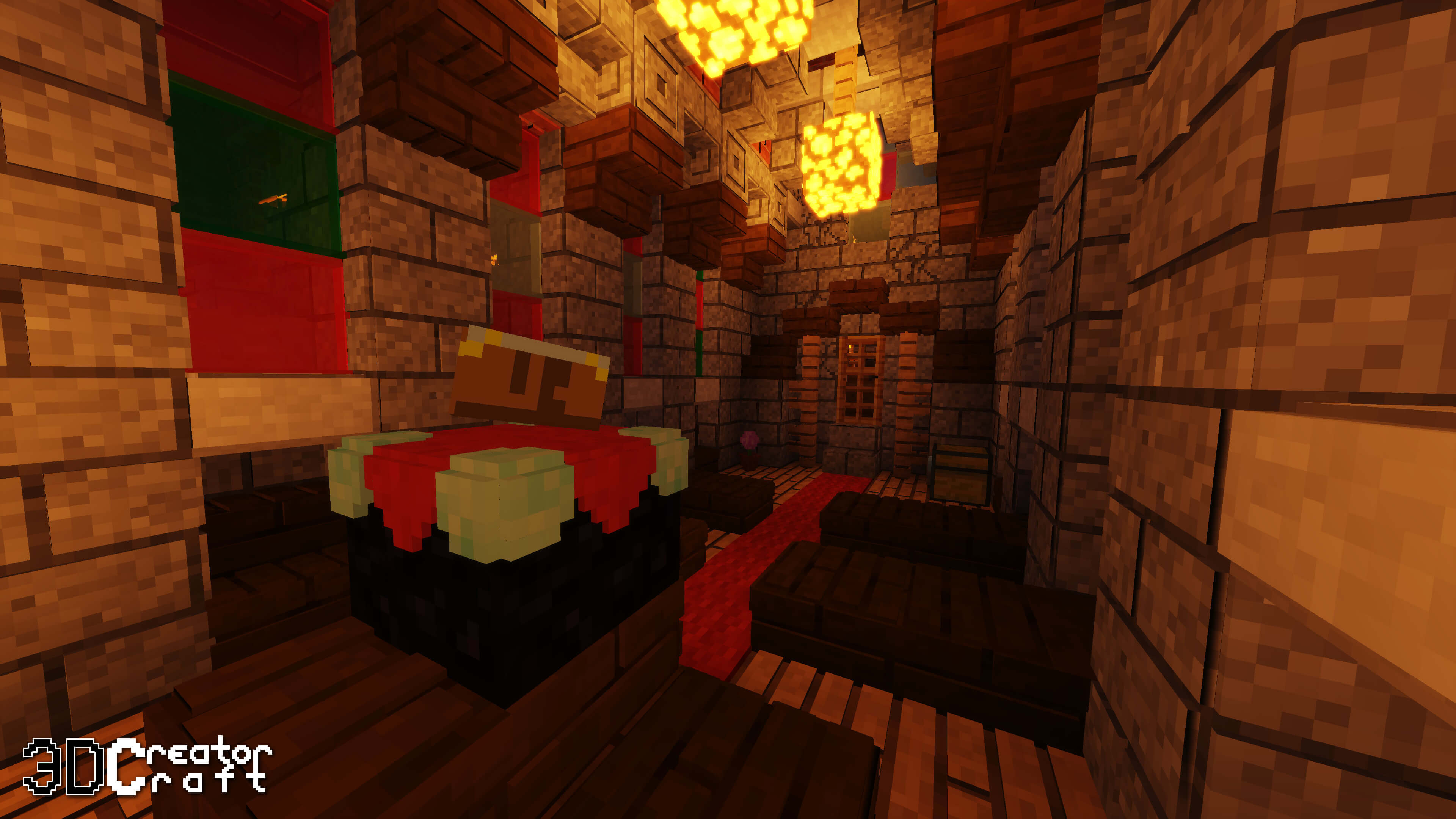
We suggest you waste no time and just get started. You’re sure to enjoy the new improvements, and they’ll make your adventure much better. We wish you the best of luck!
How to install the texture pack:
Step one: Download the texture pack using the link below.
Step two: Unzip the downloaded archive and copy the folder CreatorCraft 3D to c:\Users\Пользователь\AppData\Roaming\.minecraft\resourcepacks\ (if this folder does not exist, create it yourself) (for Windows)
Step three: In the game, go to Settings, then to Resource Packs. In the list on the left, click on the icon for the new texture pack that has appeared.
Comments (58)