



Beyond The Lands for Minecraft 1.15.1
 If you’re dreaming of giving the game a major makeover, you’ve no doubt considered a medieval style as a starting point. We’ve found a special Beyond The Lands texture pack for Minecraft 1.15.1 that will let you transform the game world in this style.
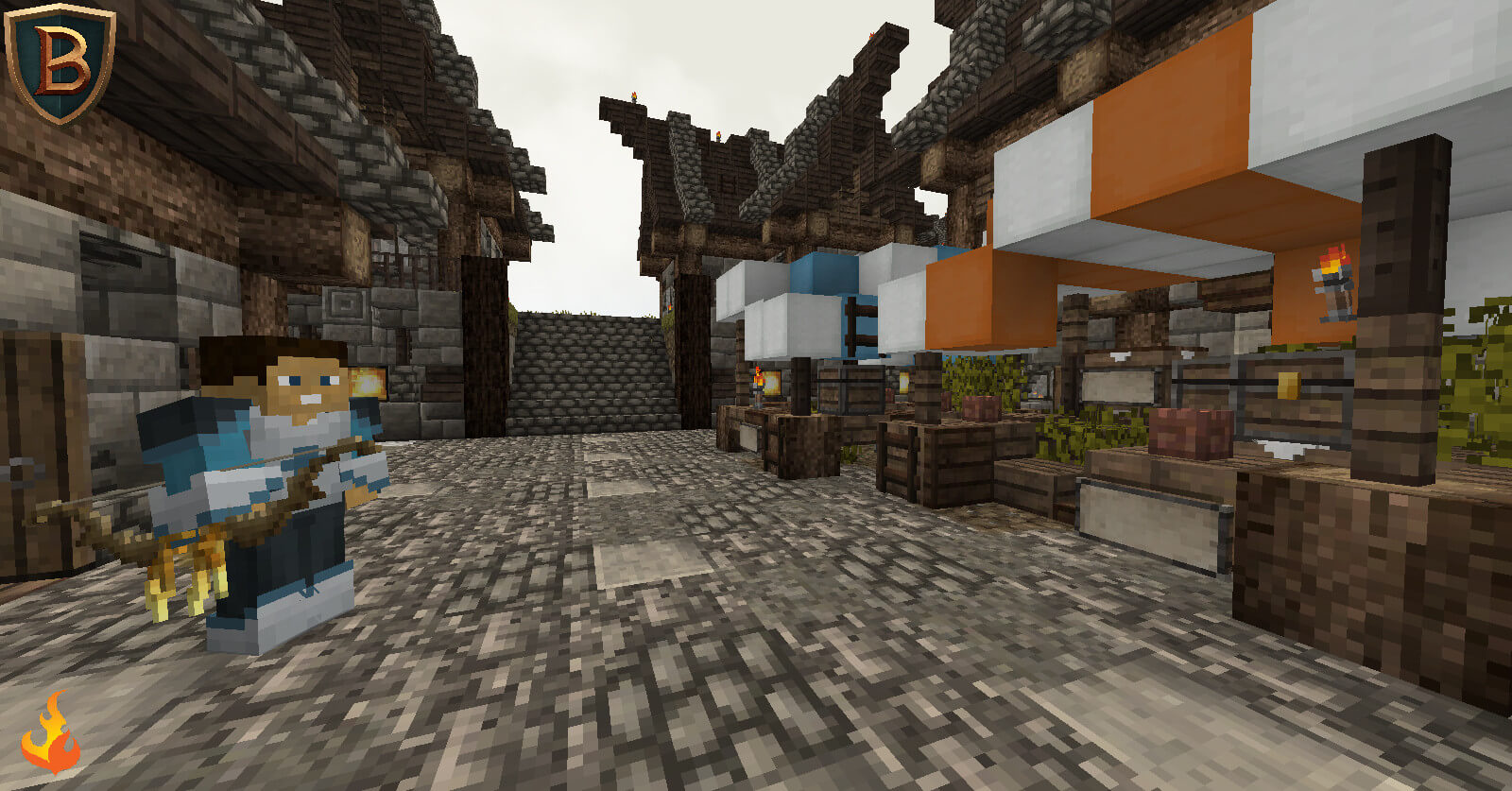
The game will now take on a darker atmosphere, with many structures gaining an extra decorative element—not to mention changes to other details.
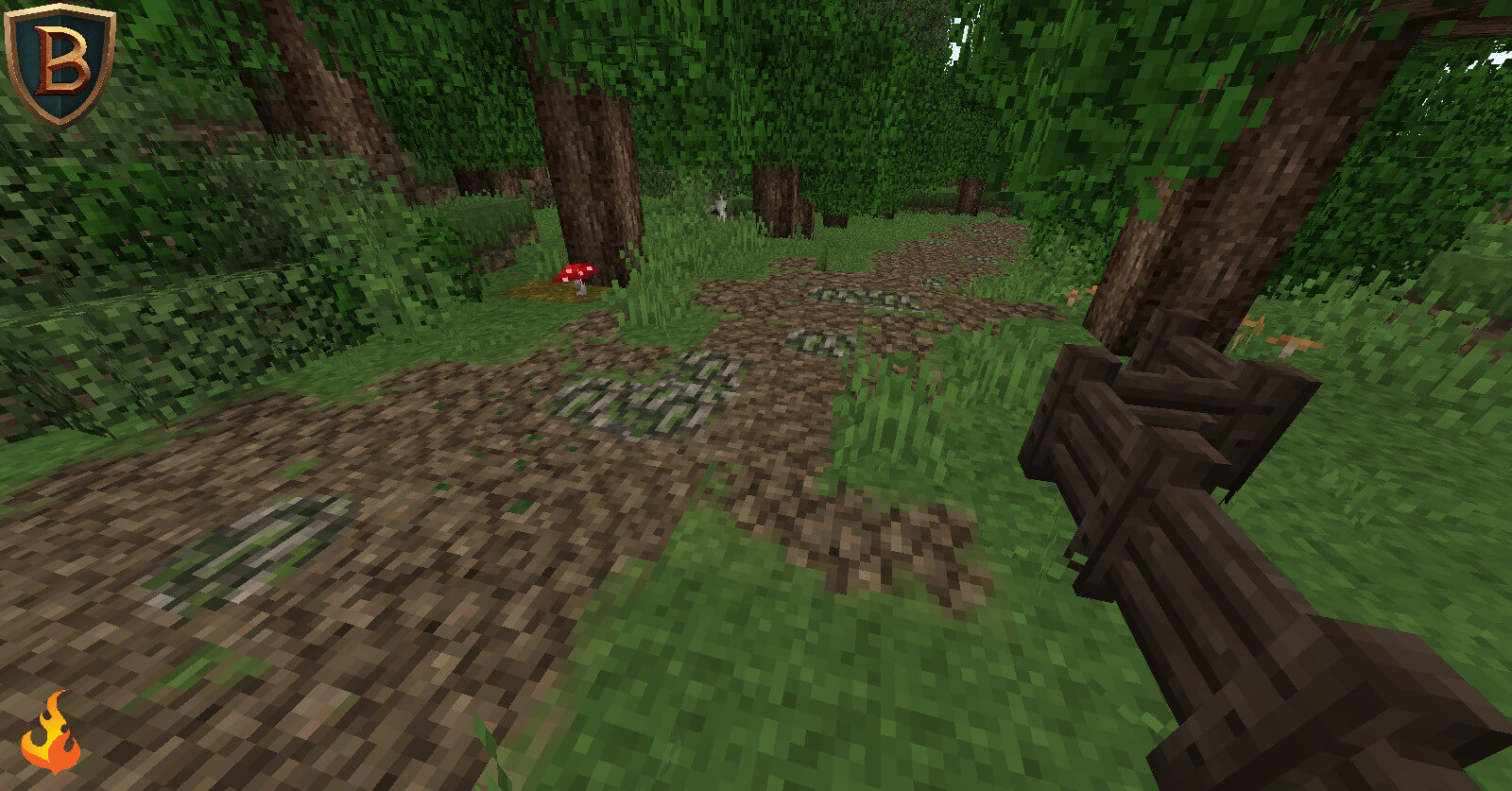 Virtually every element of the game will have its own design, which you’re sure to like. All that remains is to immerse yourself in this environment and enjoy the game to the fullest. We wish you good luck and all the very best; the game world will now be many times better.
How to install the texture pack:
Step one: Download the texture pack using the link below.
Step two: Unzip the downloaded archive and copy the Beyond The Lands folder to c:\Users\Пользователь\AppData\Roaming\.minecraft\resourcepacks\ (if this folder does not exist, create it yourself)(For Windows)
Step three: In the game, go to Settings, then Resource Packs. There, click on the icon for the new texture pack in the left-hand list.
Comments (0)