



Glowing Lightsabers for Minecraft 1.15.1
 If you’ve long wanted to revamp your in-game environment, we recommend using the Glowing Lightsabers 1.15.1 texture pack for Minecraft. This new enhancement will allow you to easily change the appearance of all the swords in the game.
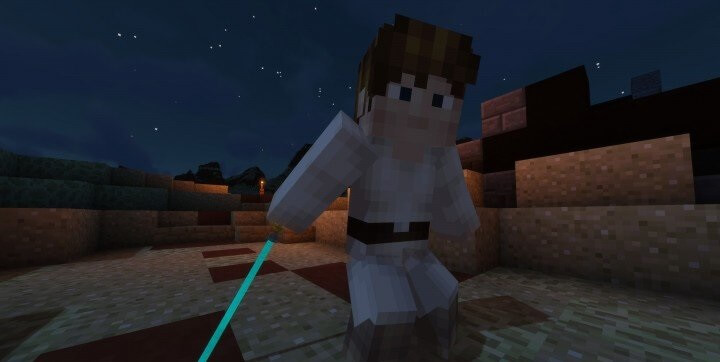
Now, every type of melee weapon will have a new look in the form of a lightsaber from the «Star Wars» universe.
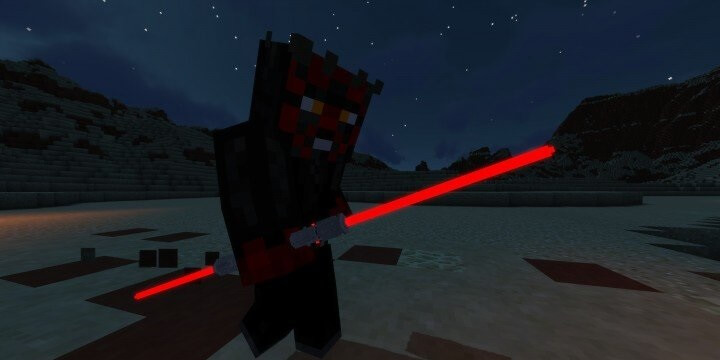 The textures look high-quality and interesting, and will help you easily achieve a favourable outcome in your adventure. Battles will now be far more spectacular and exciting – enjoy the game and experience new thrills as you play. Good luck!
How to install the texture pack:
Step one: Download the texture pack using the link below.
Step two: Unzip the downloaded archive and copy the folder Glowing Lightsabers to the path c:\Users\Пользователь\AppData\Roaming\.minecraft\resourcepacks\ (if this folder does not exist, create it yourself)(For Windows)
Step three: In the game, go to Settings, then to Resource Packs. There, click on the icon for the newly added texture pack in the left-hand list.
Comments (0)