



Jicklus for Minecraft 1.15.2
 We continue to keep a close eye on all the available improvements and offer only the very best. For example, today you’ll have the chance to try out the Jicklus texture pack for Minecraft, which adds a touch of vanilla to your adventure.
You may have come across similar enhancements before, but don’t let that make you skip this texture pack just yet.
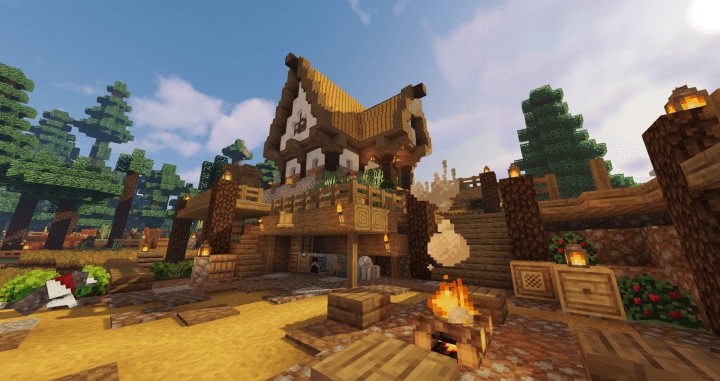
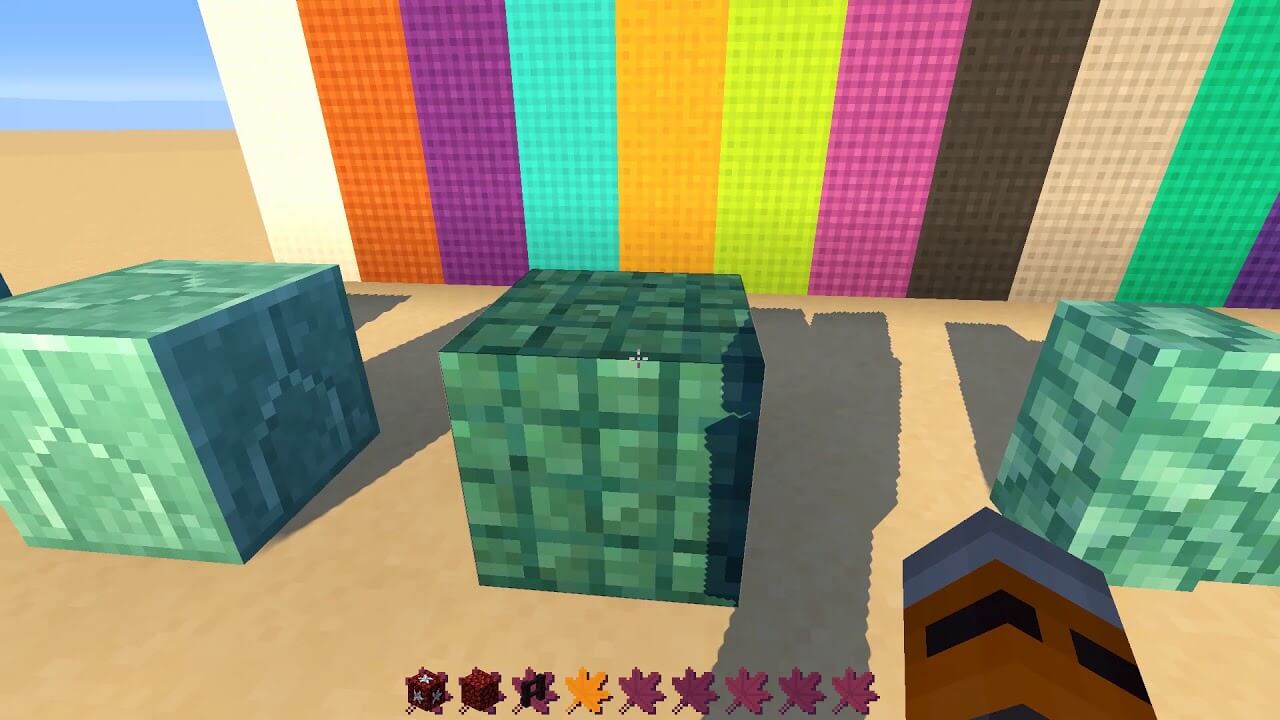 The author has made every effort to improve the vanilla textures, which now feature rich colours and detailed rendering. Together, they look perfect and enhance the game world. Travelling through the familiar world will now be far more enjoyable. Good luck!
How to install the texture pack:
Step one: Download the texture pack using the link below.
Step two: Unzip the downloaded archive and copy the folder Jicklus to the path c:\Users\Пользователь\AppData\Roaming\.minecraft\resourcepacks\ (if this folder does not exist, create it yourself)(For Windows)
Step three: In the game, go to Settings, then Resource Packs. There, click the icon for the new texture pack in the left-hand list.
Comments (1)