



Winthor Medieval for Minecraft 1.15.1
 Winthor Medieval for Minecraft 1.15.1 – the perfect example of how the game should be improved. The creator of this add-on has done a great job on virtually all the available textures, and now every user has the chance to appreciate all the improvements.
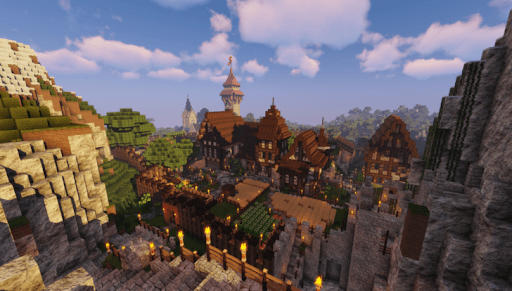
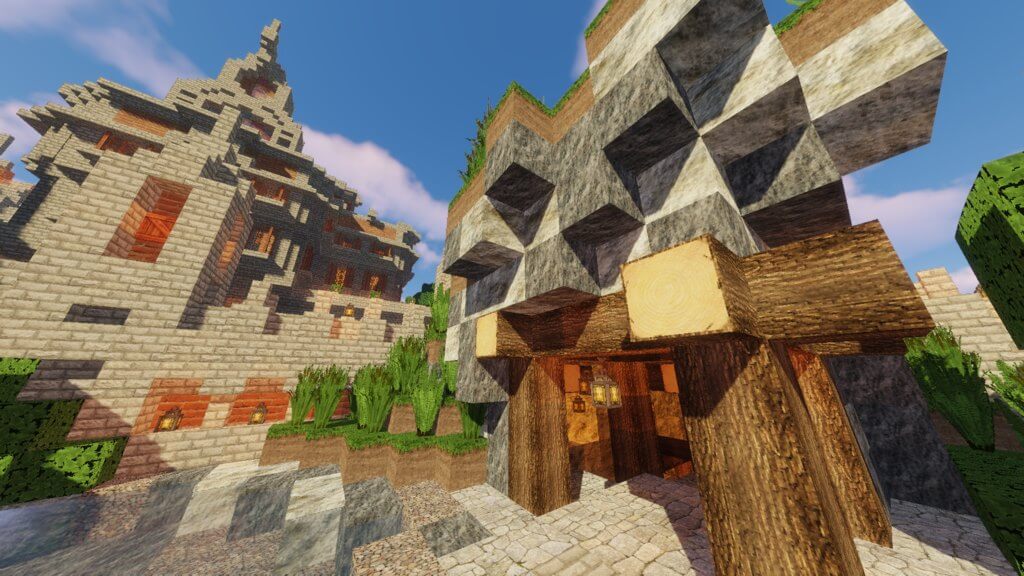
Most of the textures have been updated; they now feature not only a 64×64 resolution but also a vibrant colour palette. All you need to do is set off on an exciting adventure and strive for success. Believe me, the game will become far more enjoyable and interesting; you just need to pay attention and actively strive for victory.
How to install the texture pack:
Step 1: Download the texture pack using the link below.
Step 2: Extract the downloaded archive and copy the folder Winthor Medieval to c:\Users\Пользователь\AppData\Roaming\.minecraft\resourcepacks\ (if this folder does not exist, create it yourself) (For Windows)
Step 3: In the game, go to Settings, then to Resource Packs. In the list on the left, click the icon for the newly added texture pack.
Comments (0)