



Wolfhound for Minecraft 1.15.1
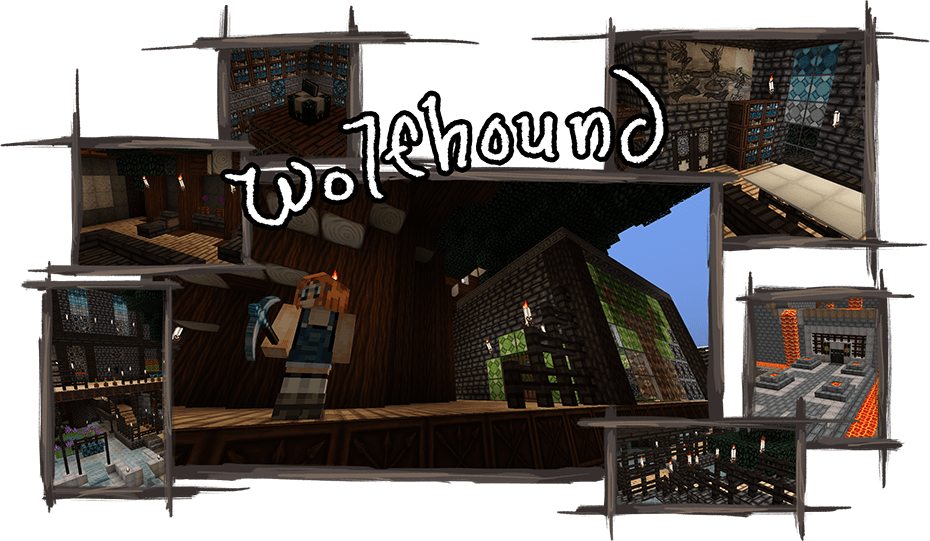 If you actively use a wide variety of enhancements and enjoy decorating your structures, we suggest you take a look at the Wolfhound 1.15.1 texture pack for Minecraft.
You’ll now be able to use updated blocks featuring a variety of patterns while building. These will enhance the visual appeal and allow you to plan your structures in greater detail.
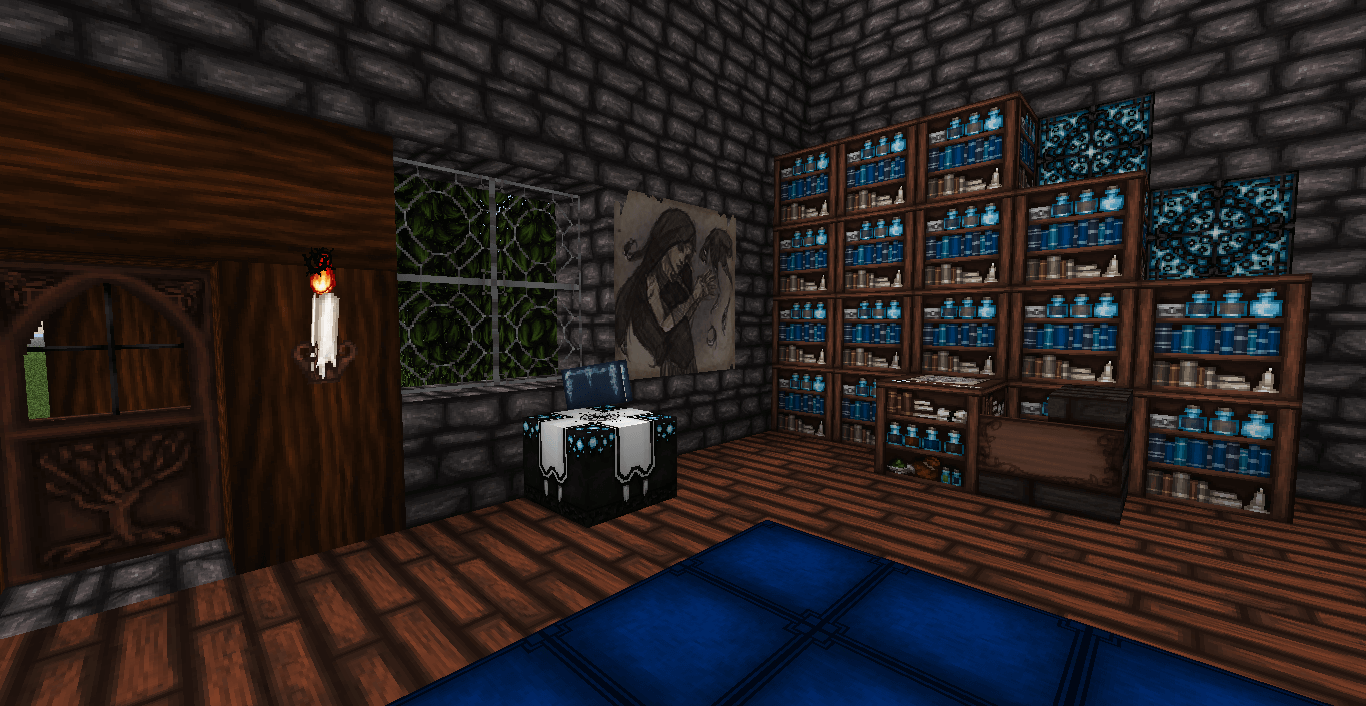 Note that different blocks have their own unique patterns, each assembled from several parts. If you do everything correctly, you are sure to achieve a good result.
How to install the texture pack:
Step 1: Download the texture pack using the link below.
Step 2: Extract the downloaded archive and copy the folder Wolfhound to c:\Users\Пользователь\AppData\Roaming\.minecraft\resourcepacks\ (if this folder does not exist, create it yourself)(For Windows)
Step 3: In the game, go to Settings, then Resource Packs. There, click on the icon for the newly added texture pack in the left-hand list.
Comments (1)