



Xray Ultimate for Minecraft 1.15.1
 If you’re planning to use a wide variety of interesting features to enhance your gameplay, we suggest taking a look at the Xray Ultimate texture pack for Minecraft 1.15.1.
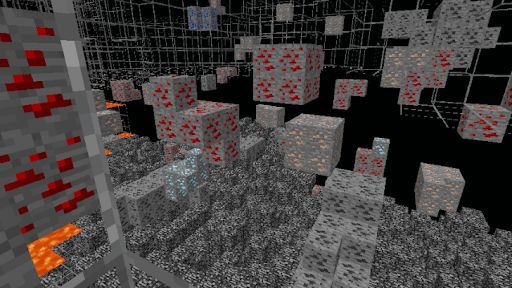
Thanks to these new changes, you’ll be able to see through any textures and immediately spot the resources you need or any enemies. Now you’ll know in advance where to go, what to collect and how to proceed.
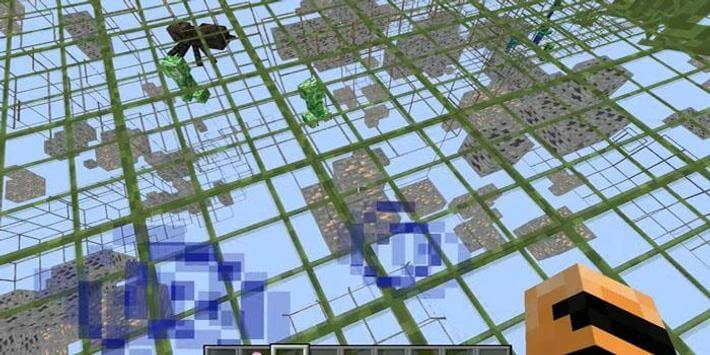 This may simplify the gameplay considerably, but you’ll still be able to enjoy the game and discover lots of new and interesting things. Use it and enjoy the game—it’ll be much better than you expect.
How to install the texture pack:
Step 1: Download the texture pack using the link below.
Step 2: Extract the downloaded archive and copy the folder Xray Ultimate to c:\Users\Пользователь\AppData\Roaming\.minecraft\resourcepacks\ (if this folder does not exist, create it yourself) (For Windows)
Step 3: In the game, go to Settings, then Resource Packs. Click the icon for the new texture pack in the left-hand list.
Comments (3)