



Colourful Containers GUI for Minecraft 1.16.5

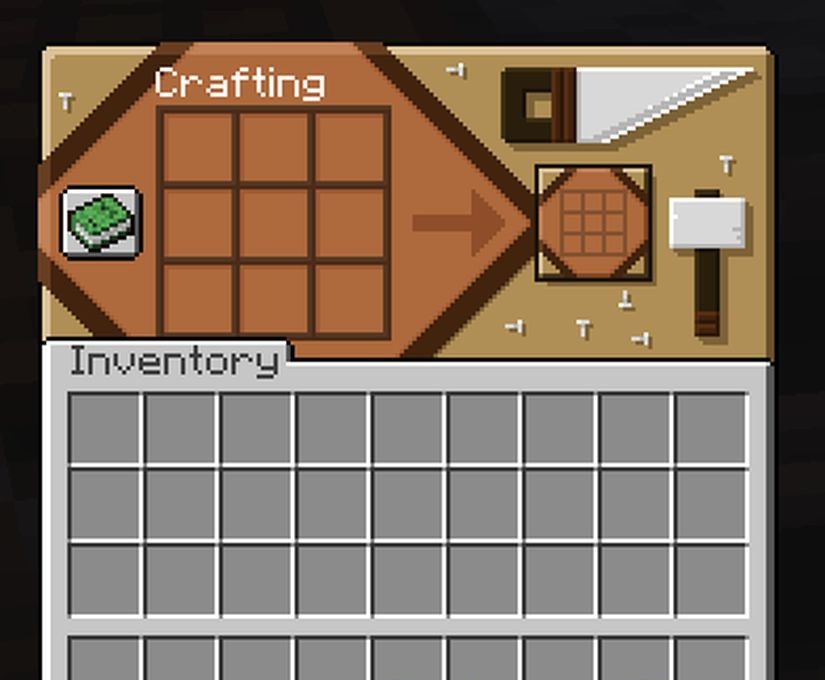
There are moments when you want to change not the world around you, but the interface — and that is exactly what Colourful Containers GUI is made for. It makes the menus of chests, furnaces, crafting tables, and other blocks bright, clear, and stylistically consistent. Instead of gray, monotonous panels, the player gets colorful, lively interfaces that are easier to distinguish and more pleasant to use.
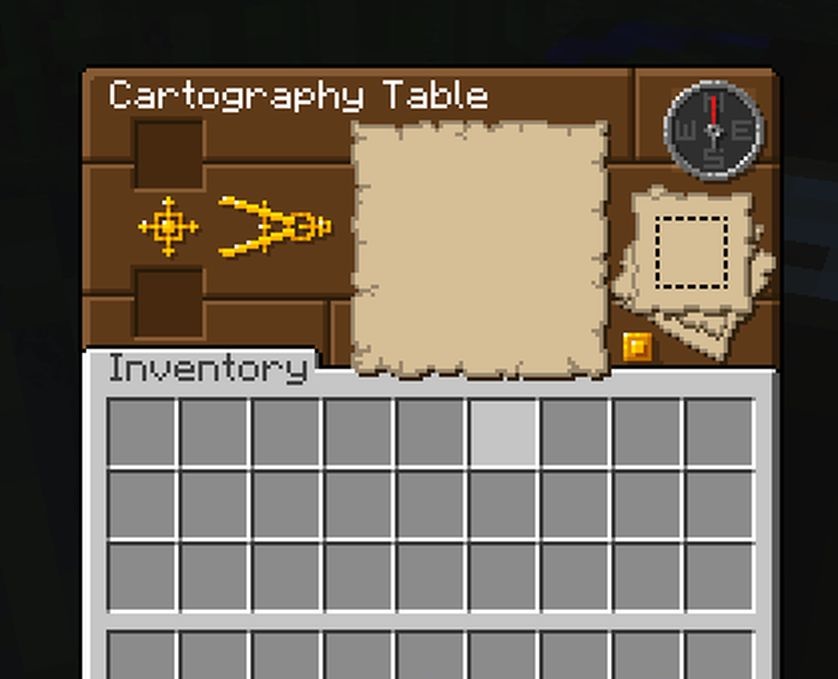
Some elements are even animated, creating an additional visual accent. Chests and shulker boxes stand out especially, as their interfaces receive individual colors. The pack refreshes the parts of the game that the player sees most often, turning routine actions into a more comfortable and enjoyable process.
How to install the texture pack:
First step: download and install Colourful Containers GUI
Second step: copy the texture pack to the C:\Users\USER_NAME\AppData\Roaming\.minecraft\resourcepacks
Third step: in game settings choose needed resource pack.
Comments (2)