



Default 3D for Minecraft 1.16
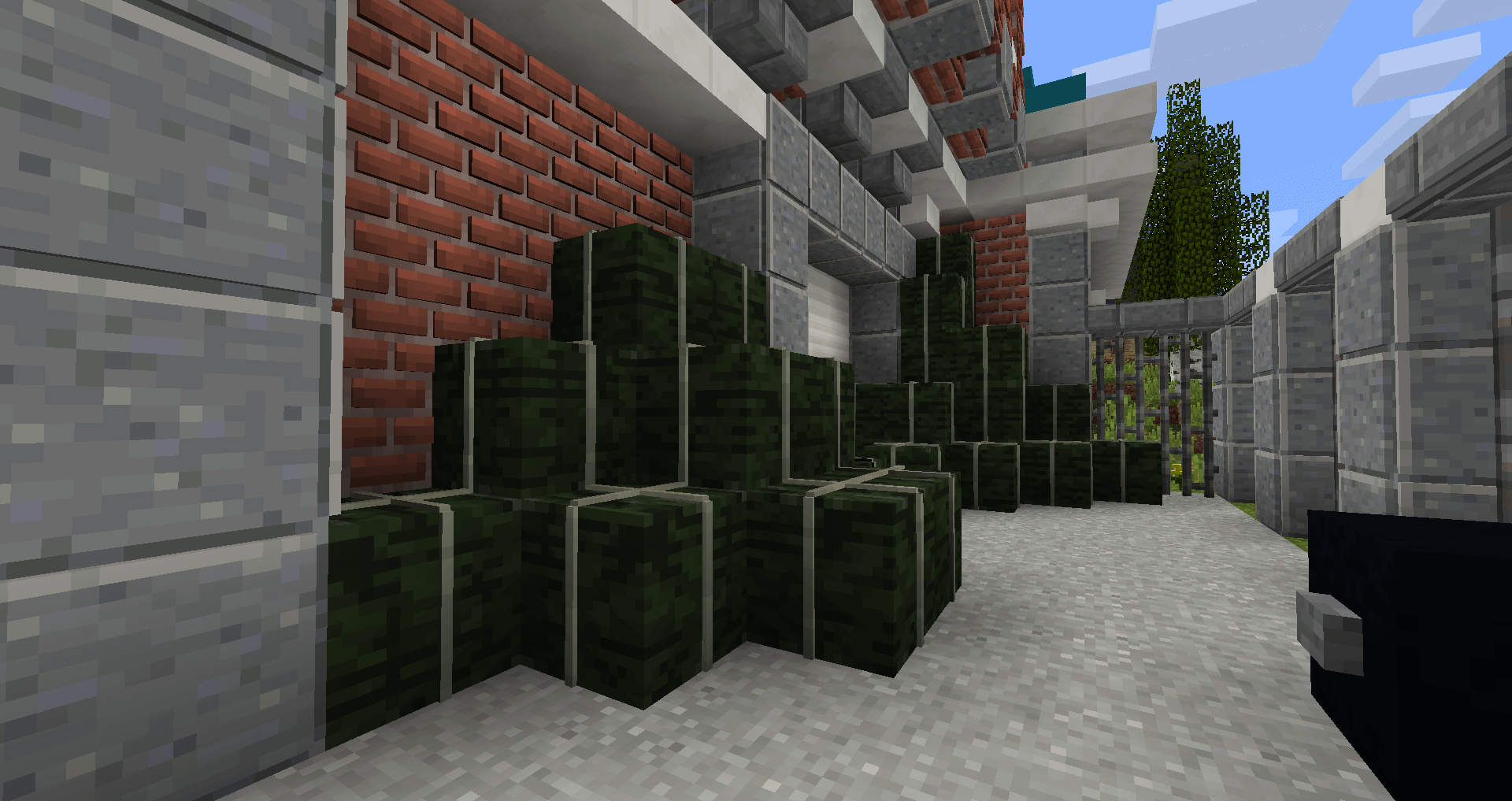 If you’ve long dreamt of adding a few 3D elements to the game’s vast world, we’re delighted to present the Default 3D texture pack for Minecraft. With these changes, you won’t have to worry about the game’s visuals. The changes aren’t that drastic, but they let you simply enjoy the terrain.
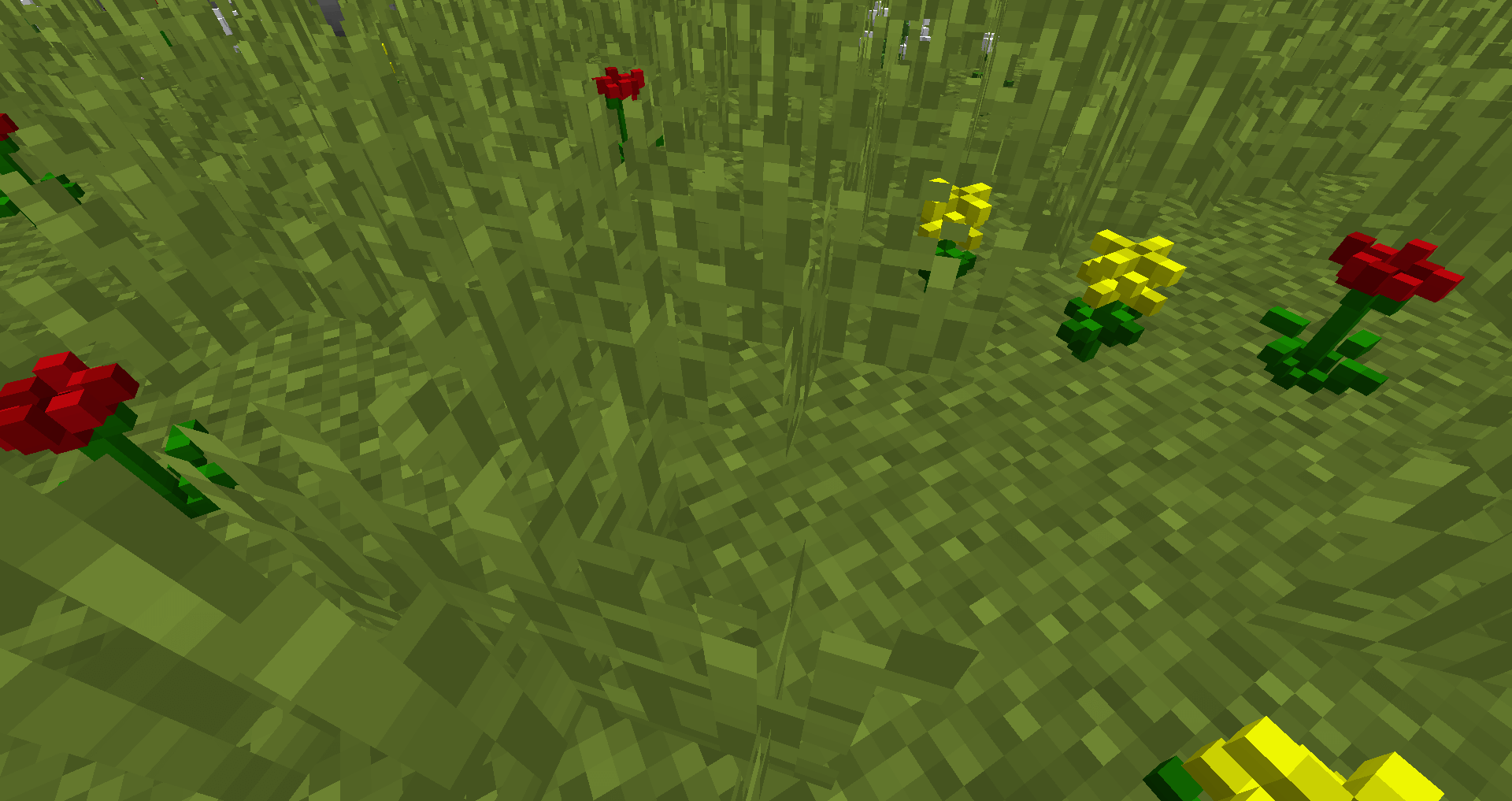
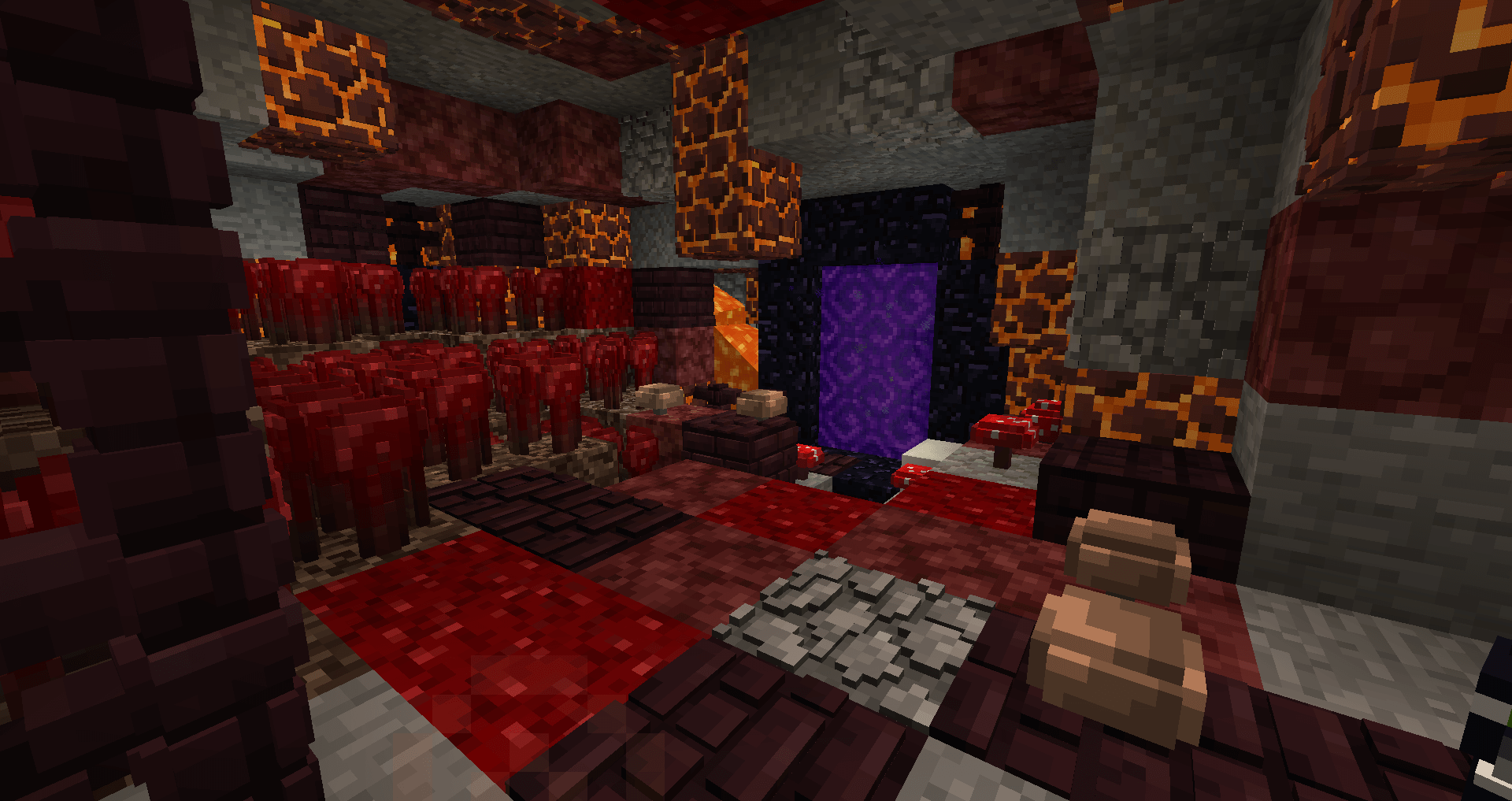
The terrain will now undergo a number of changes that will improve the game’s overall appearance. We suggest you waste no time and start exploring all the updates. You’re sure to like them, and they’ll let you enjoy an improved virtual world. Remember that only the game’s terrain has changed. Have a great adventure!
How to install the texture pack:
Step one: Download the texture pack using the link below.
Step two: Unzip the downloaded archive and copy the folder Default 3D to c:\Users\Пользователь\AppData\Roaming\.minecraft\resourcepacks\ (if this folder does not exist, create it yourself)(For Windows)
Step three: In the game, go to Settings, then Resource Packs. In the list on the left, click the icon for the new texture pack that has appeared.
Comments (1)