



Round Trees for Minecraft 1.16
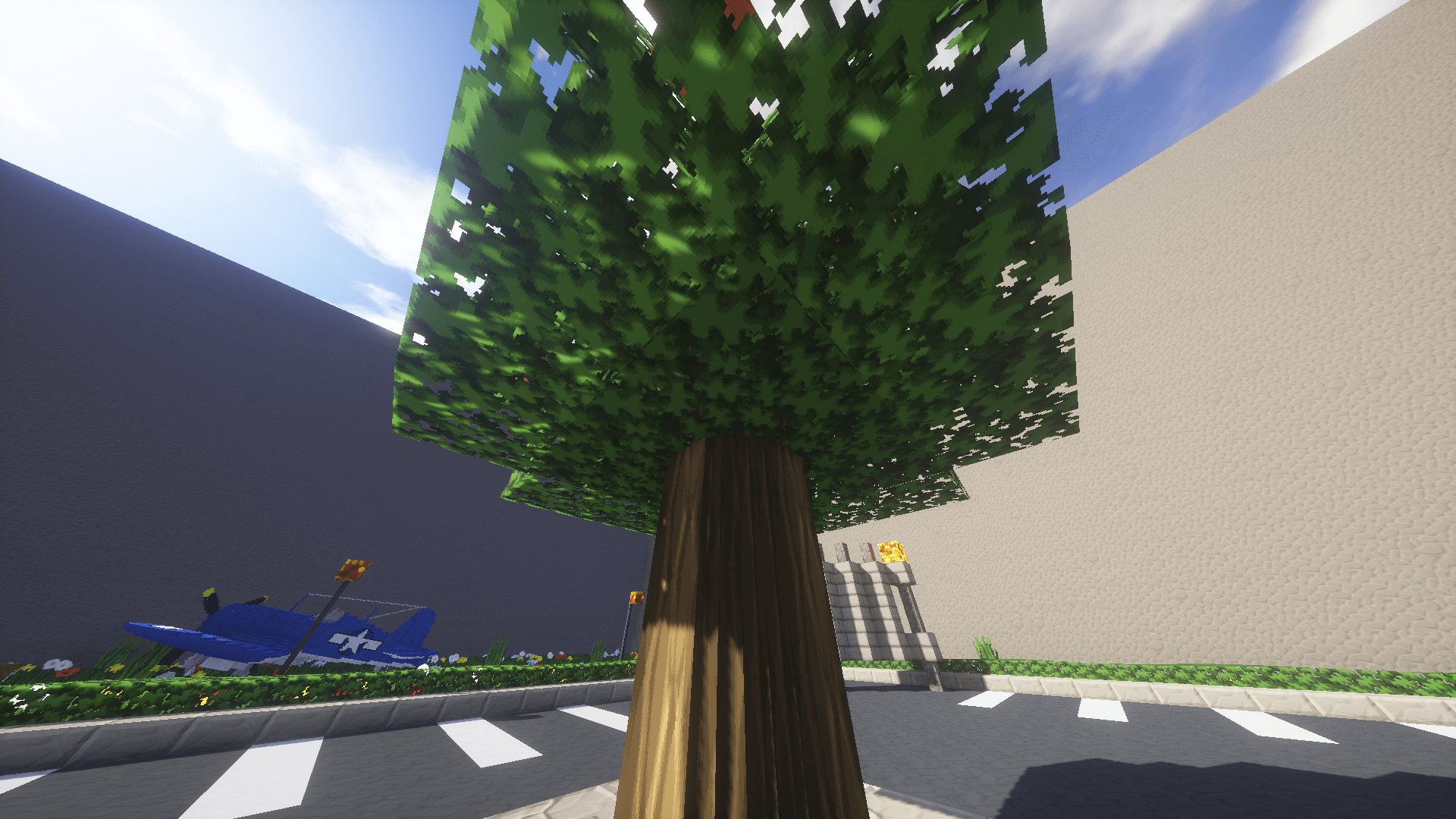
 Some people try to create broad but superficial mods, whilst others focus on a single element and perfect it. For example, today you have the chance to try out the Round Trees add-on for Minecraft.
What sets it apart is that it changes just one element in the game – tree trunks and other wooden objects. Although the change is minimal, you can still enjoy this unique feature. Tree trunks will now be more rounded. Fine details will appear on the trees, along with other visual improvements. All in all, we invite you to play and enjoy the adventure.
How to install the texture pack:
Step 1: Download the texture pack using the link below.
Step 2: Extract the downloaded archive and copy the folder Round Trees to the path c:\Users\Пользователь\AppData\Roaming\.minecraft\resourcepacks\ (if this folder does not exist, create it yourself)(For Windows)
Step 3: In the game, go to Settings, then to Resource Packs. There, click on the icon for the new texture pack in the list on the left.
Comments (0)