



Soartex Fanver - Modded for Minecraft 1.16
 If you enjoy high-quality game content, we recommend using the Soartex Fanver texture pack for Minecraft, which will let you enjoy a pleasant adventure. This time, you’ll set off to explore a world that’s sure to delight you with its revamped look.
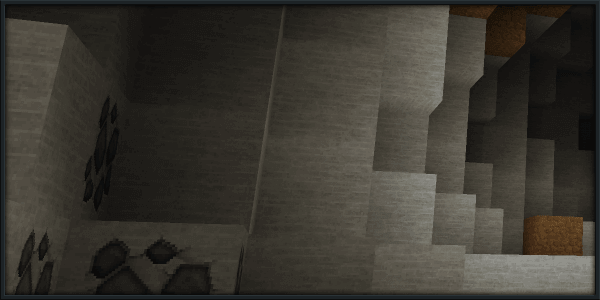
The creator has strived to fulfil their own potential and simply invites you to enjoy every moment of the adventure. The animations, effects and a large number of textures have all been reworked. All in all, feel free to start playing and enjoy every moment. You’re bound to succeed!
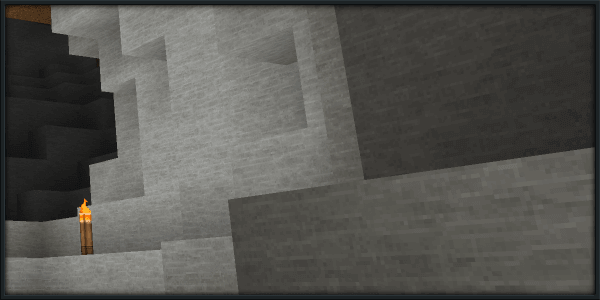
How to install the texture pack:
Step one: Download the texture pack using the link below.
Step two: Unzip the downloaded archive and copy the folder Soartex Fanver - Modded to c:\Users\Пользователь\AppData\Roaming\.minecraft\resourcepacks\ (if this folder does not exist, create it yourself)(For Windows)
Step three: In the game, go to Settings, then to Resource Packs. There, click on the icon for the newly added texture pack in the left-hand list.
Comments (2)