



8-bitCraft 2 for Minecraft 1.17
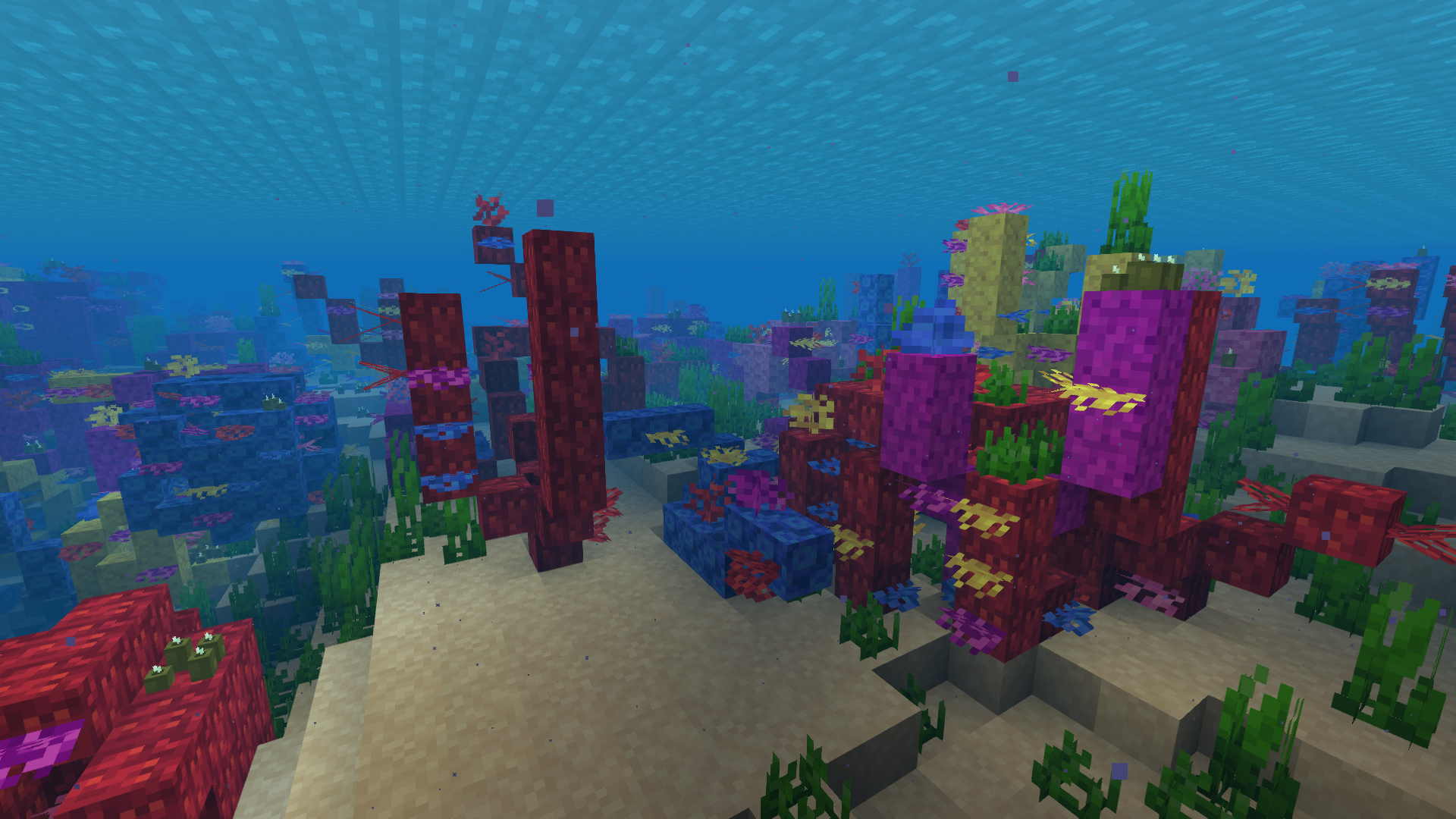
 8-bitCraft 2 for Minecraft offers a way to enhance the interactive environment with 8×8 textures. At first, this resolution might seem insufficient, but don’t jump to conclusions: the author has put in a great deal of work and managed to create something unique and truly interesting.
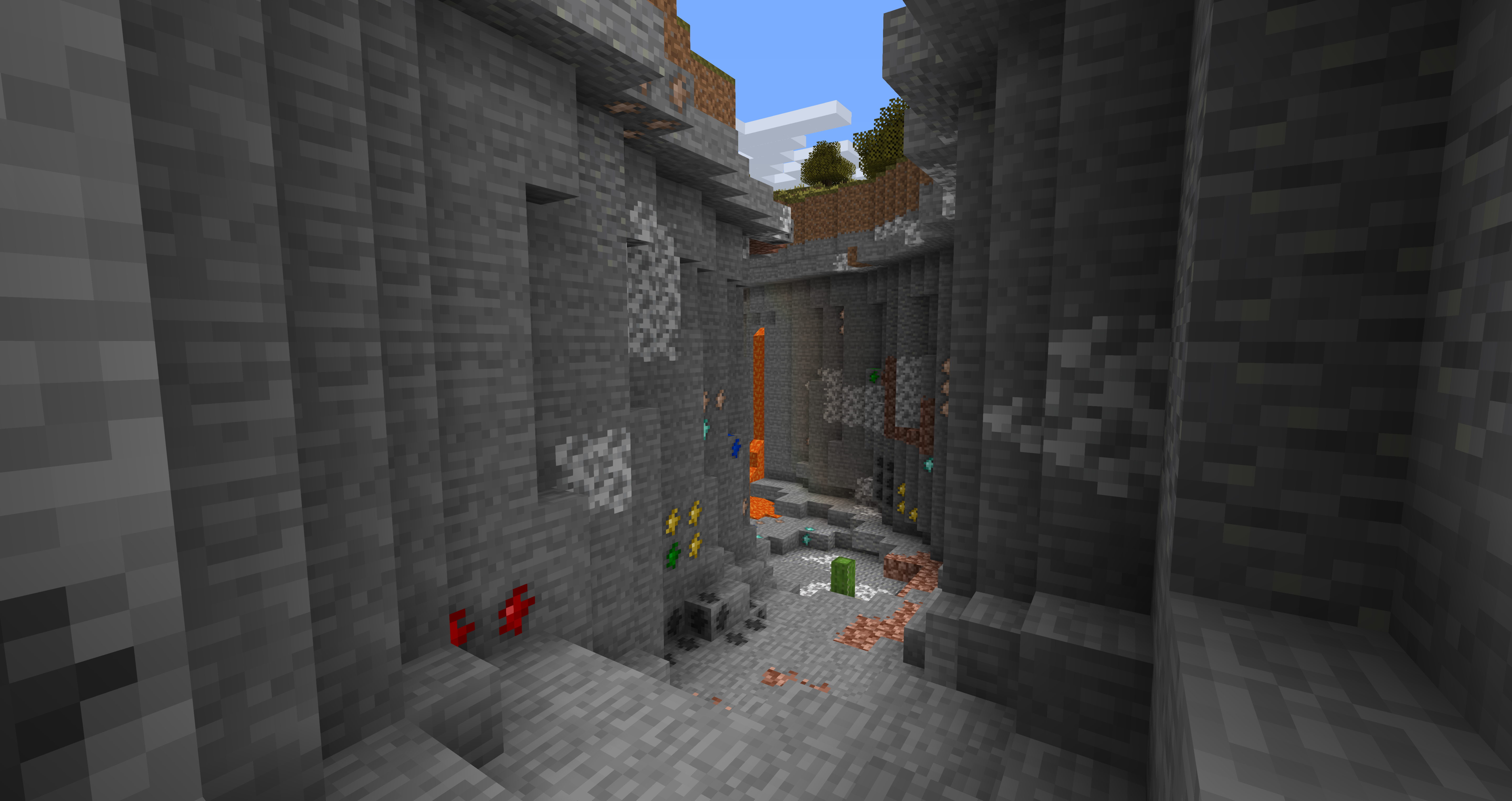
Using the familiar and sometimes blurry vanilla textures, the author has made a number of adjustments that have improved the visual quality of certain elements severalfold. So all you have to do is get started, and you’ll enjoy every moment of the game. We wish you good luck and a great time!
How to install the texture pack:
Step 1: Download the texture pack using the link below.
Step 2: Extract the downloaded archive and copy the 8-bitCraft 2 folder to c:\Users\Пользователь\AppData\Roaming\.minecraft\resourcepacks\ (if this folder does not exist, create it yourself) (For Windows)
Step 3: In the game, go to Settings, then Resource Packs. In the list on the left, click the icon for the newly added texture pack.
Comments (0)