



Creatures for Minecraft 1.17
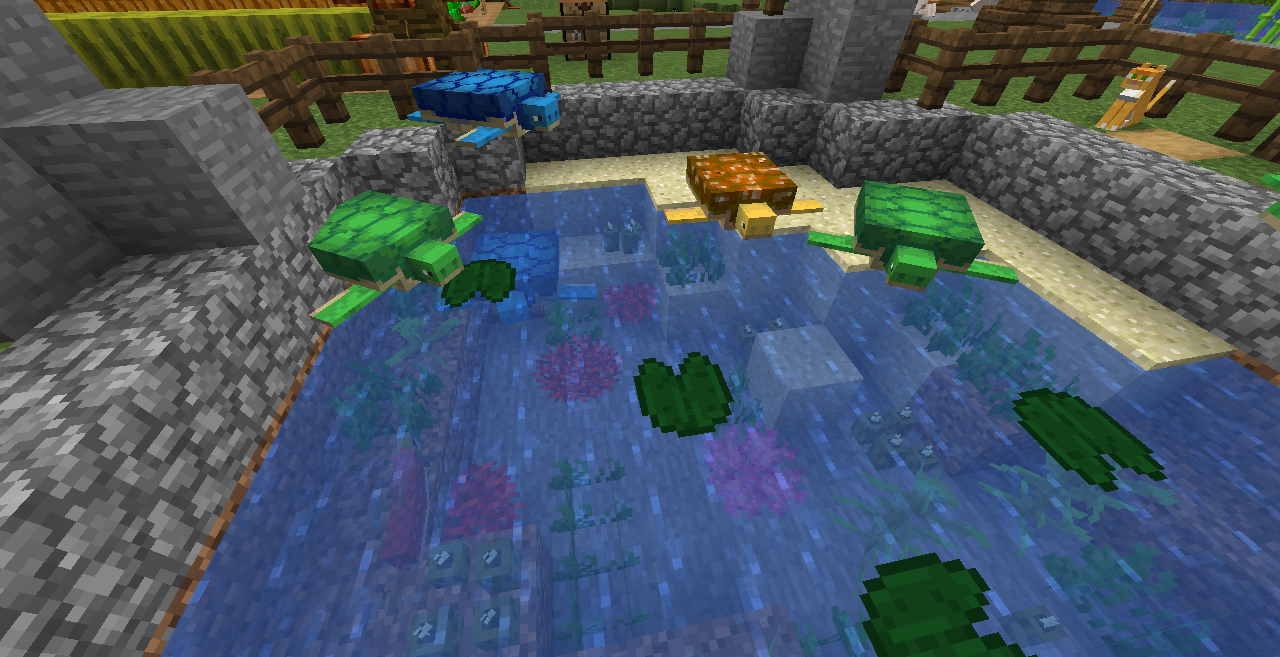 It’s time to make some pleasant changes to the appearance of sea creatures and a few other creatures. For this purpose, all you need to do is take a look at the Creatures add-on for Minecraft.
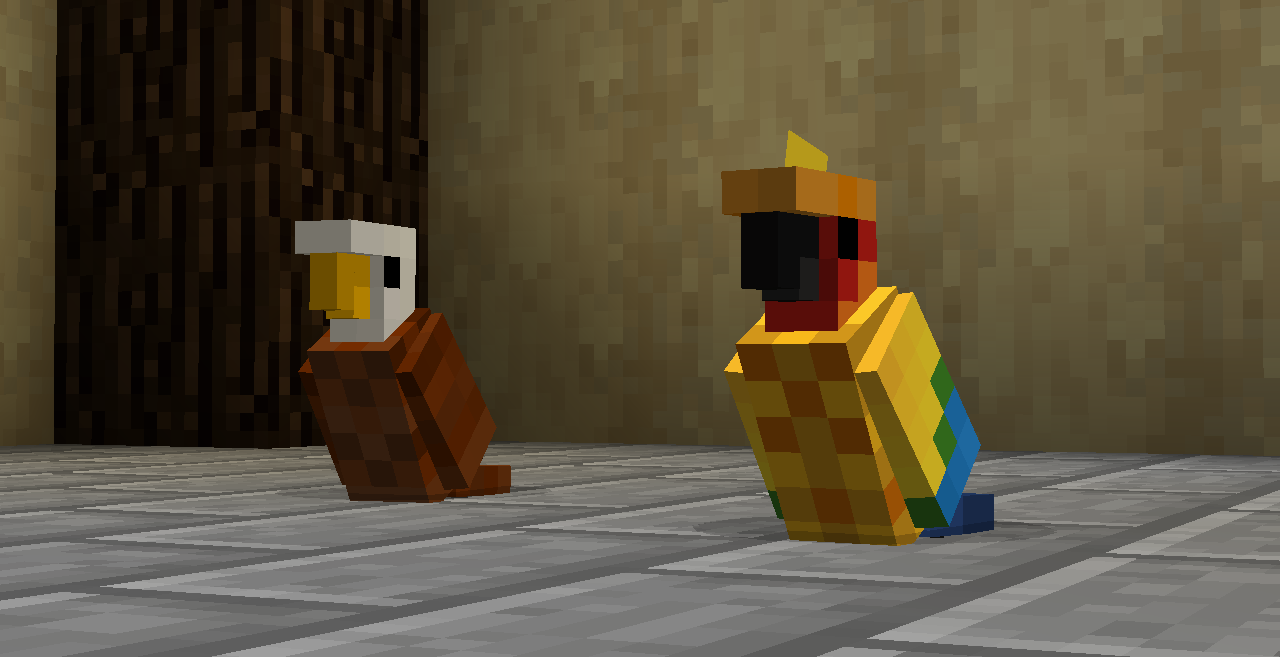 What makes it unique is that it allows you to discover a whole new world of possibilities with ease. The models and appearance of all these creatures will be transformed to such an extent that you’ll take great pleasure in observing them and trying to understand exactly how they’ll delight you and what makes them so appealing. In any case, you’re in for plenty of new emotions and experiences that certainly won’t disappoint. We wish you the best of luck!
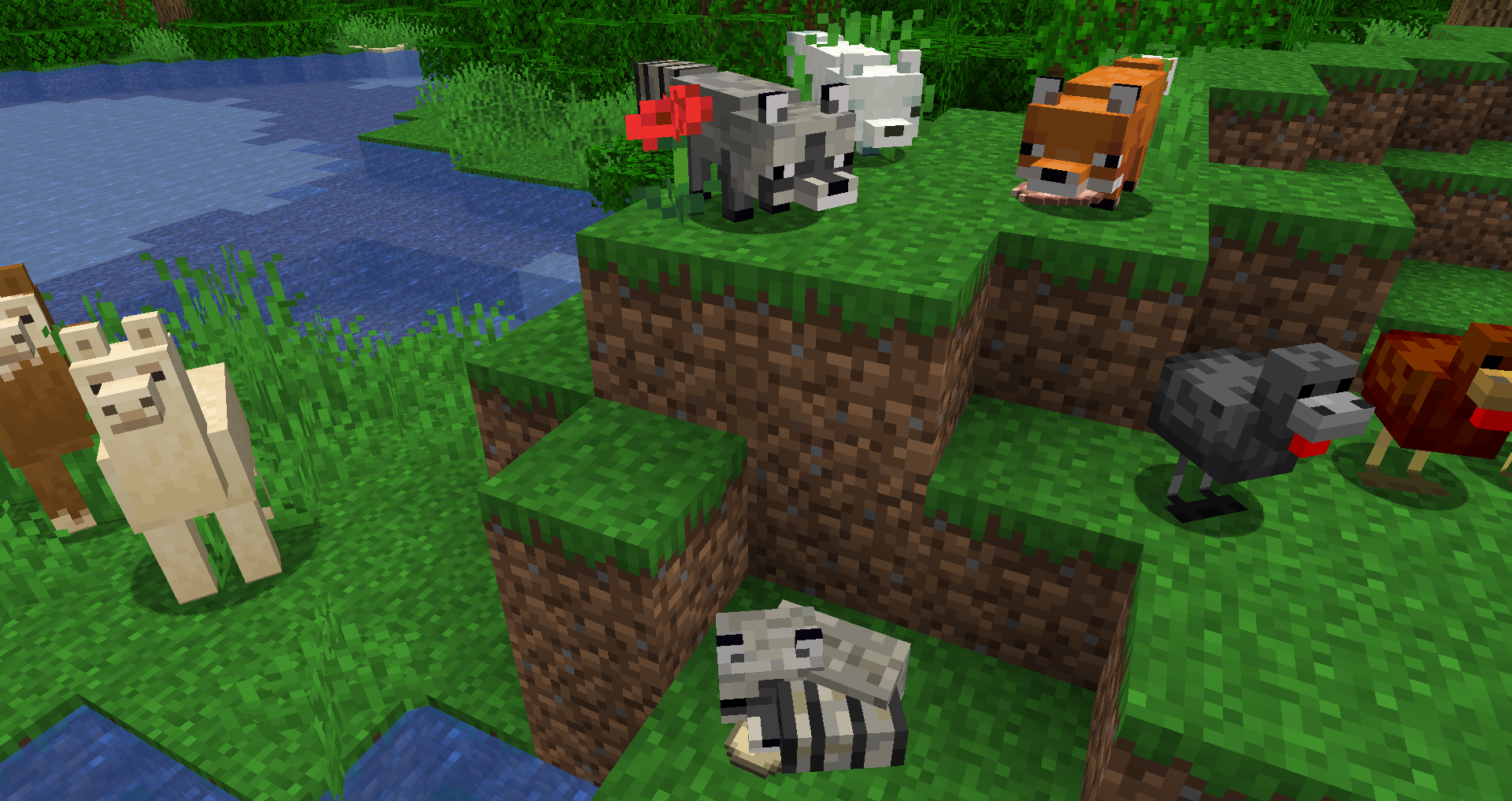
How to install a texture pack:
Step 1: Download the texture pack using the link below.
Step 2: Extract the downloaded archive and copy the folder Creatures to c:\Users\Пользователь\AppData\Roaming\.minecraft\resourcepacks\ (if this folder does not exist, create it yourself) (For Windows)
Step 3: In the game, go to Settings, then Resource Packs. There, click the icon for the newly added texture pack in the list on the left.
Comments (0)