



Dandelion X for Minecraft 1.17
 Many fans of gaming adventures love the simplicity and accessibility of enhancements for their favourite game. With that in mind, we recommend you try the Dandelion X add-on for Minecraft and enjoy the incredible surroundings.
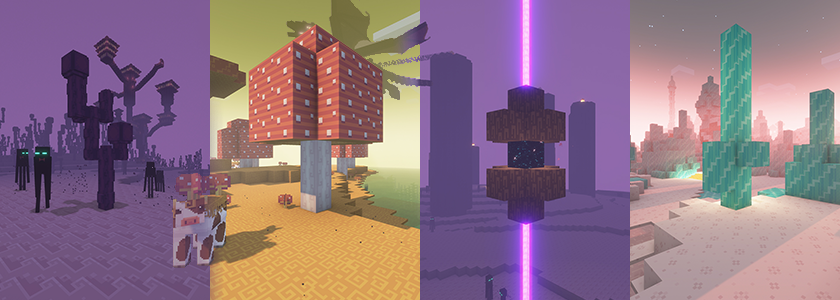
This time, all you need to do is take a look at the colour palette and enjoy your gaming adventure to the fullest, as the change in colour palette brings a fresh atmosphere to the game. Many familiar things will take on a new look, not to mention the various details of the surrounding world. All that remains is to wish you good cheer and new discoveries.
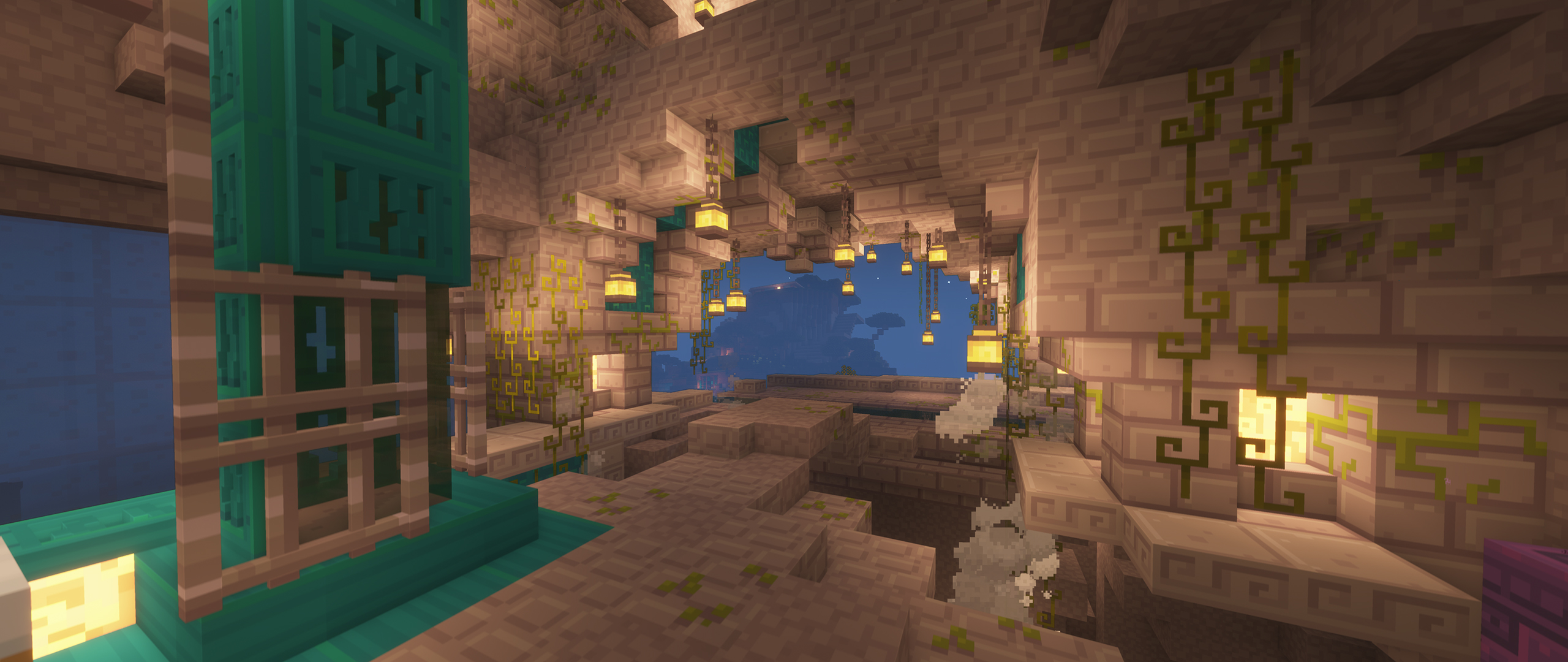
How to install the texture pack:
Step 1: Download the texture pack using the link below.
Step 2: Extract the downloaded archive and copy the Dandelion X folder to c:\Users\Пользователь\AppData\Roaming\.minecraft\resourcepacks\ (if this folder does not exist, create it yourself) (For Windows)
Step 3: In the game, go to Settings, then Resource Packs. There, click the icon for the new texture pack in the left-hand list.
Comments (0)