



Haven for Minecraft 1.17
 Haven for Minecraft is an excellent attempt to reimagine the familiar game world with new conditions. The author is a fan of Stardew Valley, and this add-on will help you get the most enjoyment out of the game.
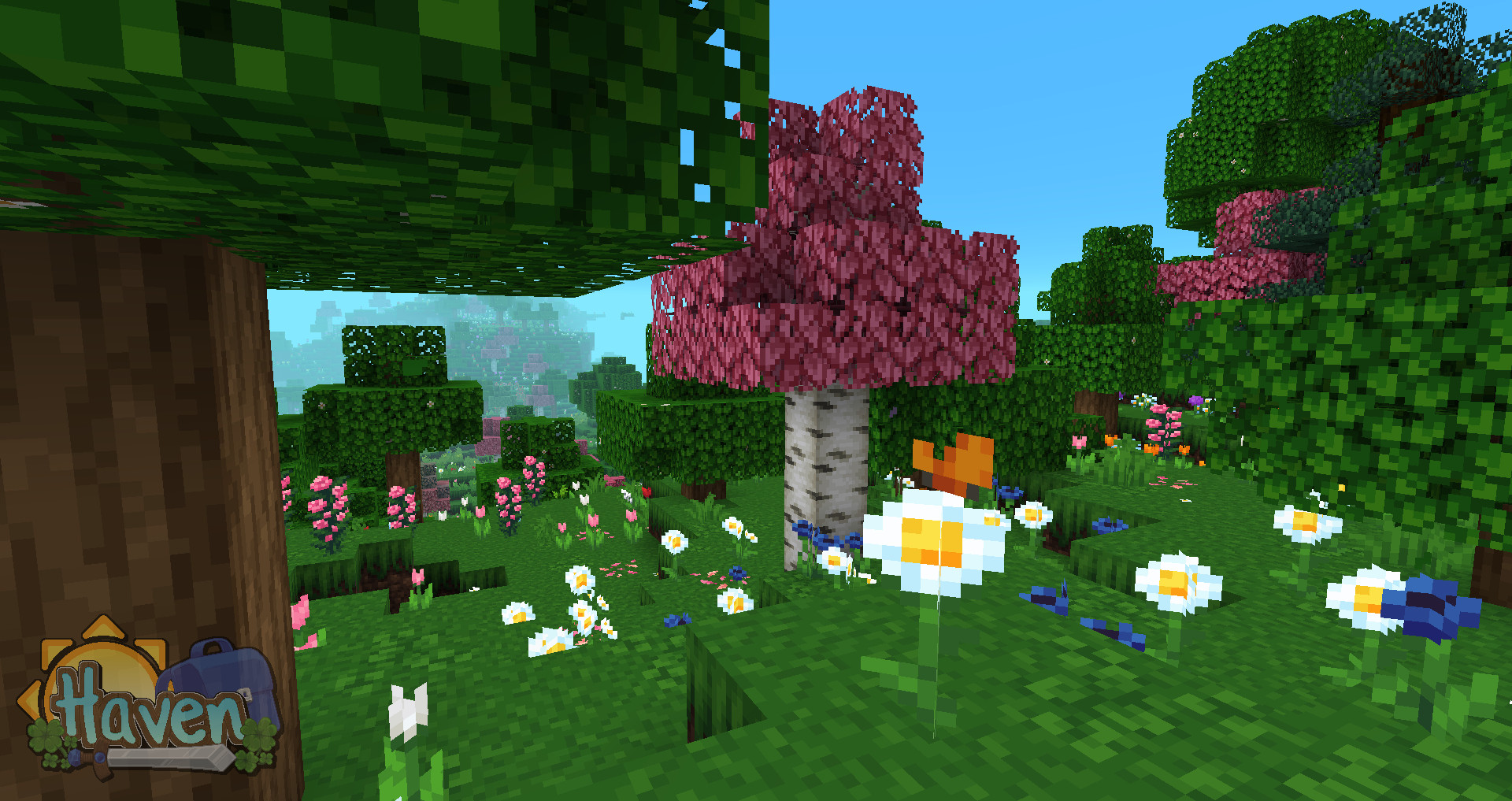
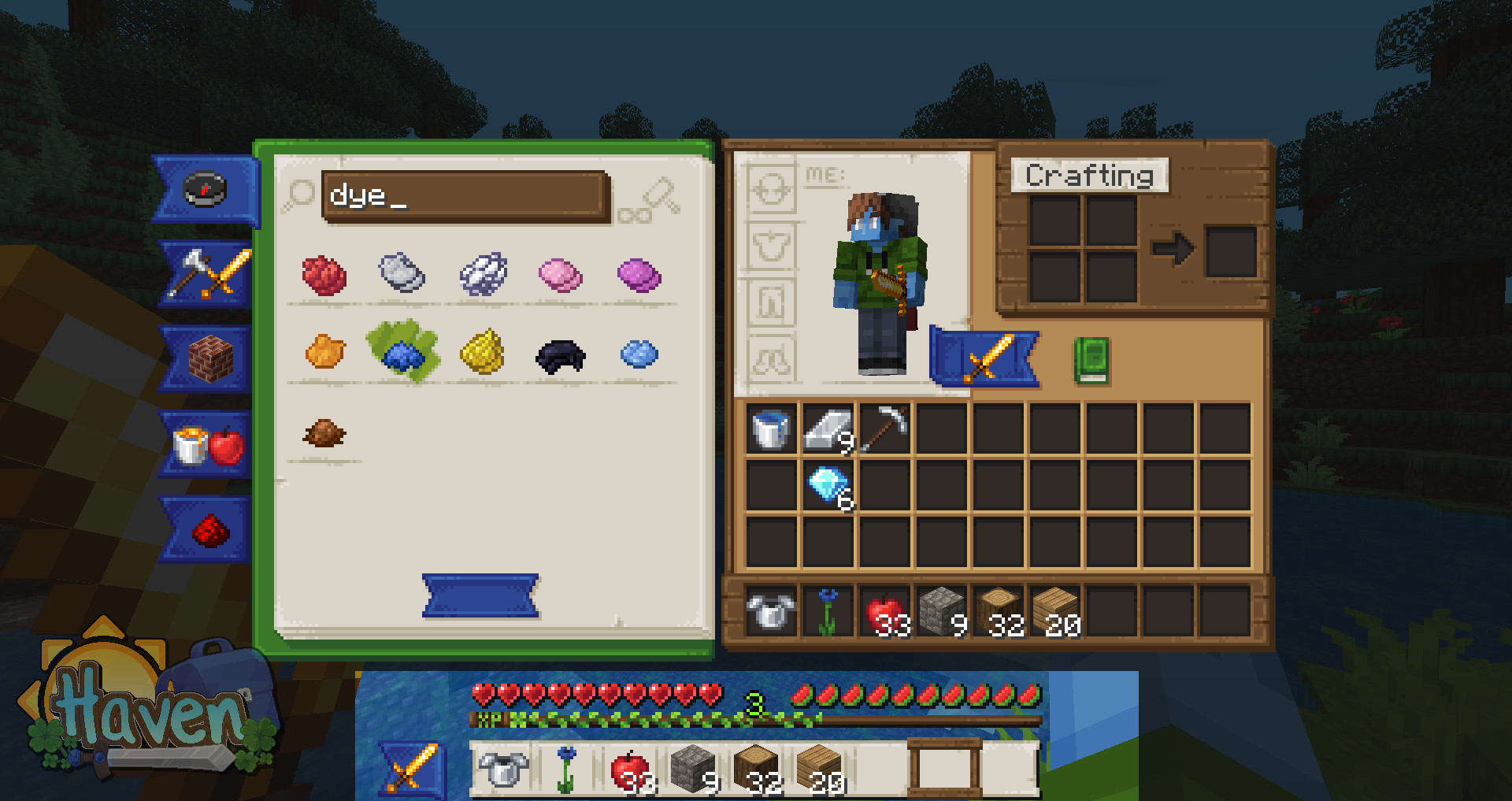
Although the game will feature several pleasant shades, their particular combination will provide a unique visual enhancement as you make new discoveries. In any case, a unique adventure awaits you, one that will allow you to enjoy the game. You’ll love this style of adventure and the visual experience it offers. In any case, you should take a look at the author’s work and enjoy another dose of gaming fun.
How to install the texture pack:
Step 1: Download the texture pack using the link below.
Step 2: Extract the downloaded archive and copy the folder Haven to the path c:\Users\Пользователь\AppData\Roaming\.minecraft\resourcepacks\ (if this folder does not exist, create it yourself) (For Windows)
Step 3: In the game, go to Settings, then Resource Packs. There, click on the icon for the new texture pack in the left-hand list.
Comments (0)