



Jicklus for Minecraft 1.17
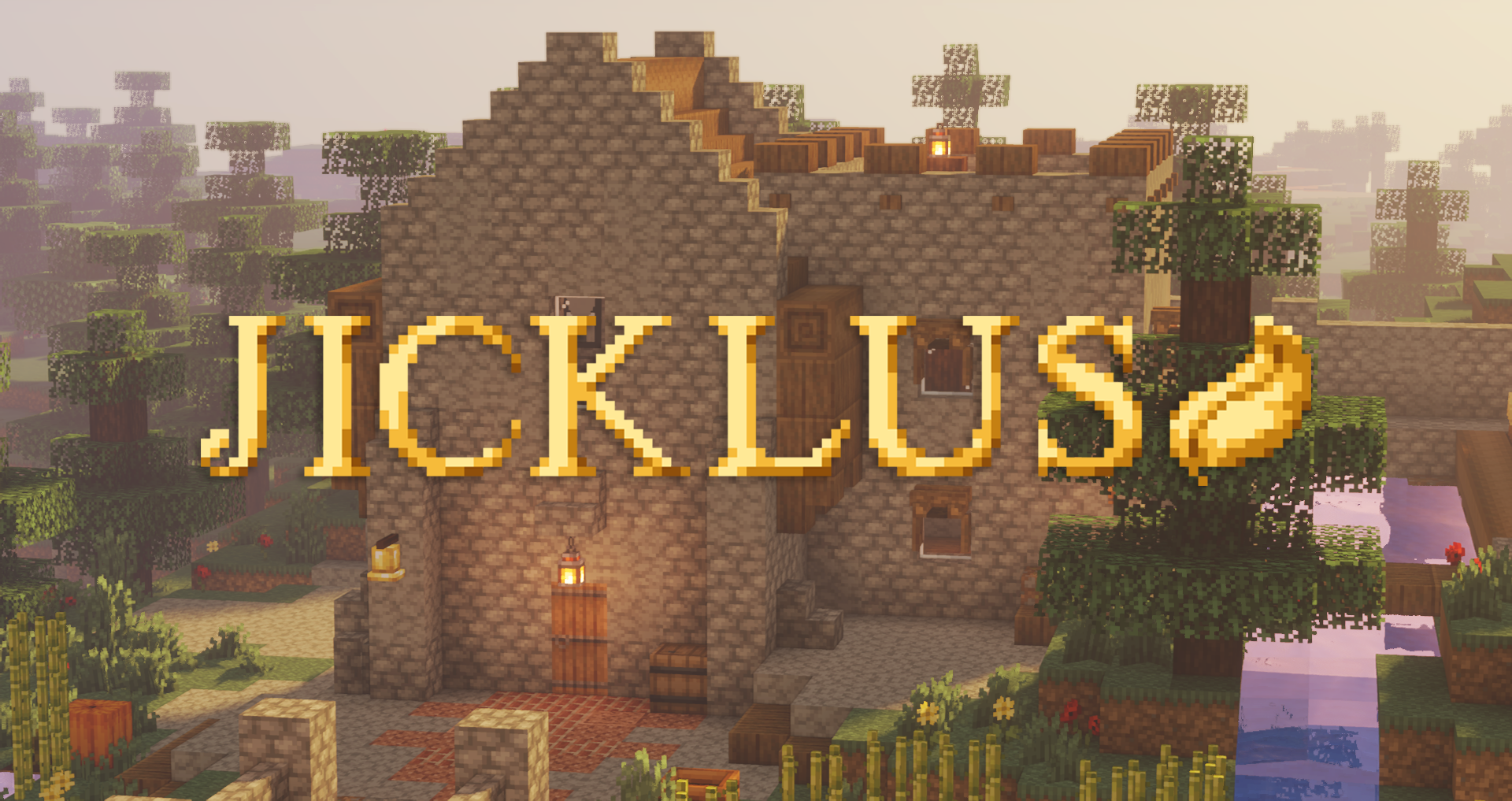 If you’ve been wanting to add a touch of rustic style to the game, you now have the chance to use an add-on called Jicklus for Minecraft. What makes this add-on unique is that it lets you add completely new textures to the game world, allowing you to get the most enjoyment out of your gaming adventure.
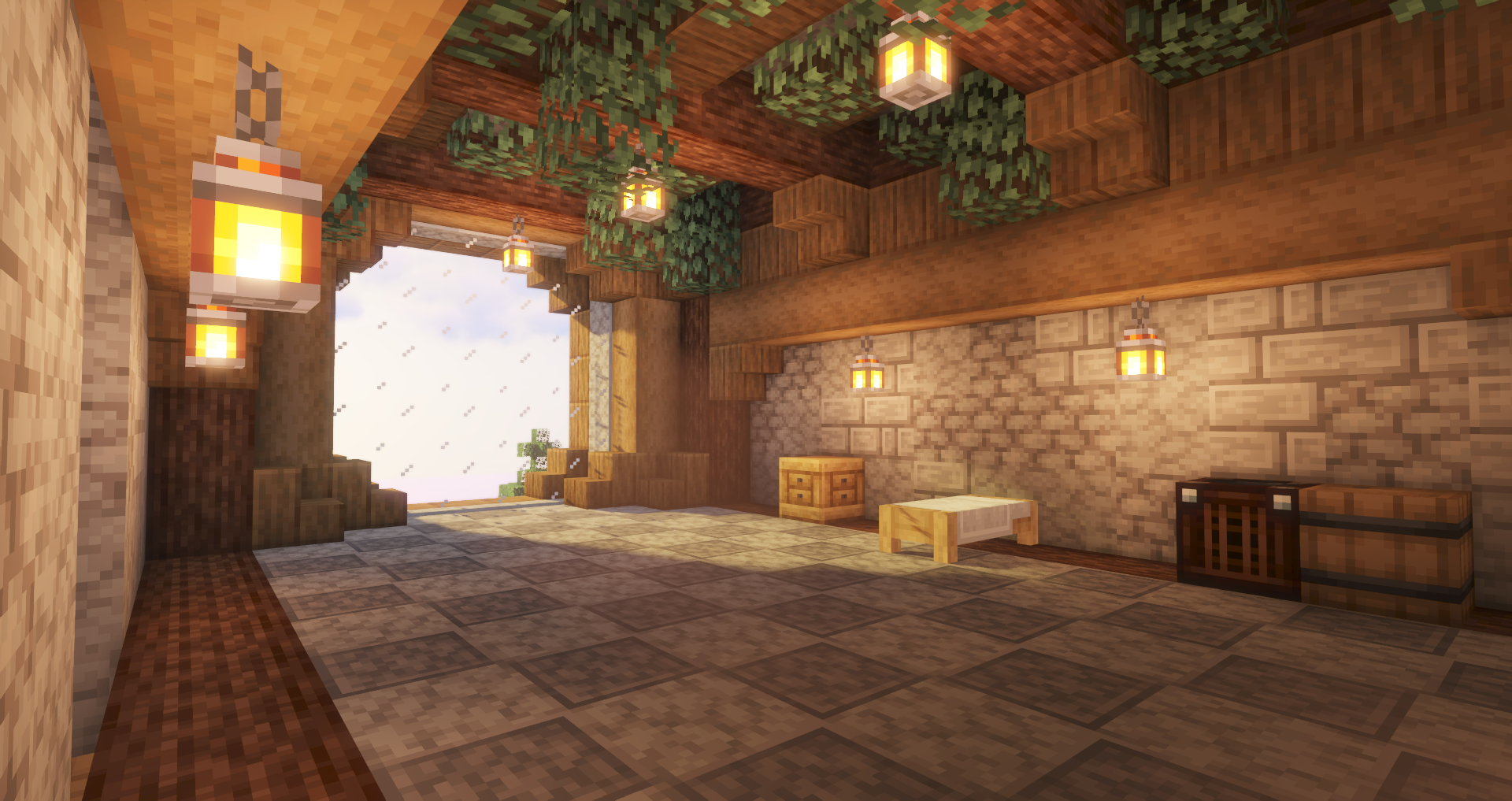
Now, building, crafting and many locations across the world of Minecraft will look different, inspiring new ideas, creating a fresh atmosphere and filling you with positive energy. We wish you good luck and all the best on this exciting journey.
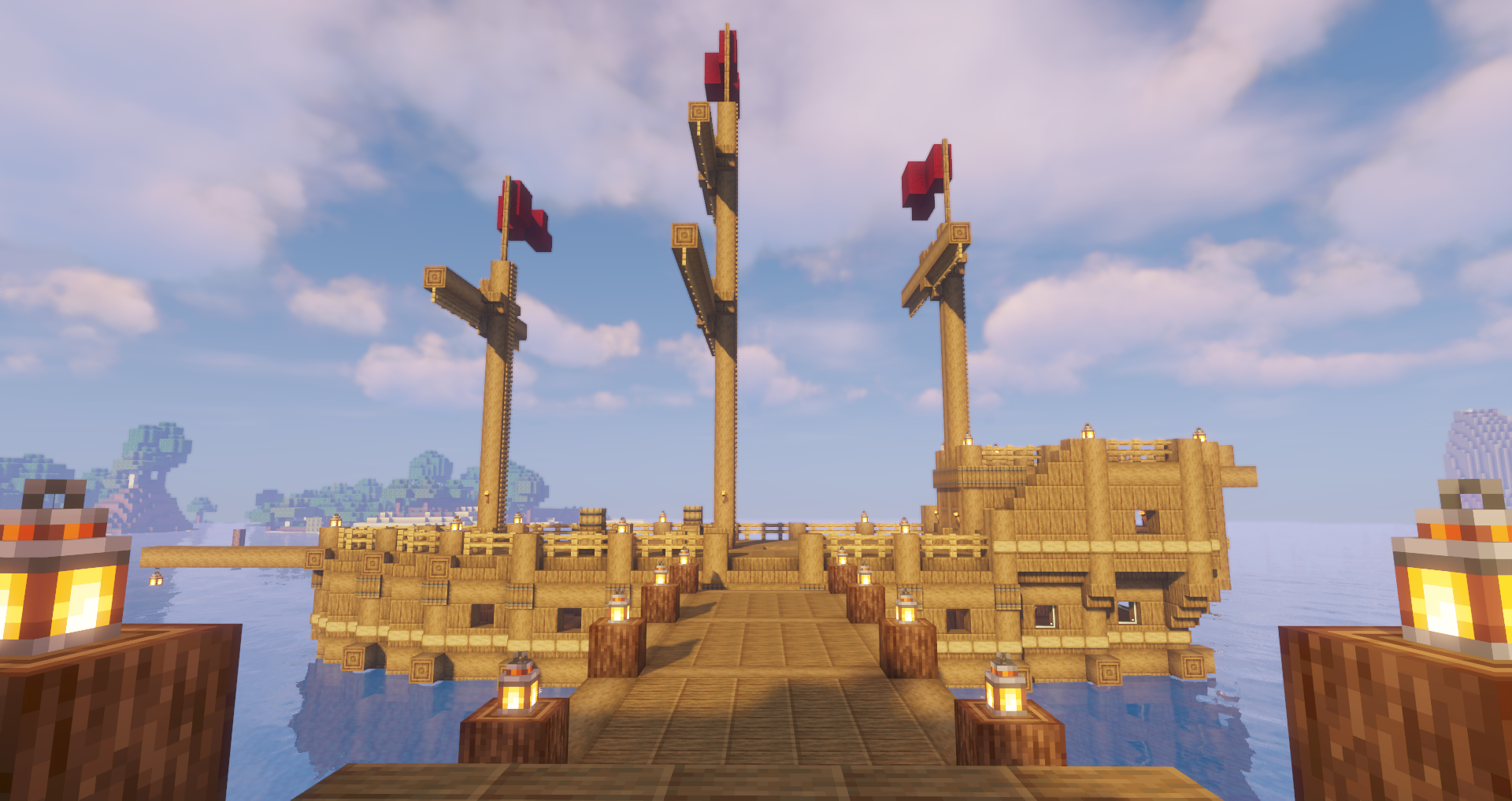
How to install a texture pack:
Step 1: Download the texture pack using the link below.
Step 2: Extract the downloaded archive and copy the Jicklus folder to c:\Users\Пользователь\AppData\Roaming\.minecraft\resourcepacks\ (if this folder does not exist, create it yourself) (For Windows)
Step 3: In the game, go to Settings, then Resource Packs. There, click the icon for the newly added texture pack in the left-hand list.
Comments (1)