



Nature X for Minecraft 1.17
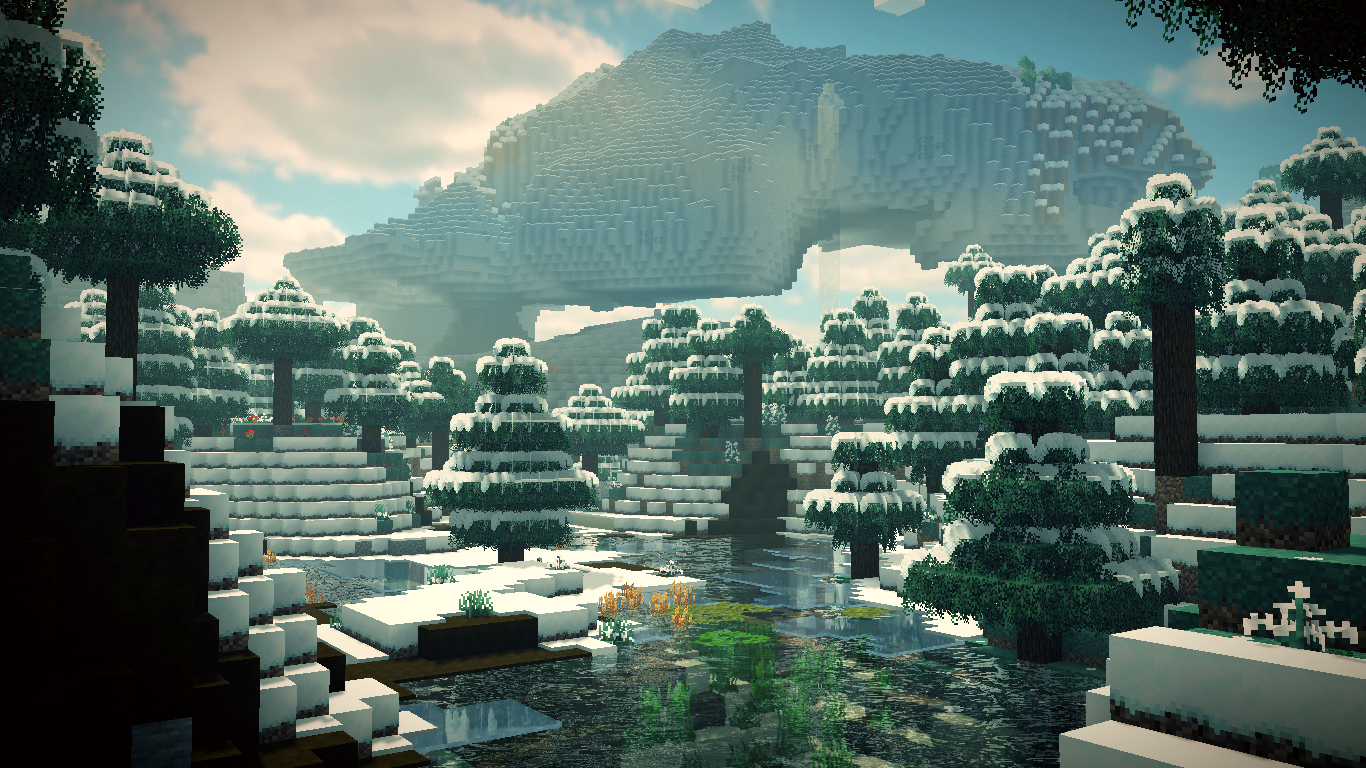
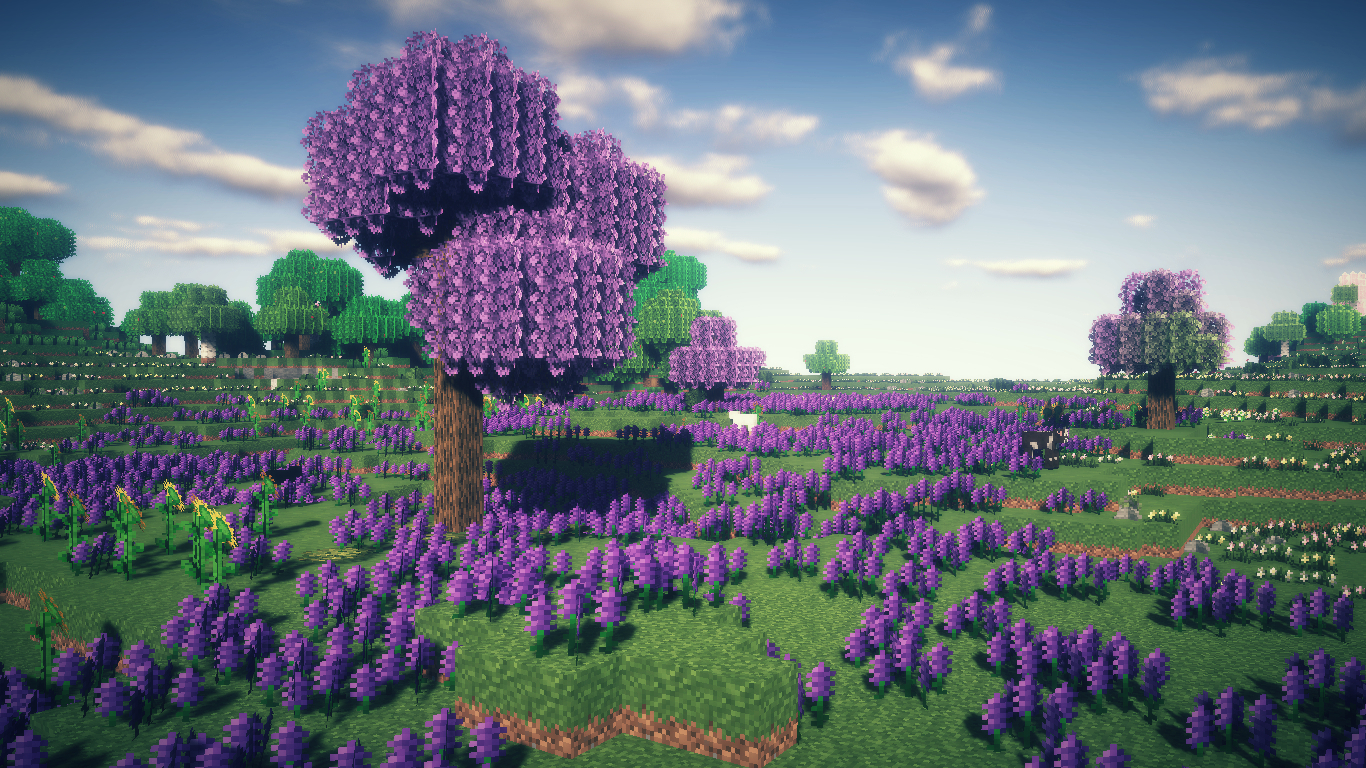 To make your adventures more exciting and enjoyable, all you need to do is check out the Nature X add-on for Minecraft. As you’ve probably realised, these enhancements focus exclusively on transforming nature, adding far more varied details and laying the groundwork for entirely new discoveries on your journey.
As you’ve probably guessed, this add-on focuses on changing natural elements. The environment will now look much better and delight you not only with its details but also with a variety of new ones. All that’s left for you to do is appreciate it all and enjoy the refreshed atmosphere to the fullest.
How to install the texture pack:
Step 1: Download the texture pack using the link below.
Step 2: Extract the downloaded archive and copy the Nature X folder to c:\Users\Пользователь\AppData\Roaming\.minecraft\resourcepacks\ (if this folder does not exist, create it yourself) (For Windows)
Step 3: In the game, go to Settings, then Resource Packs. In the left-hand list, click on the icon for the new texture pack that has appeared.
Comments (0)