



Nautilus3D for Minecraft 1.17
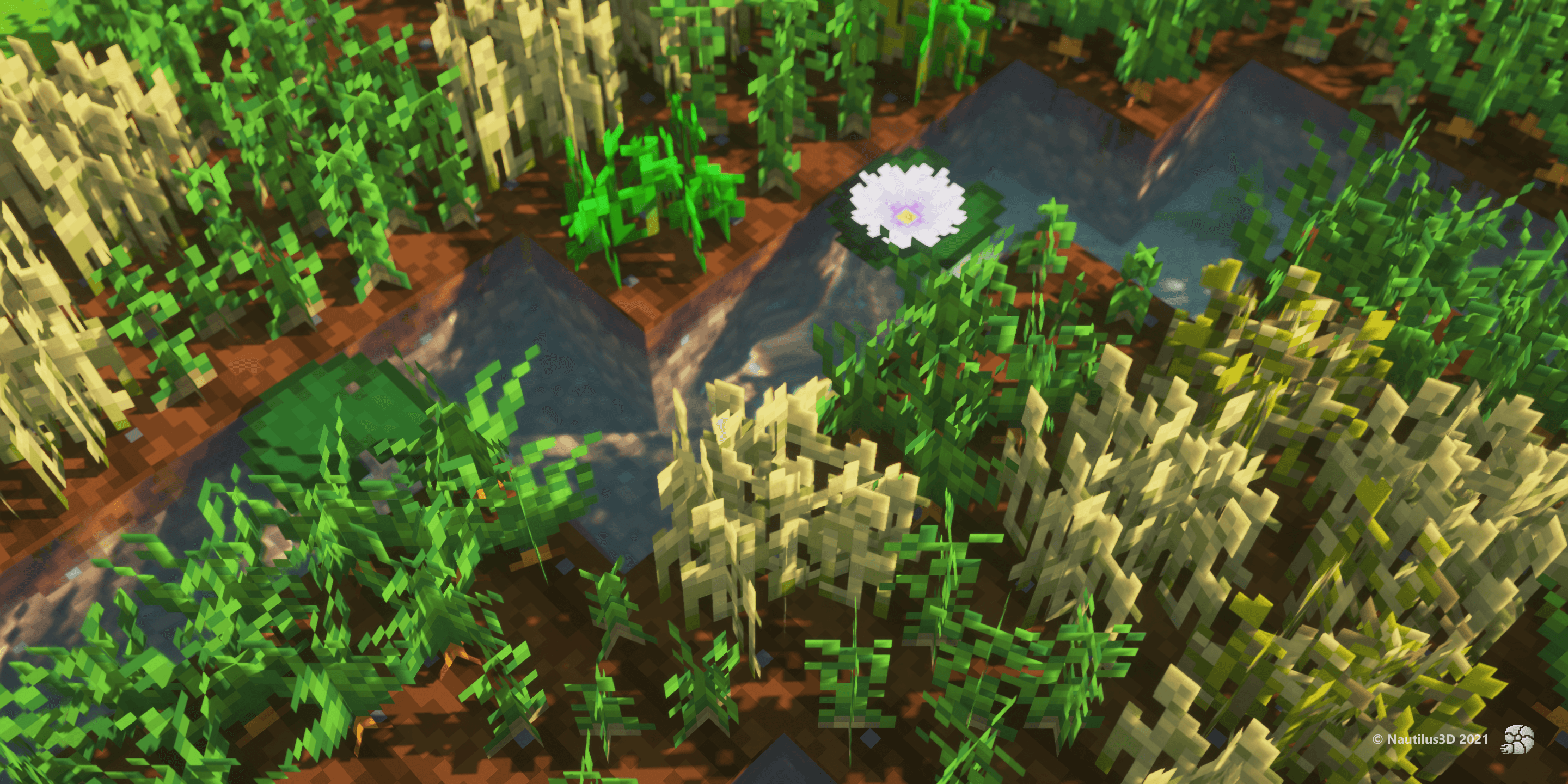 Nautilus3D for Minecraft is a great opportunity to embark on an amazing adventure that will delight you not only with a variety of new models but also with welcome improvements.
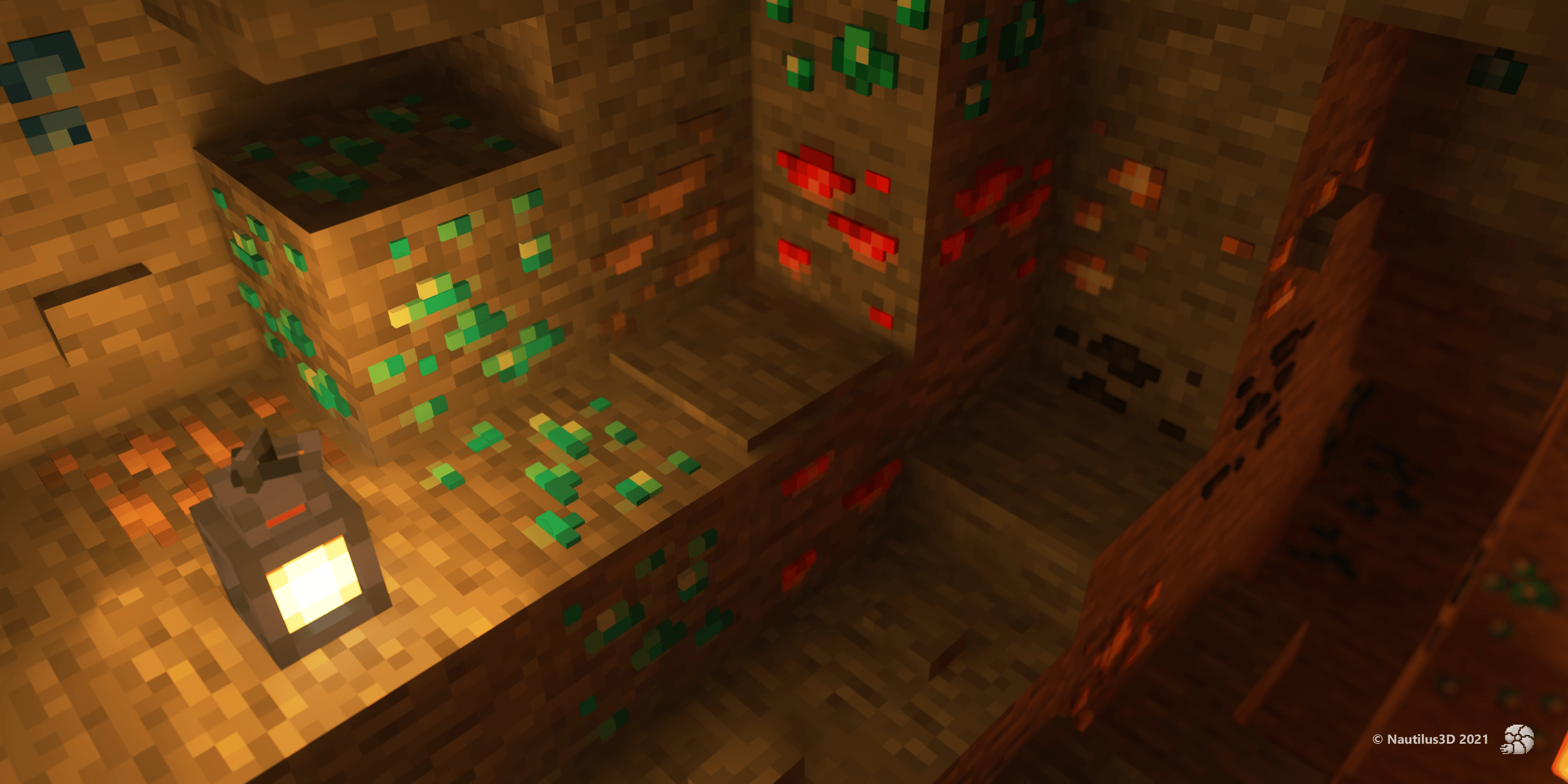
The creator of this enhancement has put a great deal of effort into achieving a good result and is now ready to delight you not only with a variety of subtle details but also with other welcome improvements. This texture pack is the most sought-after among players, as it includes a large number of 3D elements. So we suggest you waste no time and set off on this exciting journey.
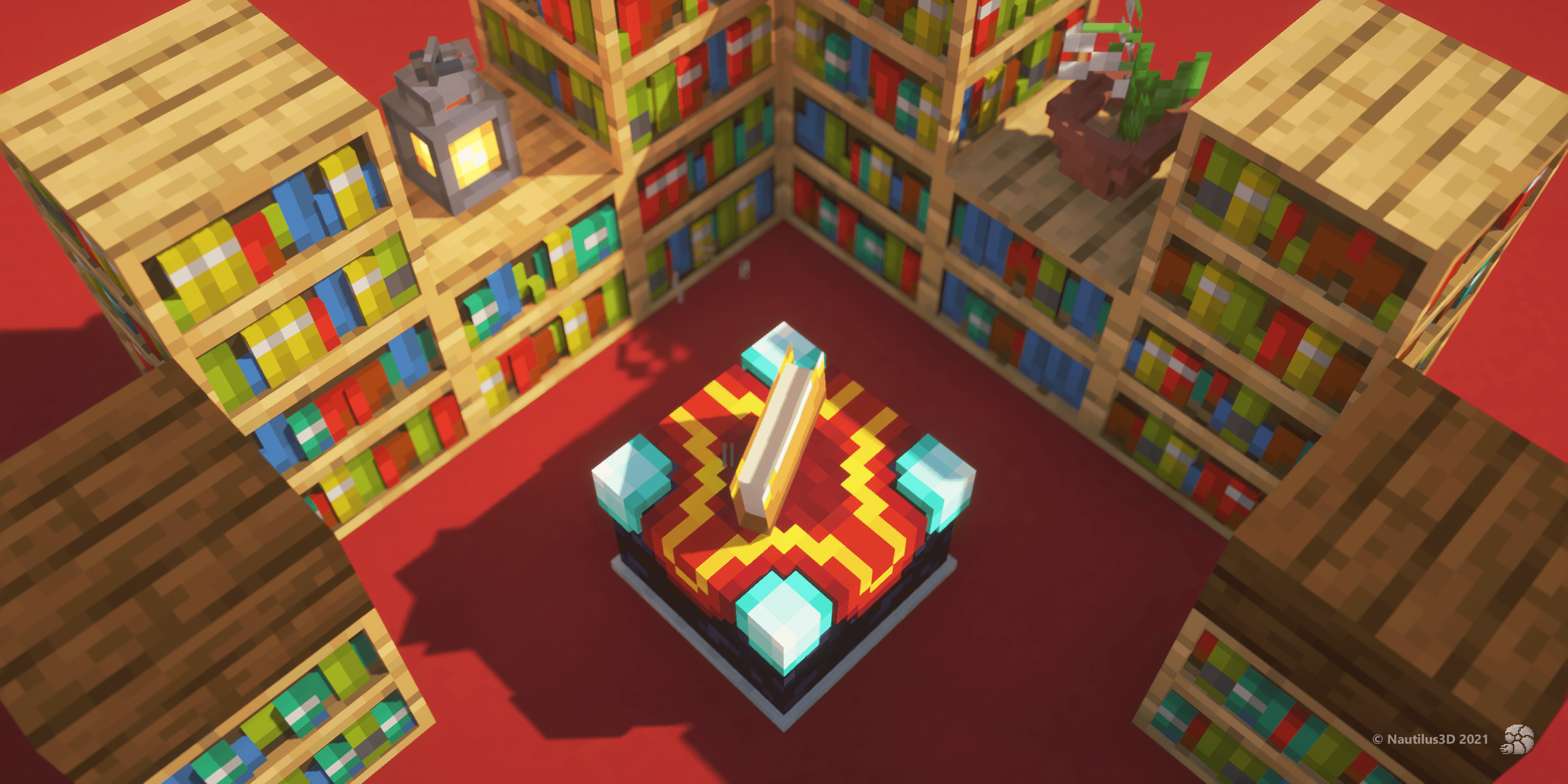
How to install the texture pack:
Step 1: Download the texture pack using the link below.
Step 2: Extract the downloaded archive and copy the folder Nautilus3D to c:\Users\Пользователь\AppData\Roaming\.minecraft\resourcepacks\ (if this folder does not exist, create it yourself) (For Windows)
Step 3: In the game, go to Settings, then Resource Packs. There, click on the icon for the new texture pack in the left-hand list.
Comments (0)