



Novik for Minecraft 1.17
 Novik for Minecraft focuses exclusively on enhancing the appearance of blocks and resources, allowing you to enjoy a whole host of new experiences in your gaming adventure with ease.
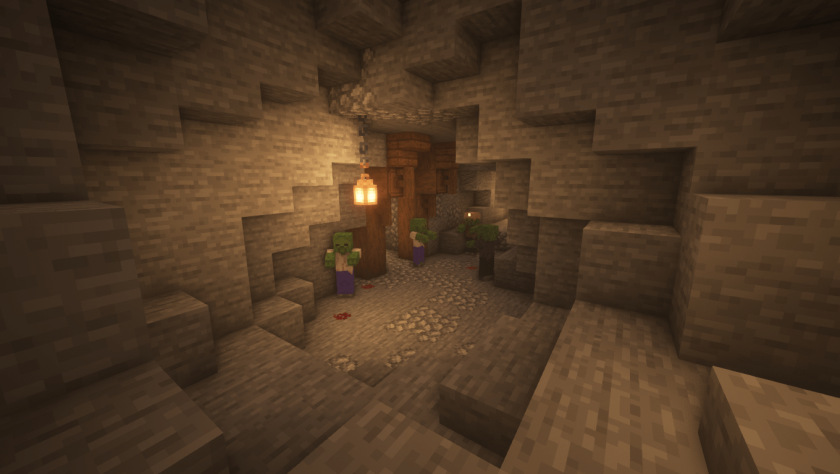
To do this, all you need to do is explore all the improvements and try to use them properly in your adventure. In any case, you can simply enjoy every moment of the game and set off on an amazing journey that will provide both a foundation and a new opportunity to experience the game world in a fresh way. Travel and appreciate all the improvements – you’ll be absolutely delighted.
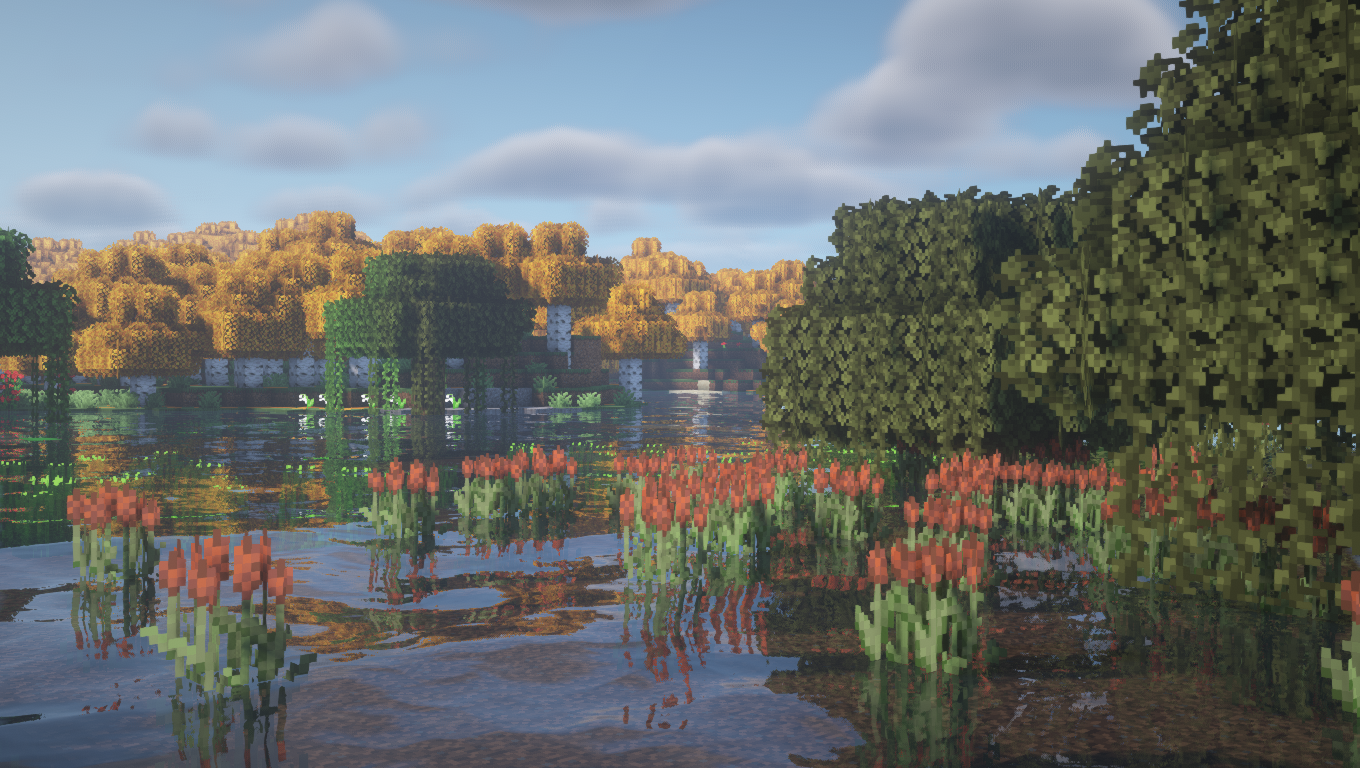
How to install the texture pack:
Step 1: Download the texture pack using the link below.
Step 2: Extract the downloaded archive and copy the Novik folder to c:\Users\Пользователь\AppData\Roaming\.minecraft\resourcepacks\ (if this folder does not exist, create it yourself) (For Windows)
Step 3: In the game, go to Settings, then Resource Packs. There, click on the icon for the new texture pack in the left-hand list.
Comments (0)