



Splotch for Minecraft 1.17
 We’re continuing to enrich the game world with a wide variety of interesting design options, so without further ado, we’re presenting the Splotch add-on for Minecraft.
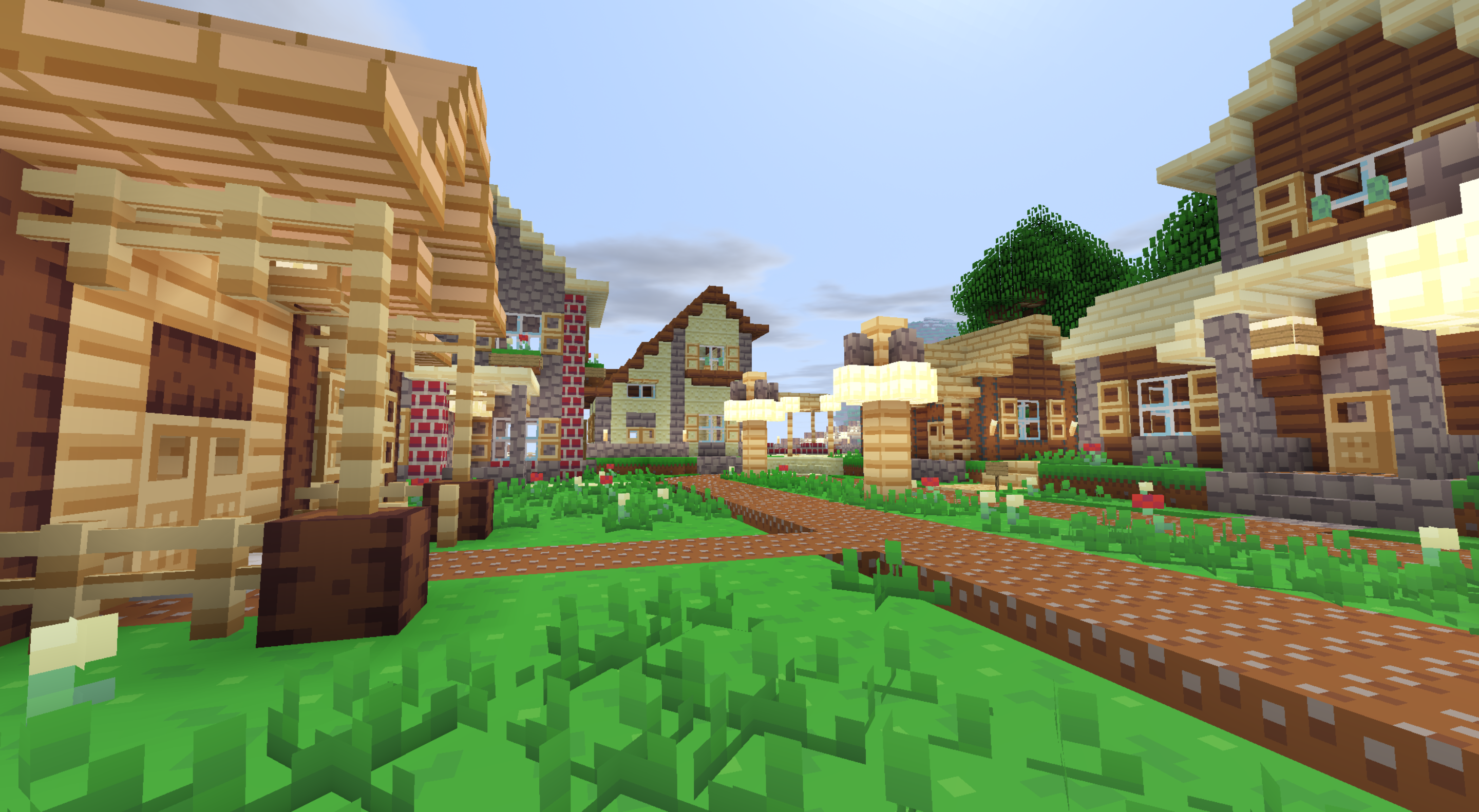
With this add-on, you can look forward to new discoveries and other exciting opportunities for exploration on your journeys. The creator has put together a large collection of resources and textures that you’re sure to enjoy and that will form the basis for new discoveries. Now all you need to do is set off on an amazing journey and enjoy every moment of the adventure. Don’t rush to conclusions; simply try to make the most of all your new possibilities and options for adventure. We wish you the best of luck!
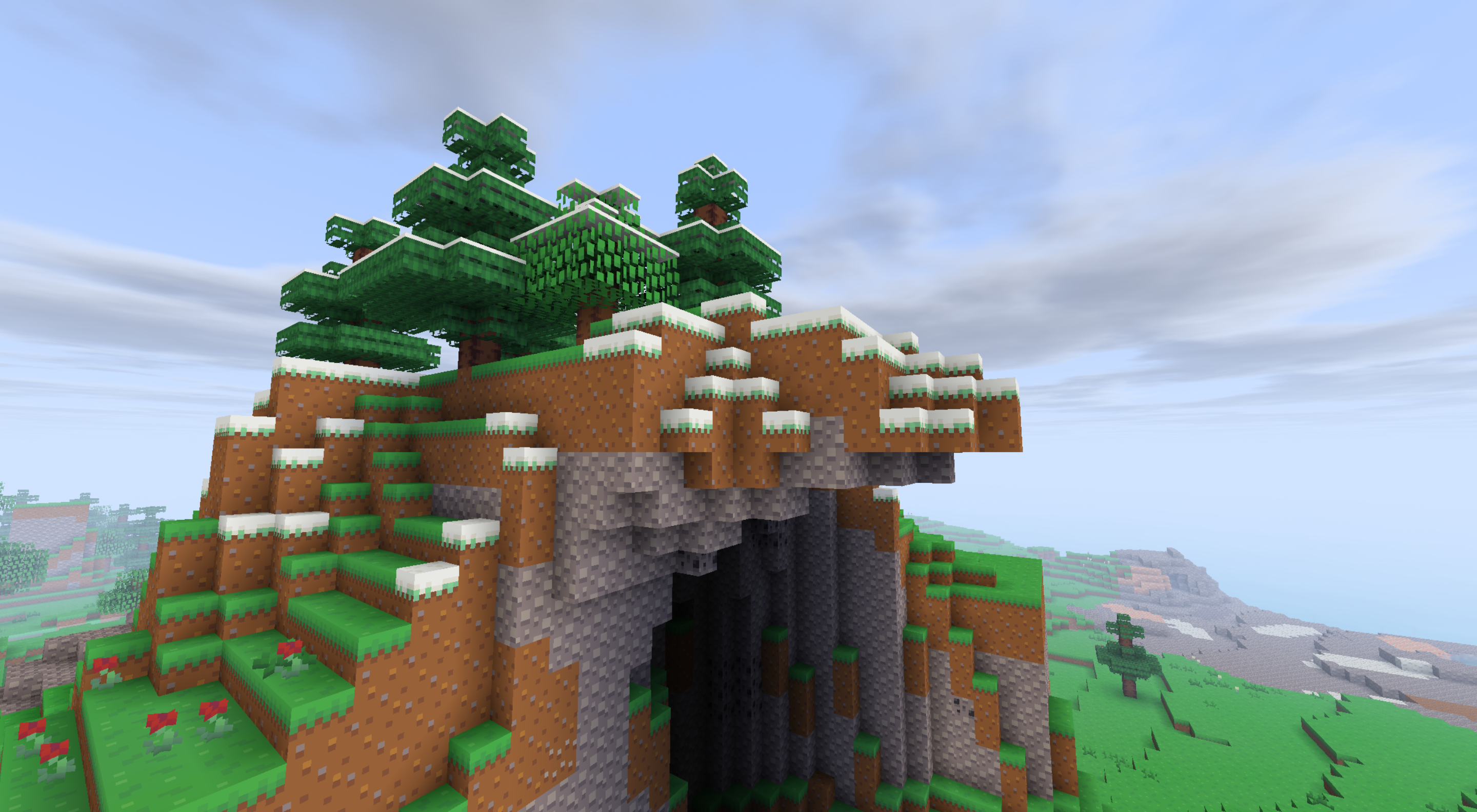
How to install a texture pack:
Step one: Download the texture pack using the link below.
Step two: Extract the downloaded archive and copy the folder Splotch to c:\Users\Пользователь\AppData\Roaming\.minecraft\resourcepacks\ (if this folder does not exist, create it yourself) (For Windows)
Step three: In the game, go to Settings, then Resource Packs. There, click the icon for the newly added texture pack in the left-hand list.
Comments (0)