



Spynoculars for Minecraft 1.17
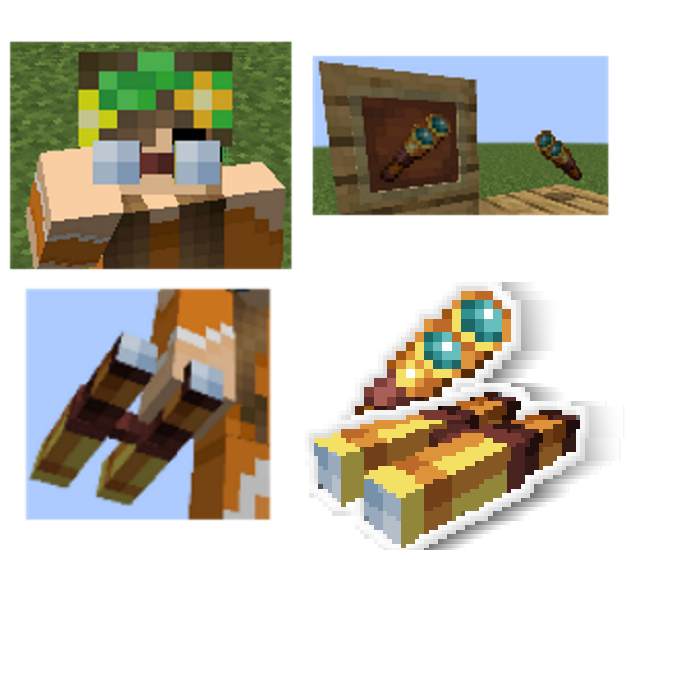
 Spynoculars for Minecraft is a special texture for the spyglass, allowing you to easily customise its appearance. The viewing screen itself will remain unchanged.
Thanks to these minor changes, you can enjoy every moment of the game and get a completely new type of spyglass to use. Although this change is minimal, it will add a little variety to the game and let you be much more flamboyant on your adventures. We wish you new discoveries and exciting opportunities.
How to install the texture pack:
Step 1: Download the texture pack using the link below.
Step 2: Extract the downloaded archive and copy the folder Spynoculars to the path c:\Users\Пользователь\AppData\Roaming\.minecraft\resourcepacks\ (if this folder does not exist, create it yourself) (For Windows)
Step 3: In the game, go to Settings, then Resource Packs. There, click on the icon for the newly added texture pack in the left-hand list.
Comments (0)