



Darkmode for Minecraft 1.18
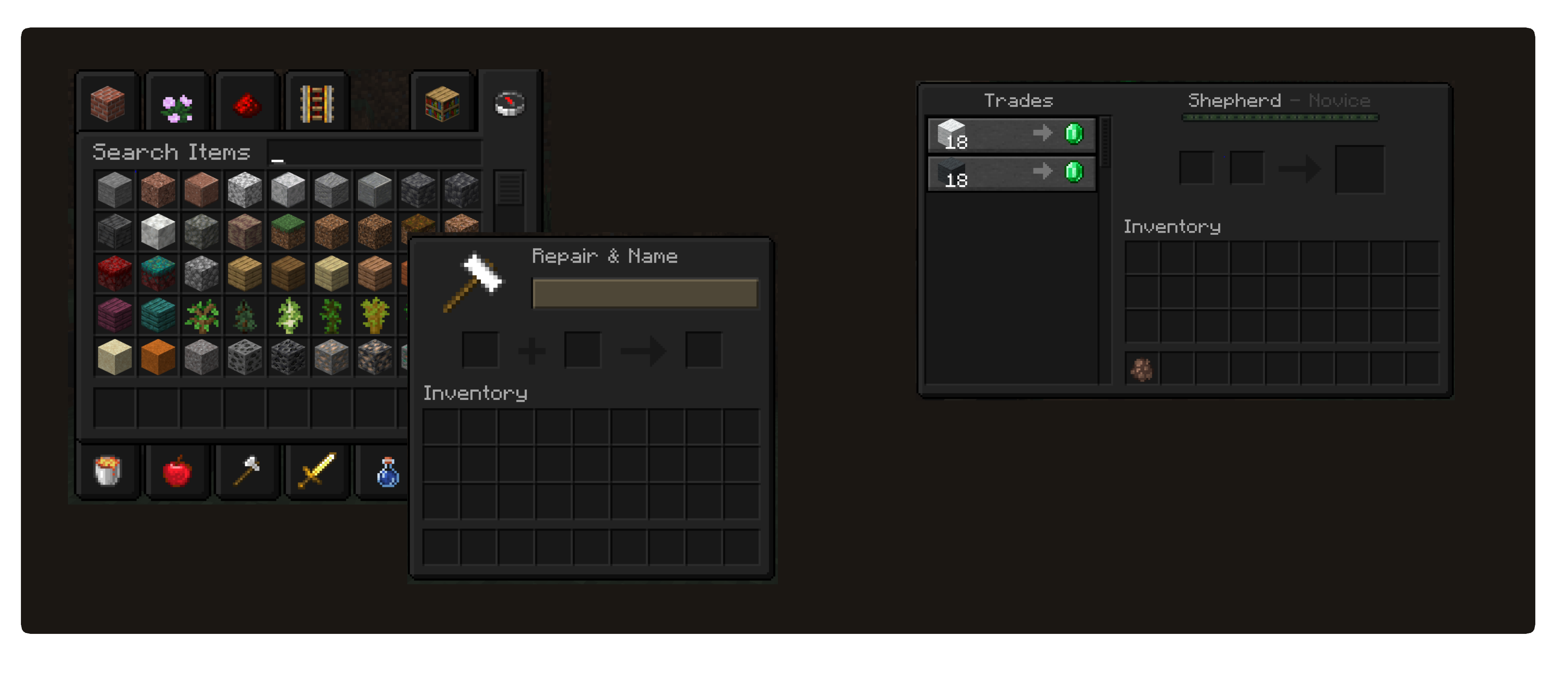
 Darkmode for Minecraft is an add-on designed to introduce a completely new dark theme to the game. Now, during your adventures, you’ll be able to easily use the new interface design that many fans have been dreaming of.
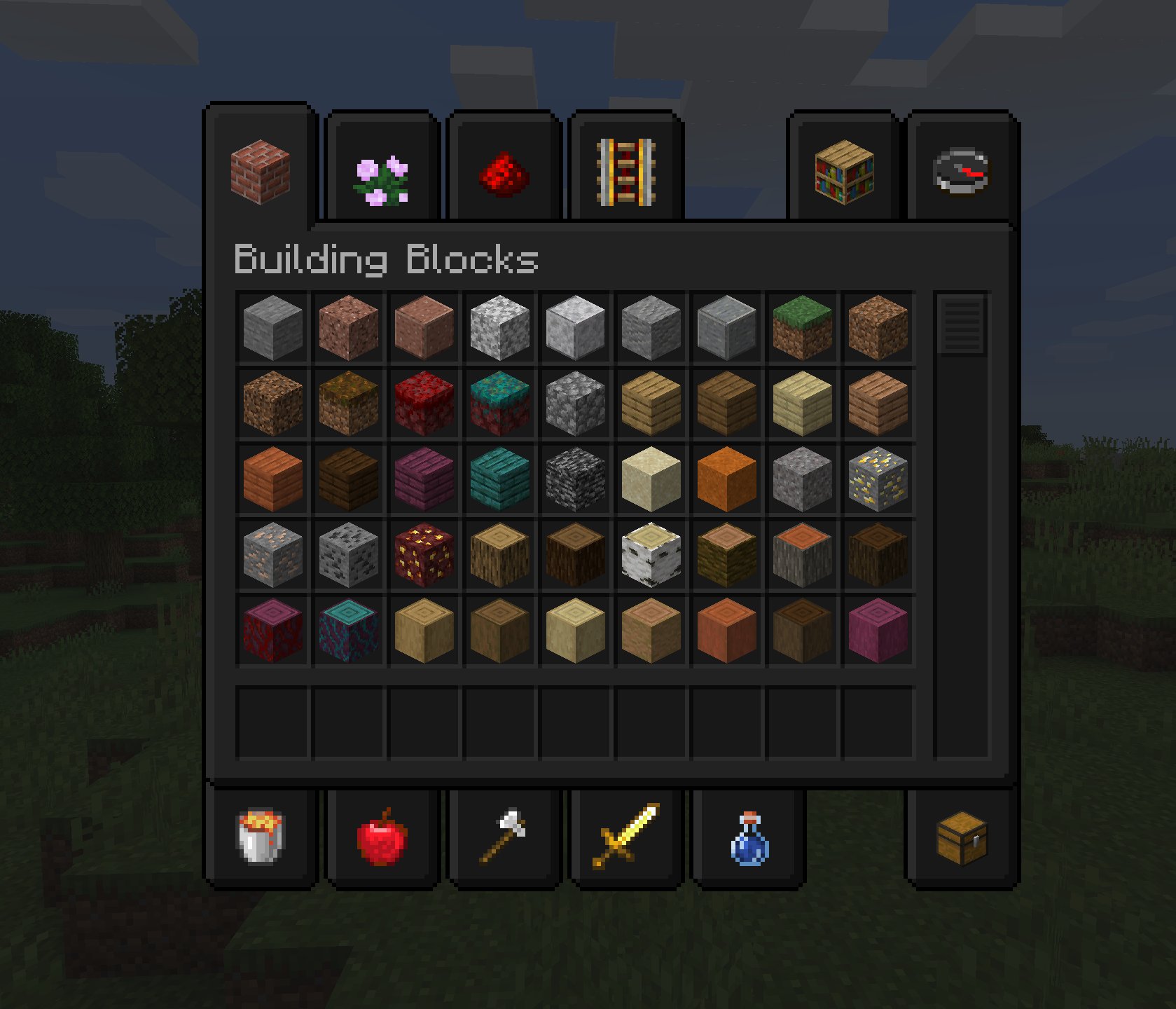 Thanks to this improvement, you can look forward to completely new and exciting adventures that will be far more enjoyable than before. You’ll be able to set off on a thrilling journey and enjoy the gameplay. All that remains is to wish you good spirits and new experiences on your adventure.
How to install the texture pack:
Step 1: Download the texture pack using the link below.
Step 2: Extract the downloaded archive and copy the Darkmode folder to c:\Users\Пользователь\AppData\Roaming\.minecraft\resourcepacks\ (if this folder does not exist, create it yourself) (for Windows)
Step 3: In the game, go to Settings, then to Resource Packs. In the list on the left, click on the icon for the newly added texture pack.
Comments (0)