



Grove GUI for Minecraft 1.18
 The vanilla version of the game has always been, and will continue to be, popular with a large number of players. It is therefore no surprise that users are constantly trying to improve this aspect of the game and give other users the chance to try out new design options.
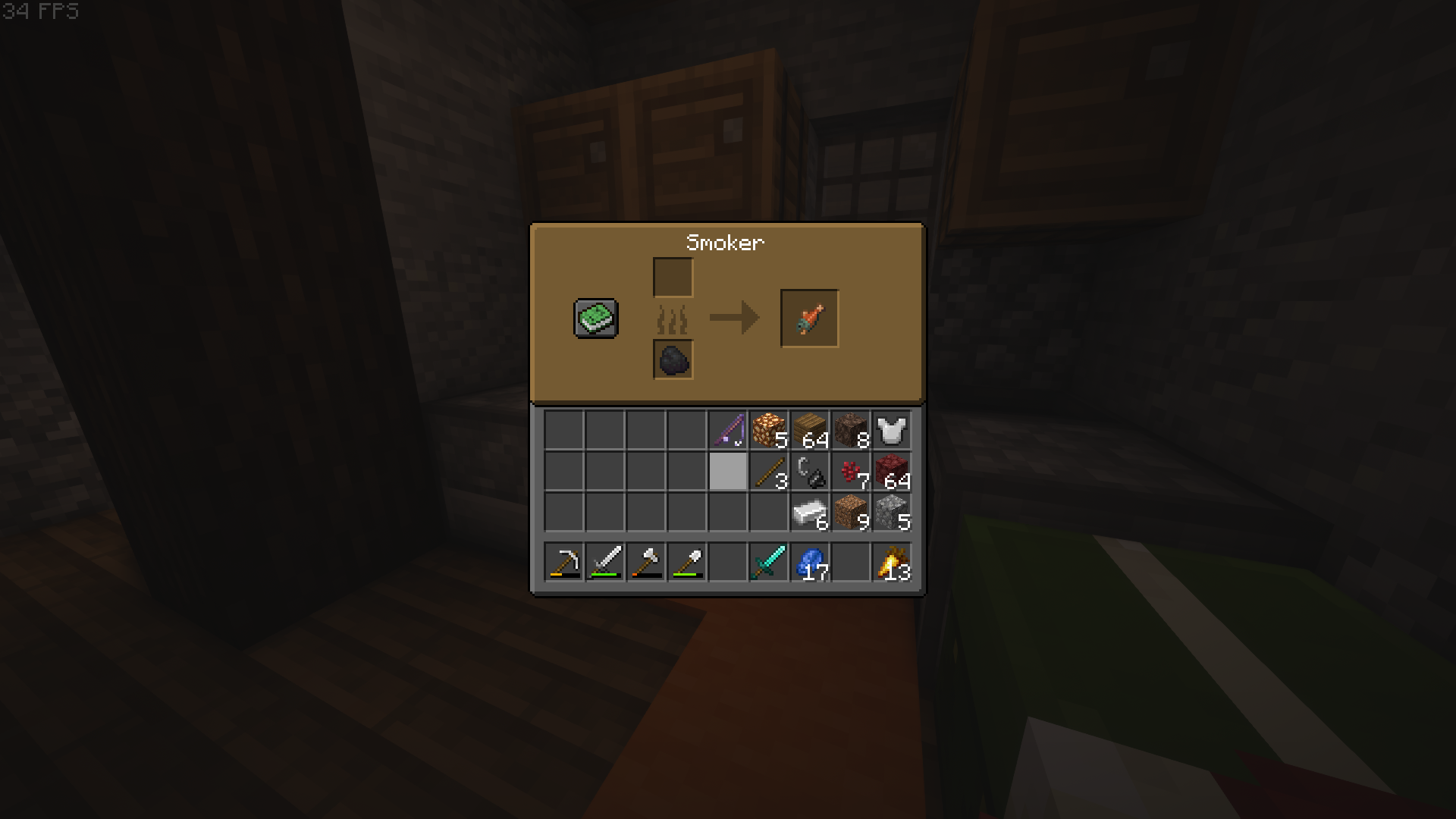
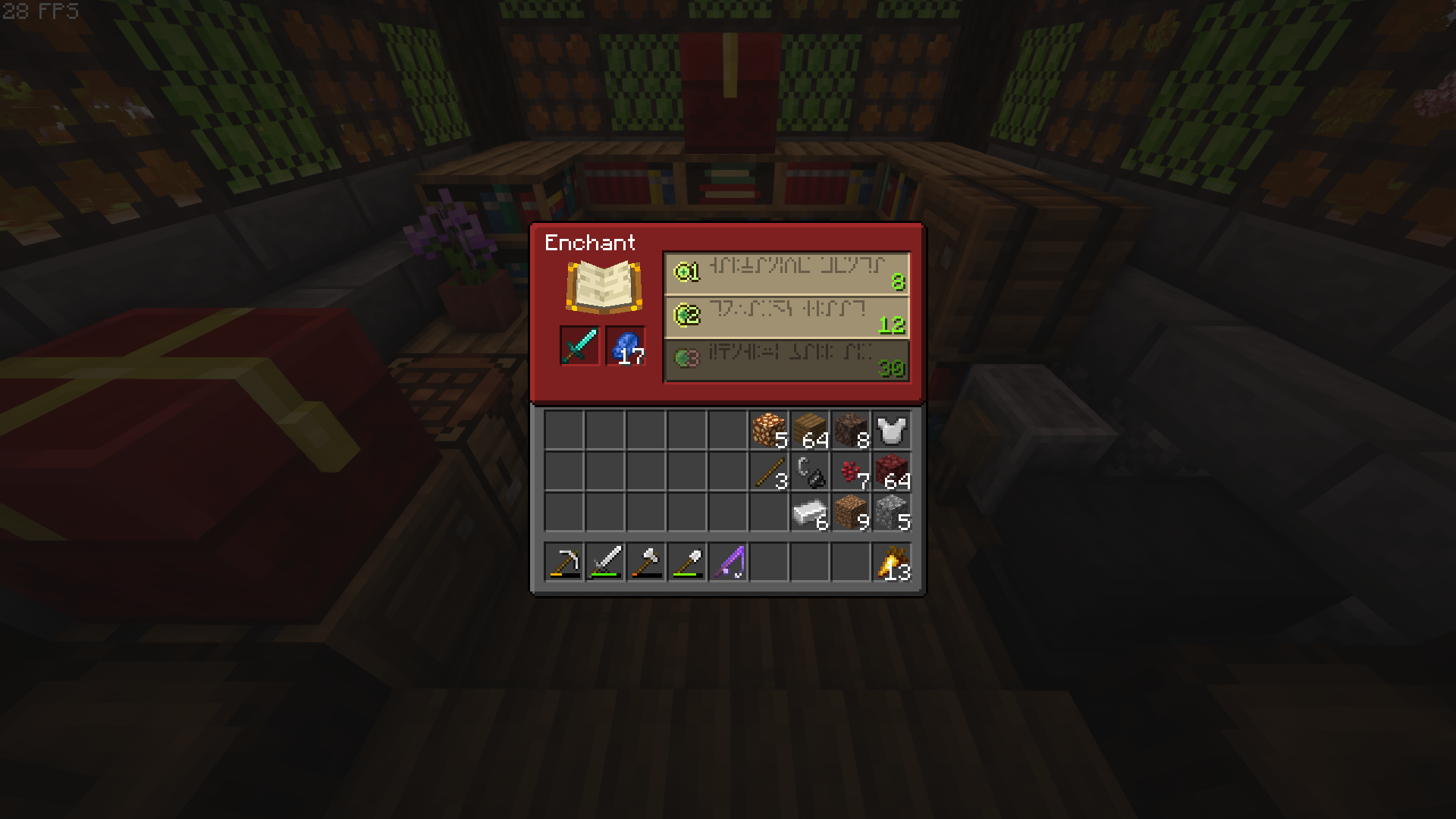
This time, you’ll have the chance to check out the Grove GUI add-on for Minecraft, which is designed exclusively to alter the appearance of the vanilla textures. Don’t rush; instead, try to make the most of the possibilities available to you and enjoy a new level of quality.
How to install a texture pack:
Step 1: Download the texture pack from the link below.
Step 2: Extract the downloaded archive and copy the Grove GUI folder to c:\Users\Пользователь\AppData\Roaming\.minecraft\resourcepacks\ (if this folder does not exist, create it yourself) (For Windows)
Step 3: In the game, go to Settings, then Resource Packs. There, click on the icon for the new texture pack in the left-hand list.
Comments (1)