



Mais Real for Minecraft 1.18
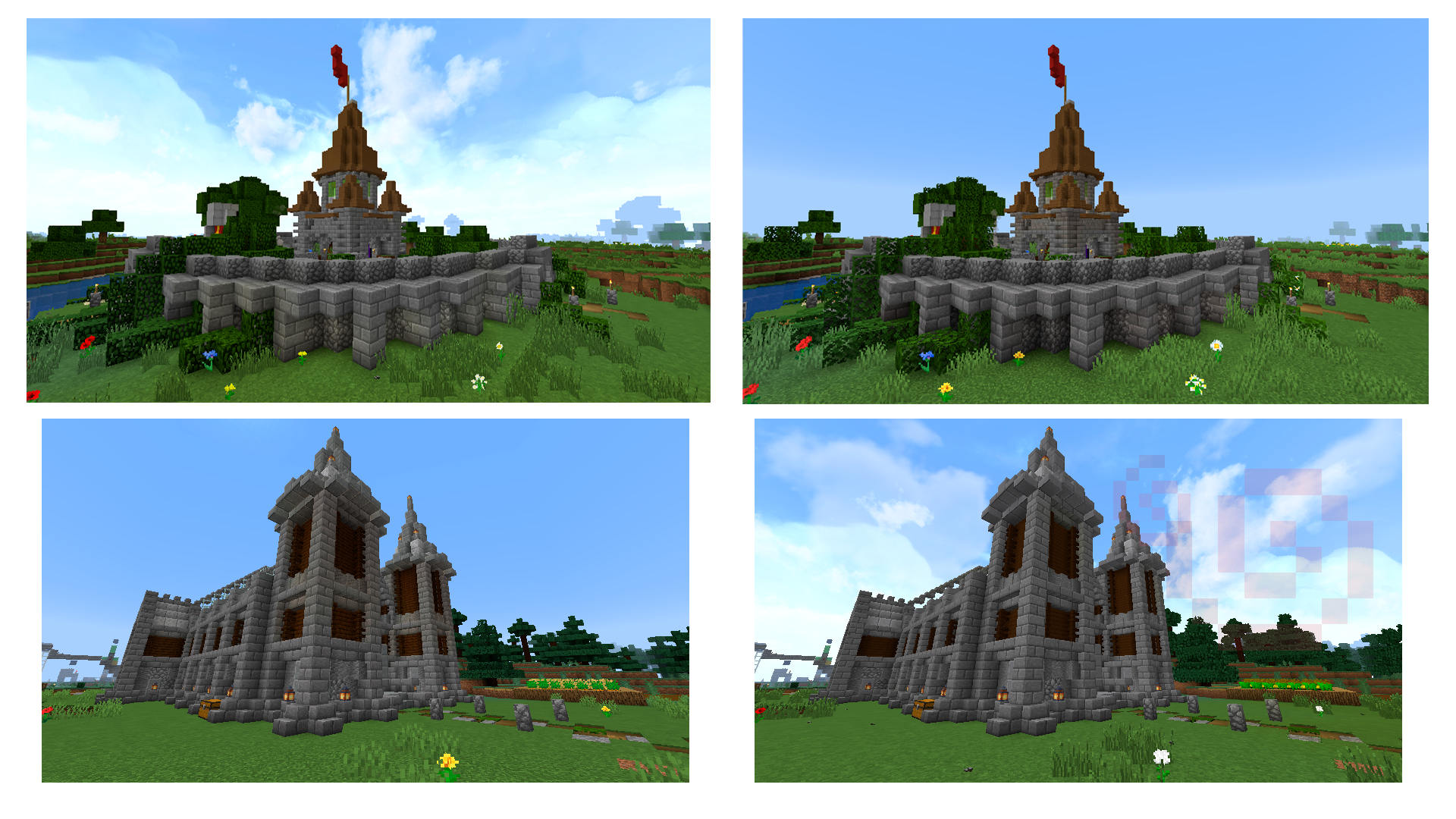
 Mais Real for Minecraft – a special add-on designed exclusively to alter the appearance of textures. Thanks to these new features, you’ll be able to enjoy beautiful surroundings with ease, featuring a simplified yet equally attractive set of 32×32 textures.
In this case, you’ll simply need to put in a fair bit of effort and try to explore all the available options, which will now be more accessible and efficient. So all that’s left for you to do is get started and do your best to achieve a good result. We wish you all the very best!
How to install the texture pack:
Step 1: Download the texture pack using the link below.
Step 2: Extract the downloaded archive and copy the folder Mais Real to c:\Users\Пользователь\AppData\Roaming\.minecraft\resourcepacks\ (if this folder does not exist, create it yourself) (For Windows)
Step 3: In the game, go to Settings, then Resource Packs. There, click on the new texture pack’s icon in the left-hand list.
Comments (0)