



Plana Pollachius for Minecraft 1.18
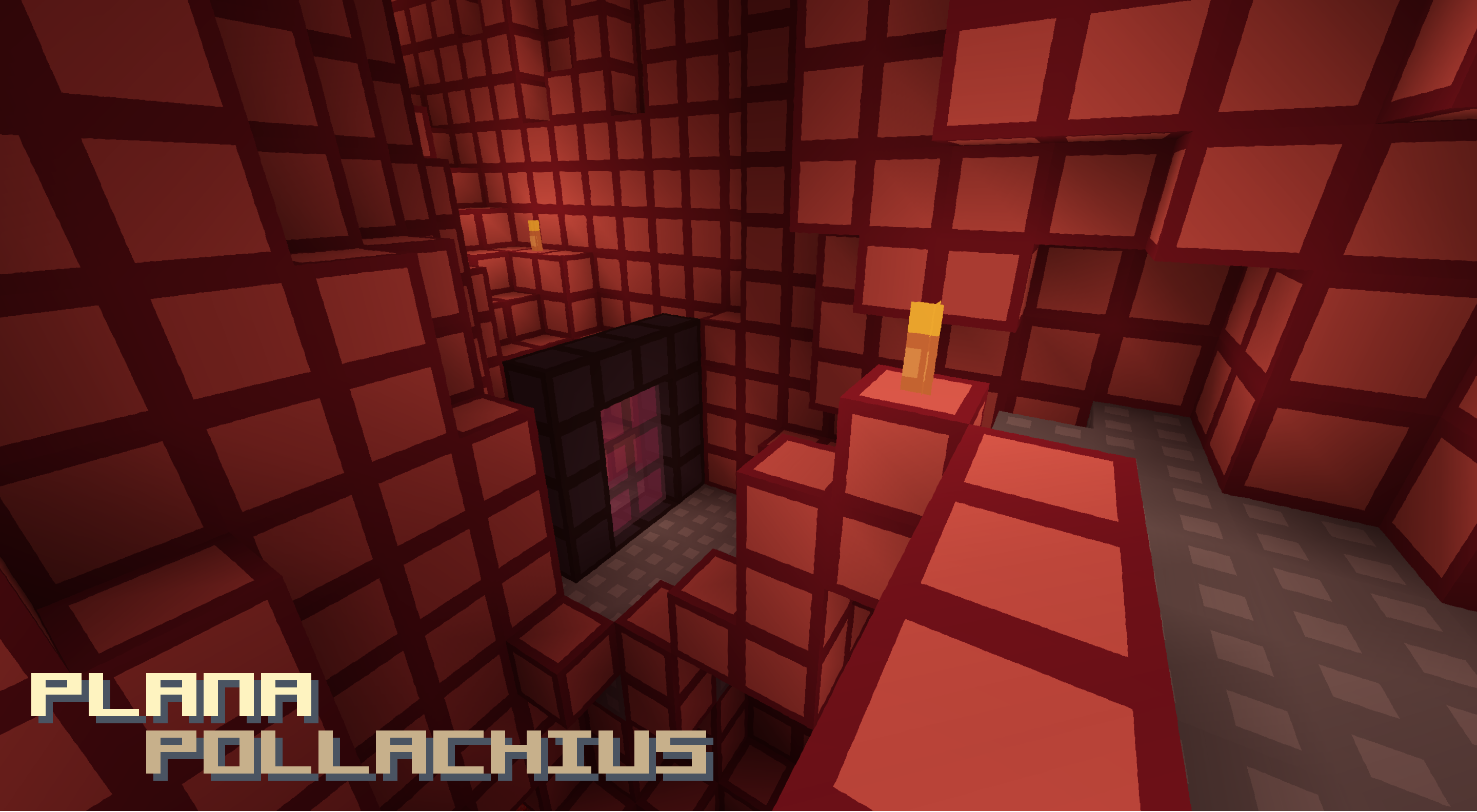
 Plana Pollachius for Minecraft – a visual add-on focused exclusively on bringing flatness to the game while paying attention to clarity. The author has tried to use 8×8 textures so that nothing distracts players from the core gameplay.
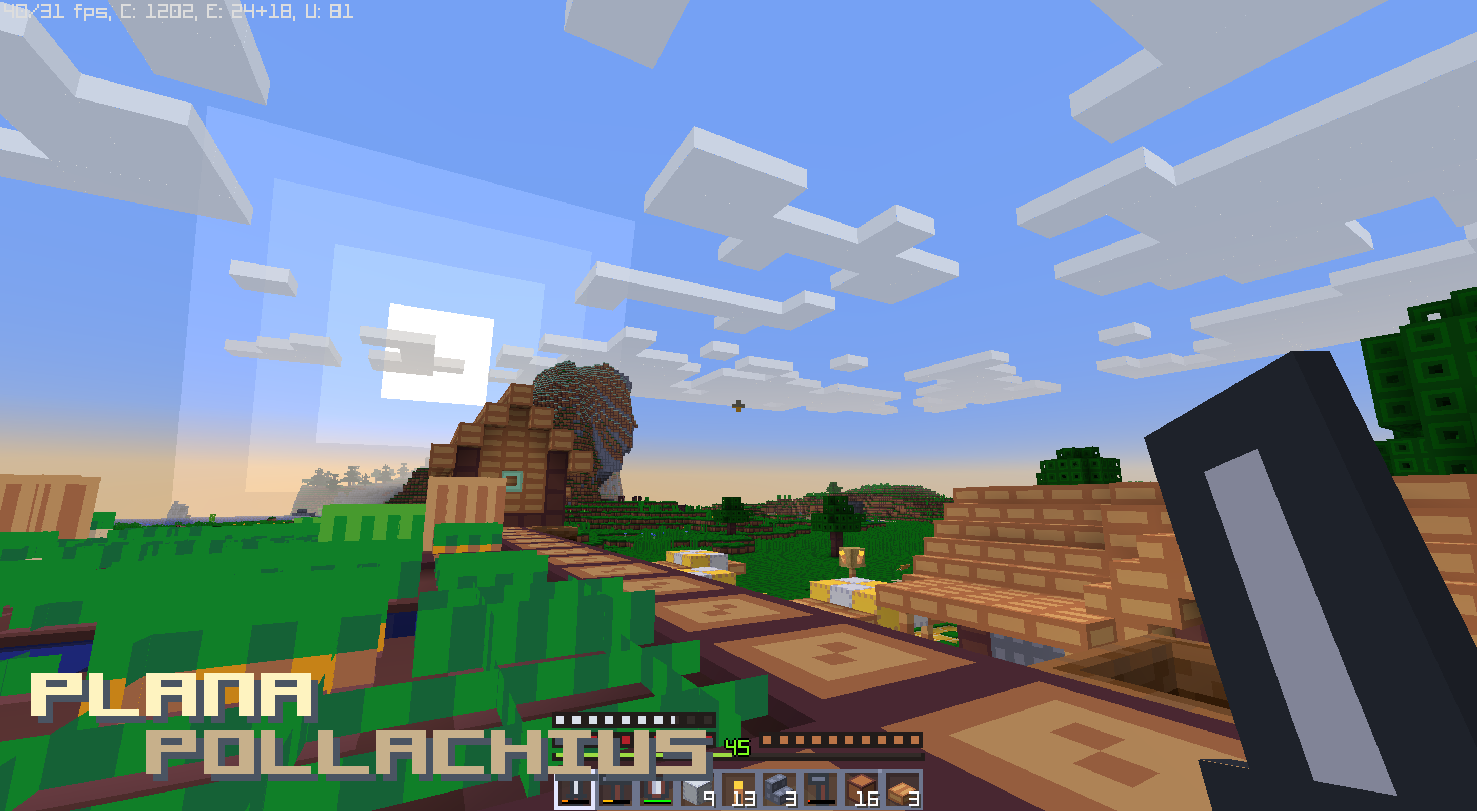
He has also put a lot of work into these textures to ensure that every user can enjoy a pleasant gaming experience and get the most enjoyment out of the adventure. Now, these simplified textures will look far better and help you create a game world that is enjoyable in every sense. Have fun playing!
How to install the texture pack:
Step 1: Download the texture pack using the link below.
Step 2: Extract the downloaded archive and copy the Plana Pollachius folder to c:\Users\Пользователь\AppData\Roaming\.minecraft\resourcepacks\ (if this folder does not exist, create it yourself) (For Windows)
Step 3: In the game, go to Settings, then Resource Packs. There, click on the icon for the new texture pack in the left-hand list.
Comments (0)