



Racc's Enhanced Doors for Minecraft 1.18
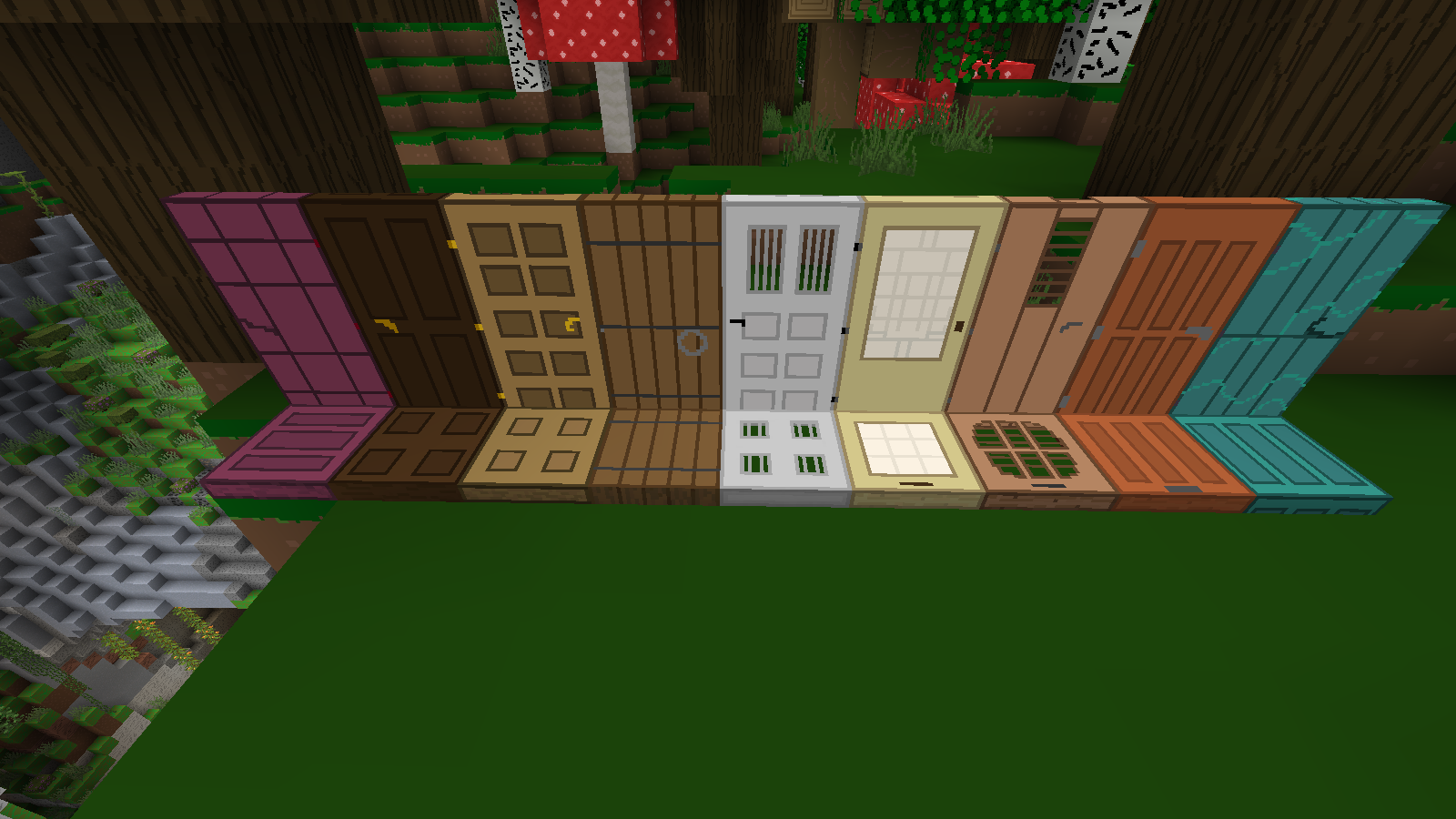
 To make the game better and more enjoyable, you need to use a variety of add-ons that affect different aspects of the game. This time, you’ll need to put in quite a bit of effort and try using the Racc's Enhanced Doors add-on for Minecraft.
Thanks to these improvements, you’ll get the most enjoyment out of the gameplay and be able to change the appearance of doors and trapdoors, making them more detailed and more interesting to place. Don’t rush things; it’s better to put in plenty of effort to achieve success gradually. We wish you a good mood and good luck!
How to install the texture pack:
Step 1: Download the texture pack using the link below.
Step 2: Extract the downloaded archive and copy the folder Racc's Enhanced Doors to the path c:\Users\Пользователь\AppData\Roaming\.minecraft\resourcepacks\ (if this folder does not exist, create it yourself) (For Windows)
Step 3: In the game, go to Settings, then Resource Packs. There, click on the icon for the newly added texture pack in the left-hand list.
Comments (0)