



Serenity for Minecraft 1.18
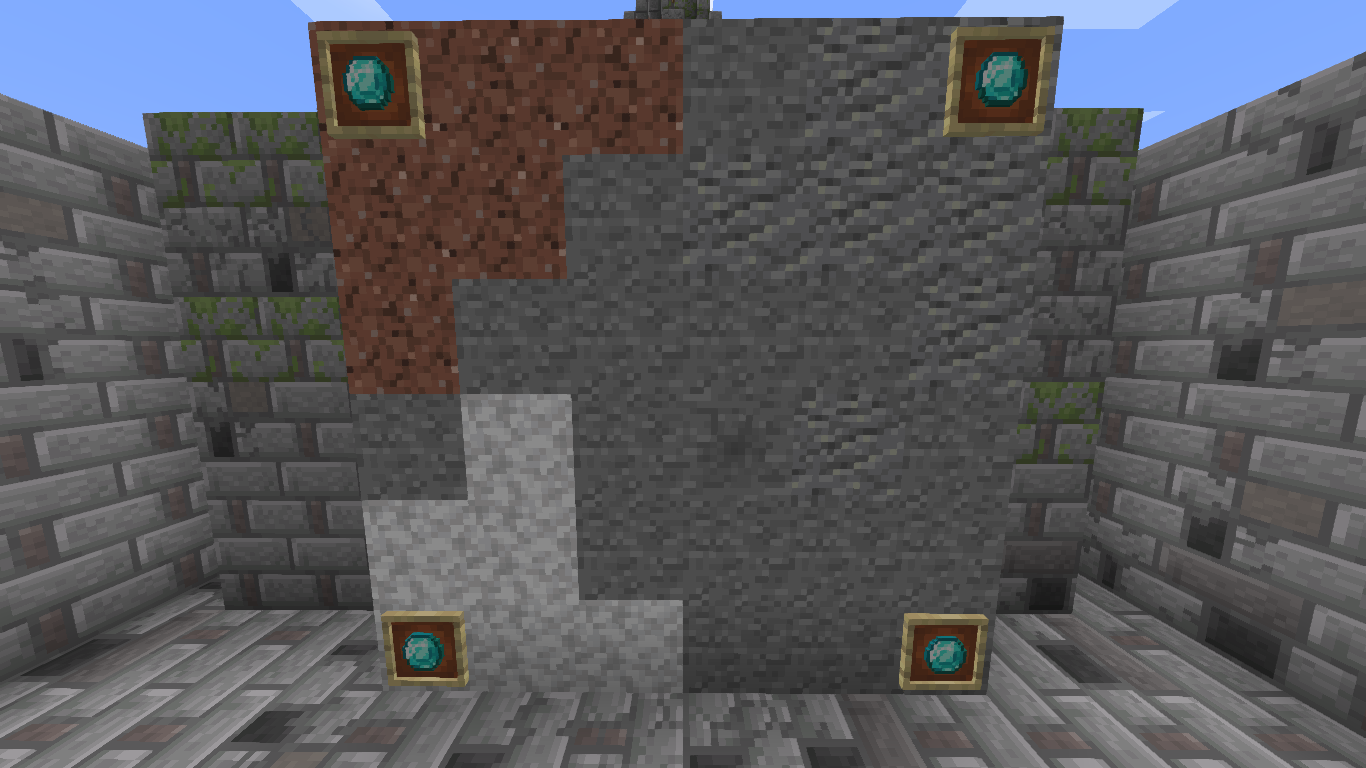
 Serenity for Minecraft is an add-on for visually enhancing resources. This time, you’ll be able to explore the detailed designs of virtually all available building resources, which will feature several visual variations, from gathering raw materials to processing and using these resources in construction.
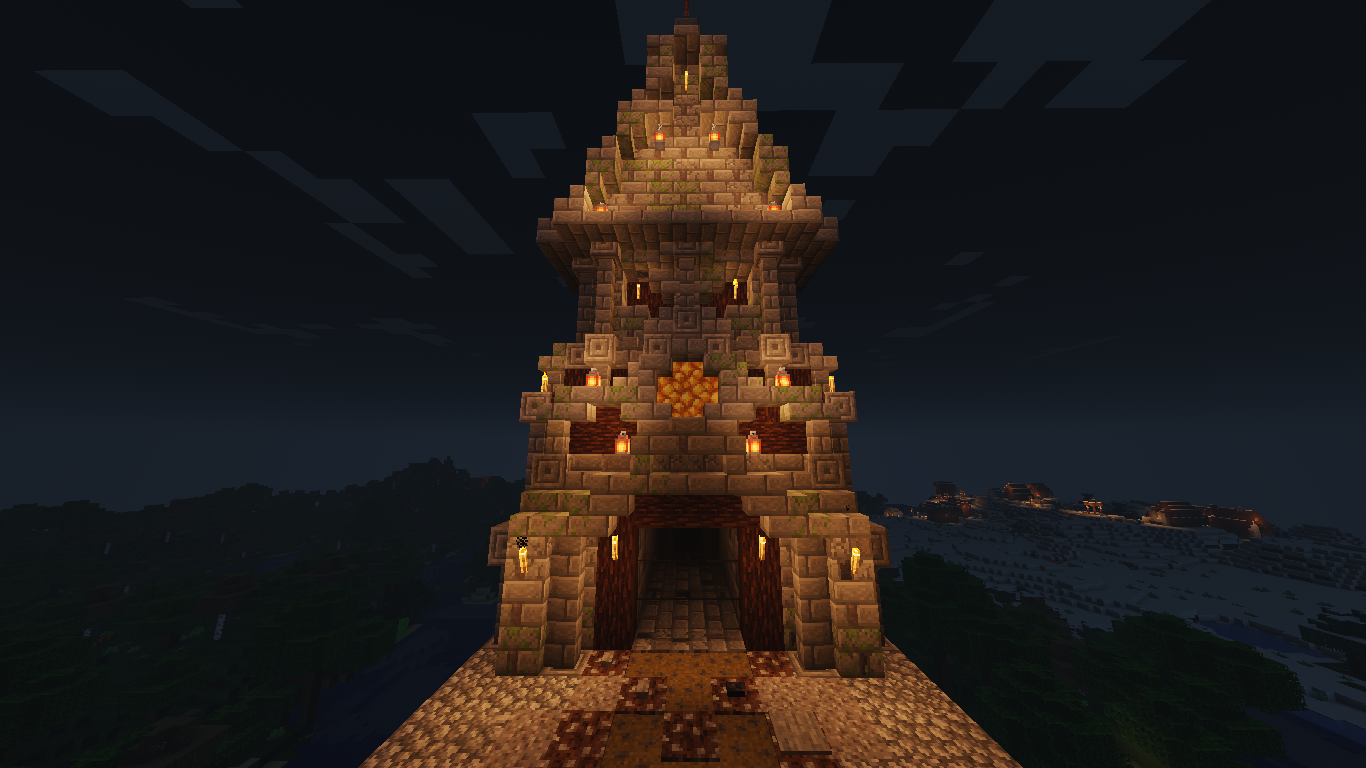
You’re sure to enjoy this kind of adventure, which will allow you to experience a new level of visual detail. Indeed, the creator has put in a great deal of work and is now ready to share his small but extremely delightful discoveries. We wish you good luck and good spirits!
How to install a texture pack:
Step 1: Download the texture pack using the link below.
Step 2: Extract the downloaded archive and copy the Serenity folder to c:\Users\Пользователь\AppData\Roaming\.minecraft\resourcepacks\ (if this folder does not exist, create it yourself) (For Windows)
Step 3: In the game, go to Settings, then Resource Packs. There, click on the icon for the new texture pack in the left-hand list.
Comments (0)