



Textureless for Minecraft 1.18.1
 If you’re a fan of the game’s vanilla look, you should find some spare time and try the Textureless add-on for Minecraft. What makes it unique is that it adds the original vanilla textures to the game with improved detail and visual quality.
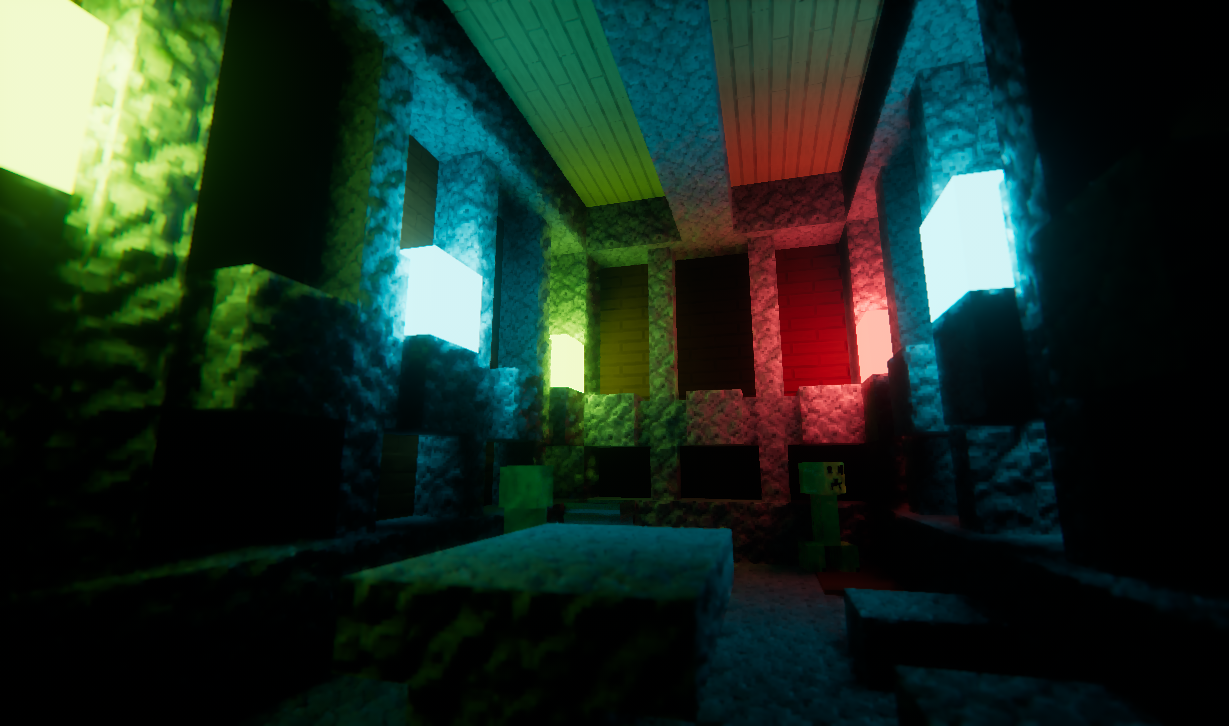
Thanks to this interesting approach, the vanilla version of the game will be significantly transformed, giving you a reason to revisit familiar worlds and caves and embark on adventures again. Although only the vanilla elements will change, the atmosphere and new details in your favourite game are guaranteed to impress you.

How to install the texture pack:
Step 1: Download the texture pack using the link below.
Step 2: Extract the downloaded archive and copy the Textureless folder to c:\Users\Пользователь\AppData\Roaming\.minecraft\resourcepacks\ (if this folder does not exist, create it yourself) (For Windows)
Step 3: In the game, go to Settings, then Resource Packs. Click the icon for the newly added texture pack in the list on the left.
Comments (1)