



Default Improved for Minecraft 1.9
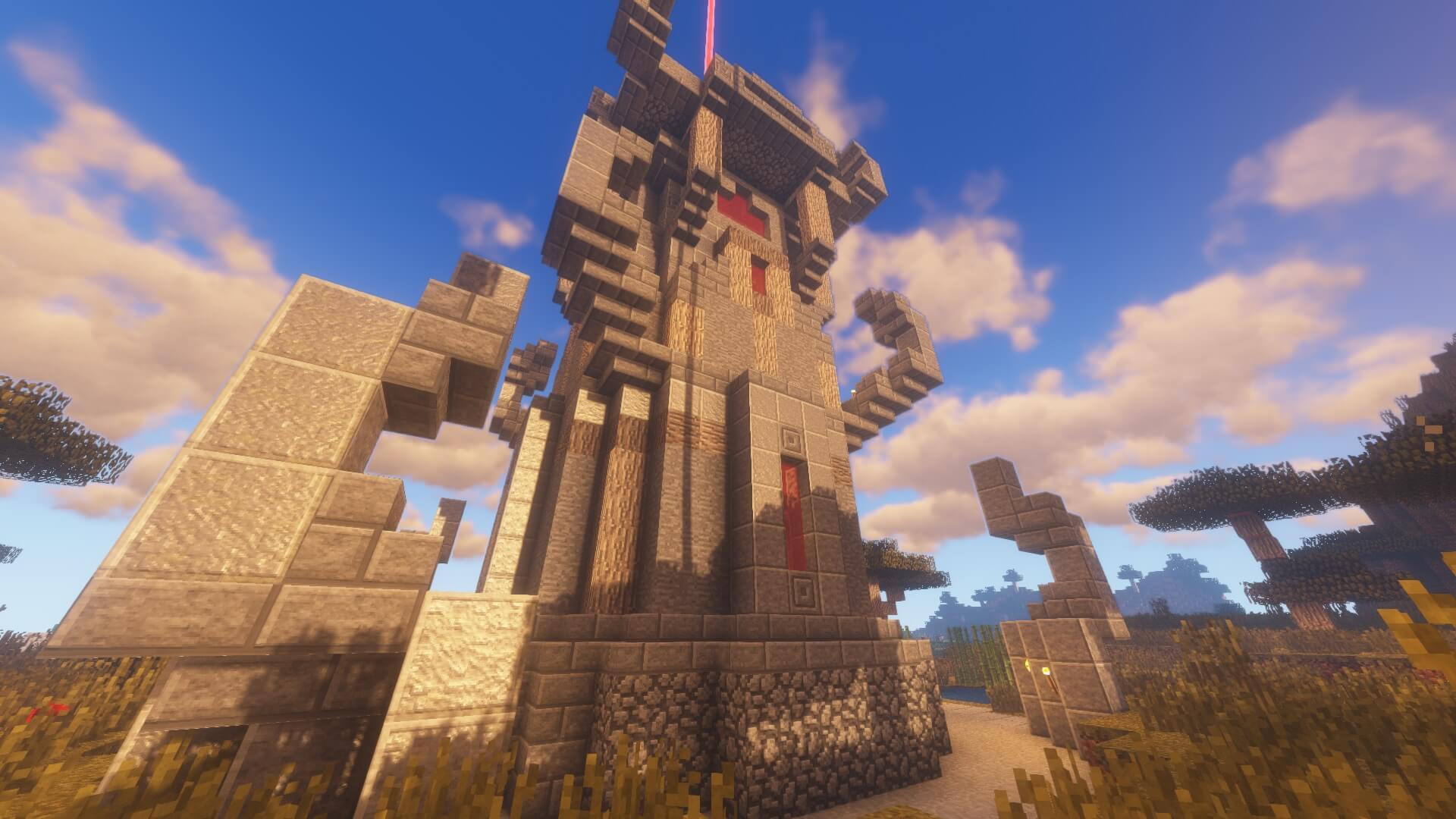
 You’ve probably long wanted a selection of textures that would help you turn the game into a full-fledged RPG. Now you have the chance—all you need to do is use the Default Improved texture pack for Minecraft.
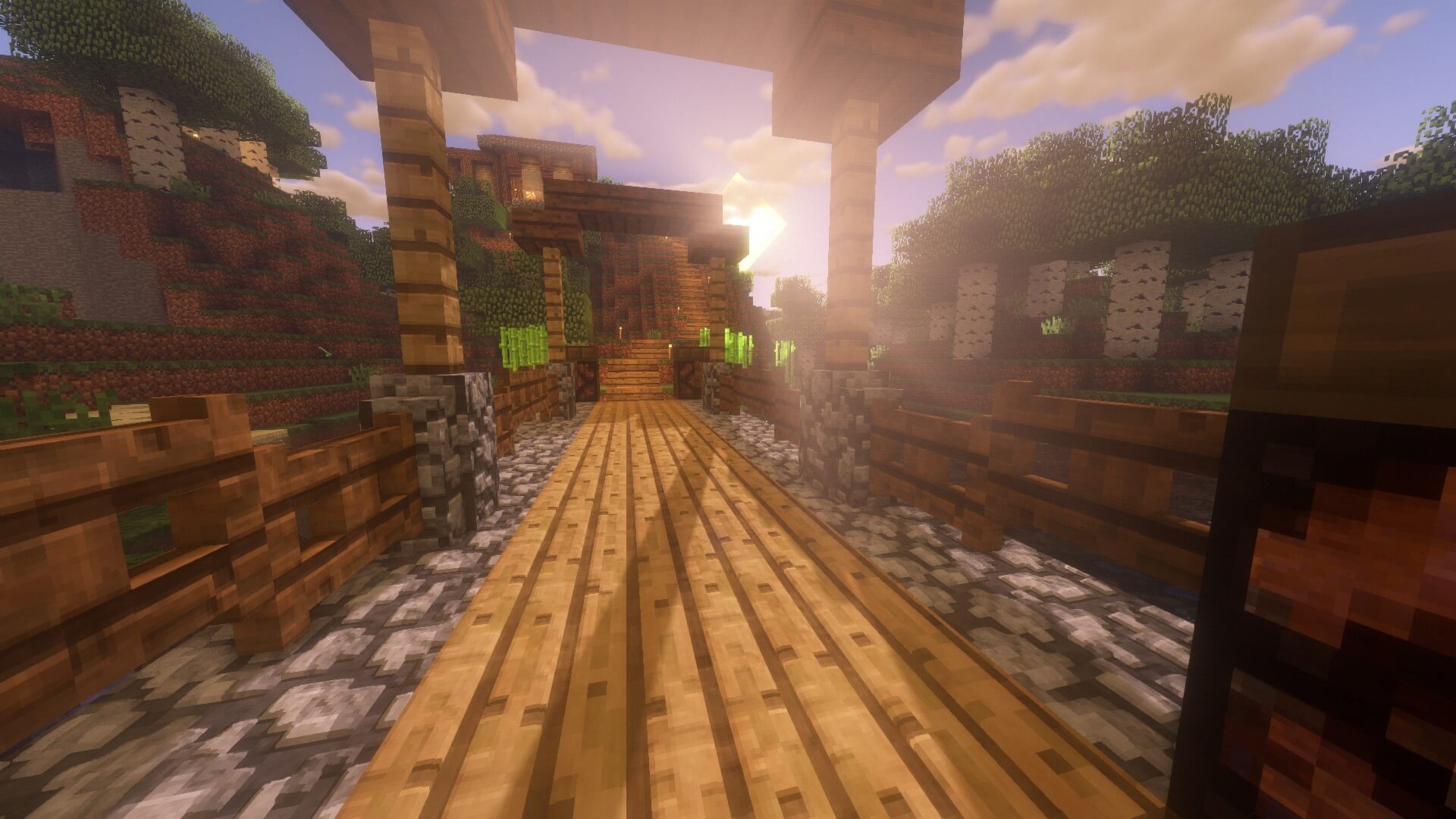
With this enhancement, you’ll be able to add a wide variety of textures to the game, letting you easily experience a completely new atmosphere of adventure. For example, many textures will be modified to look seamless, while others will be redesigned to let you enjoy new surroundings. Your role-playing adventure will now be more polished and will delight you with new details.
How to install the texture pack:
Step one: Download the texture pack using the link below.
Step two: Extract the downloaded archive and copy the Default Improved folder to c:\Users\Пользователь\AppData\Roaming\.minecraft\resourcepacks\ (if this folder does not exist, create it yourself)(For Windows)
Step three: In the game, go to Settings, then to Resource Packs. Click the icon for the newly added texture pack in the list on the left.
Comments (0)