



Dramatic Skys for Minecraft 1.9.4
 The environment in the vast world of Minecraft needs far more variety than it might seem at first glance. So don’t waste any time—start using a wide range of textures to enhance your world.
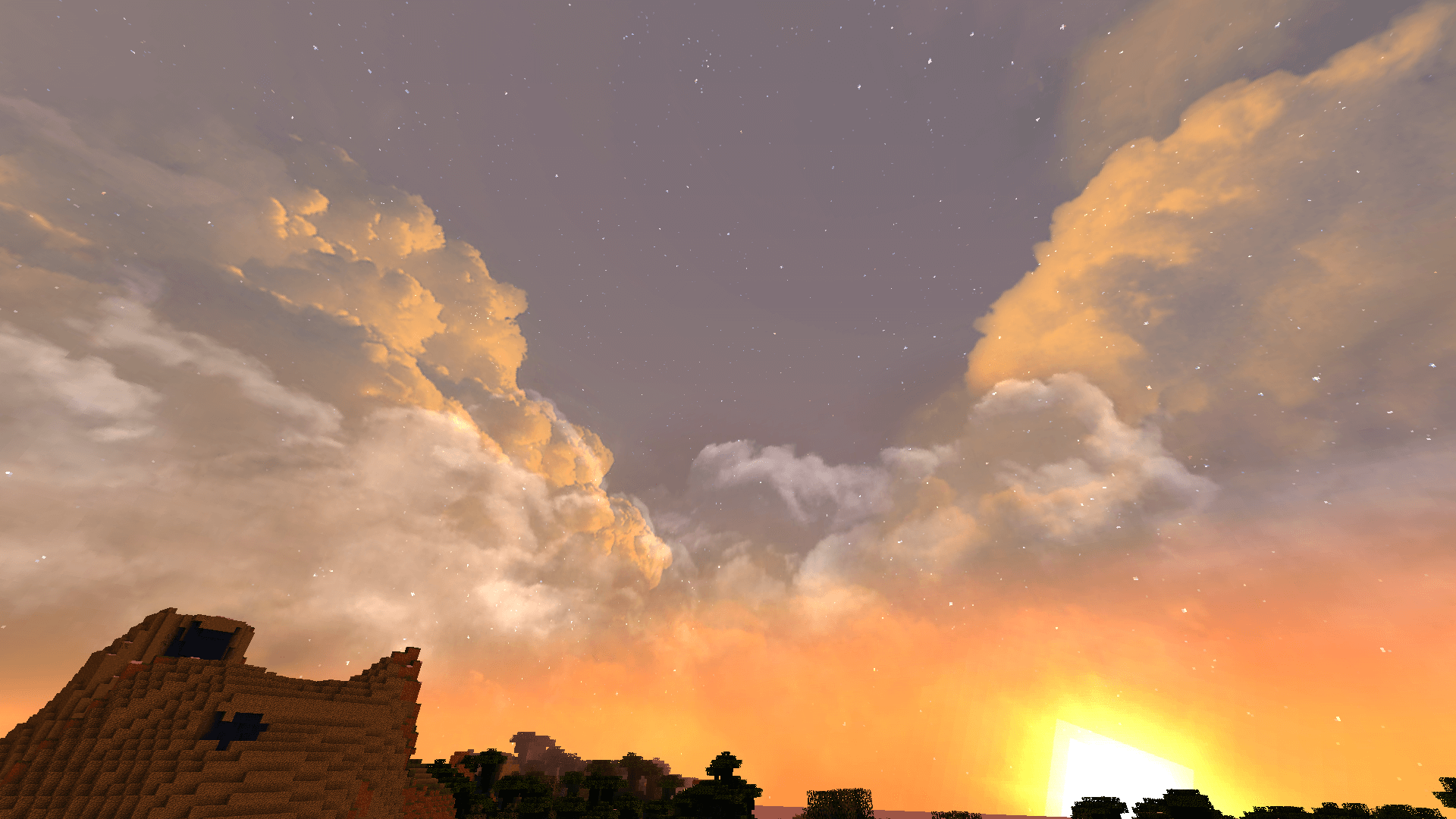
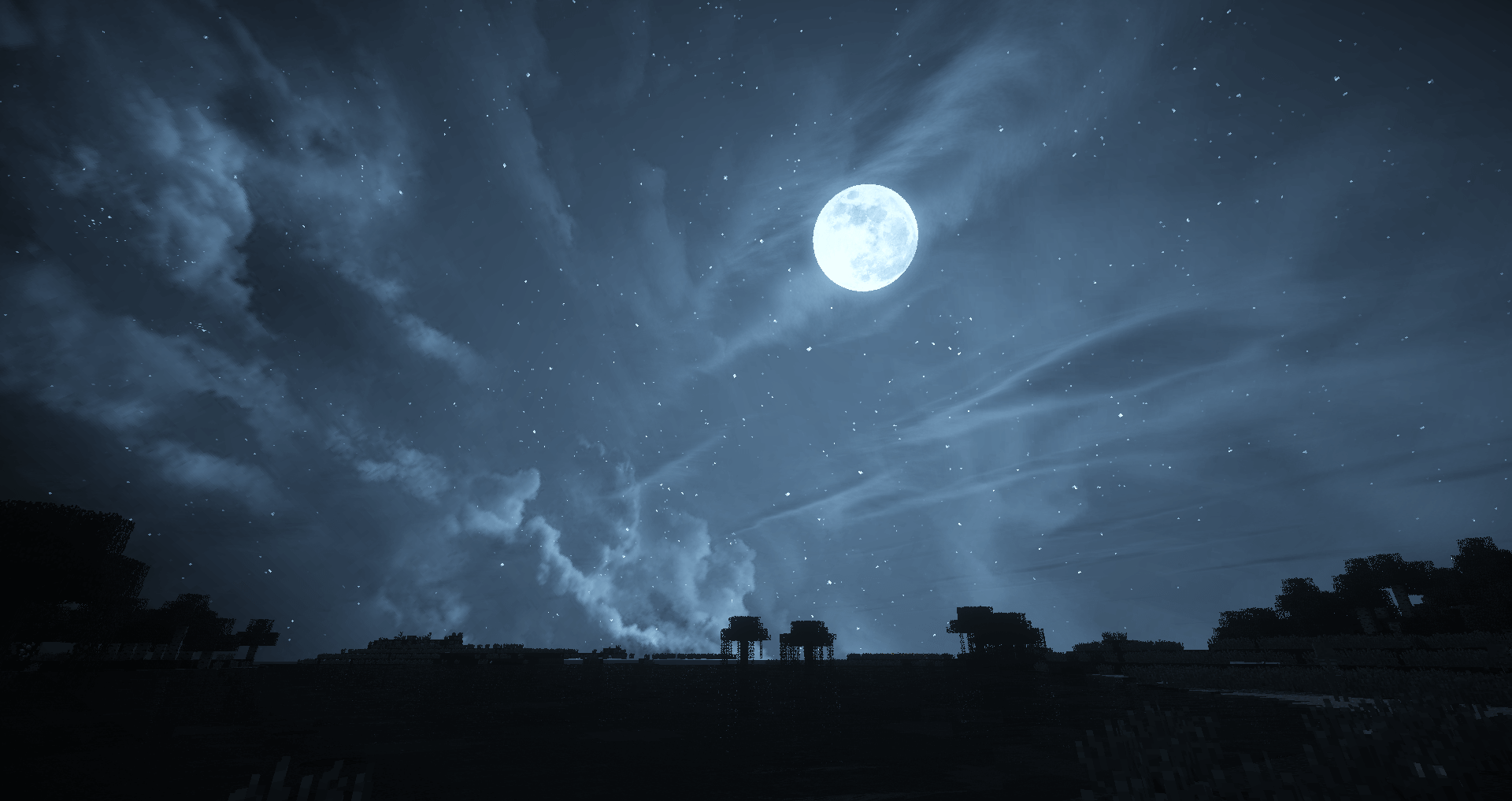
For example, you can install a mod called Dramatic Skys for Minecraft 1.9. It significantly improves the appearance of the clouds, the sky and the rivers, and in some places the terrain looks better too.
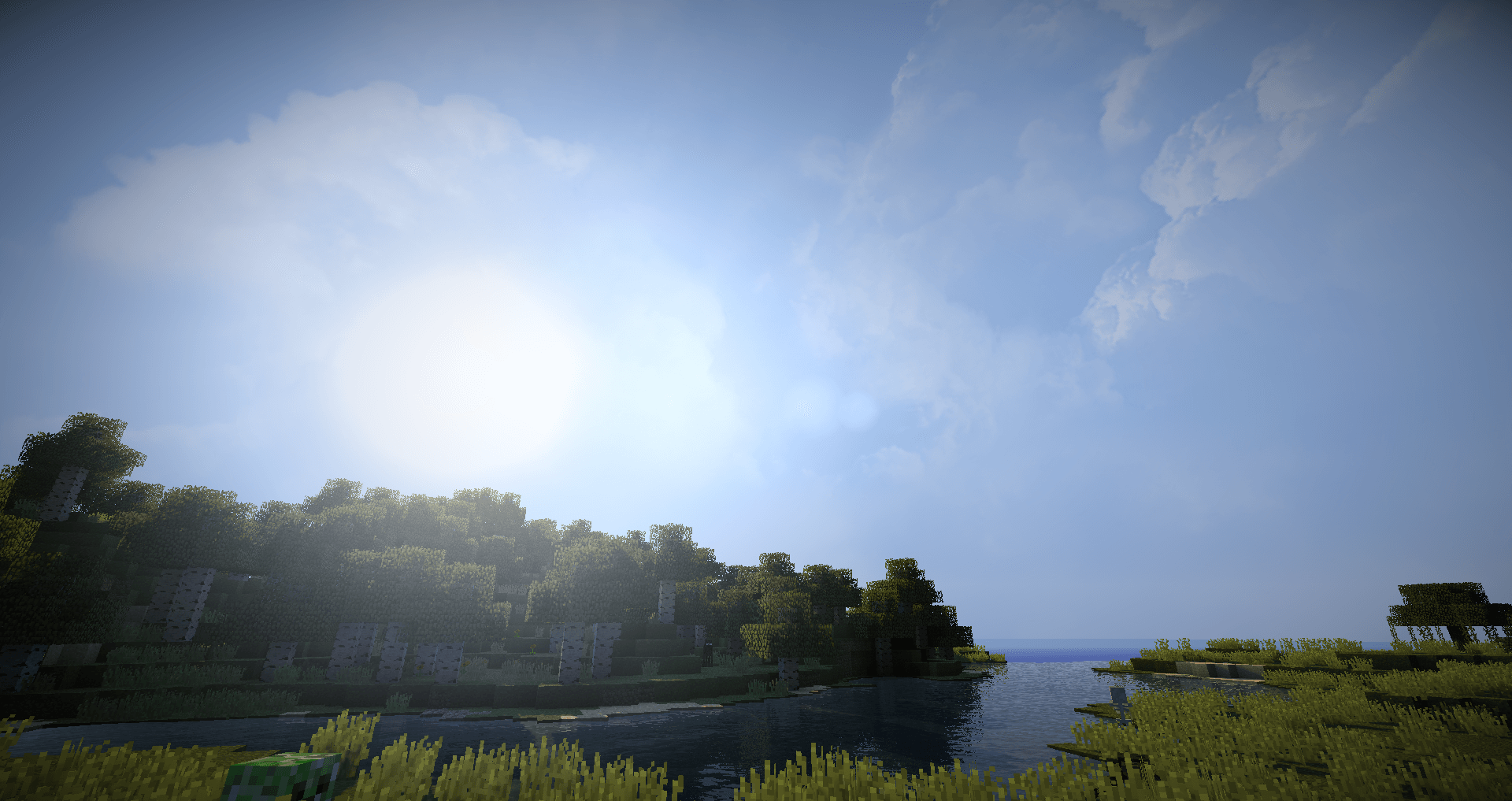
So, rather than spending time searching for various mods, it’s best to install this one. At the very least, the world around you will become much better and more pleasant. We suggest you waste no time and get started. We wish you the best of luck!
How to install the texture pack:
Step 1: Download the texture pack using the link below.
Step 2: Extract the downloaded archive and copy the folder Dramatic Skys to c:\Users\Пользователь\AppData\Roaming\.minecraft\resourcepacks\ (if this folder does not exist, create it yourself)(For Windows)
Step 3: In the game, go to Settings, then to Resource Packs. There, click on the new texture pack’s icon in the left-hand list.
Comments (19)