



MazinPack for Minecraft Pocket Edition 1.9
 The texture pack called MazinPack is still under active development, but you can already see what the developers have implemented so far.
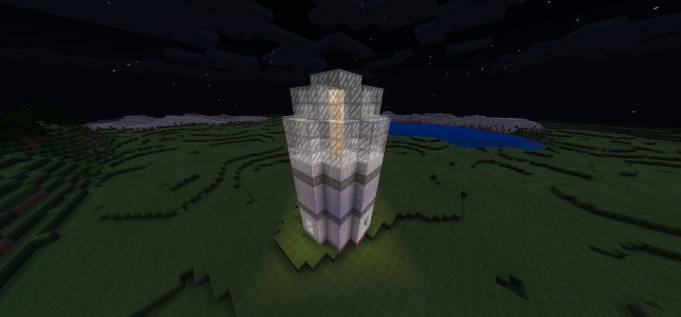
This pack is a simplified version of 8×8/16×16 textures. It is worth noting that some blocks still retain their classic appearance. However, as we mentioned earlier, the developers are actively working on MazinPack, and new updates are released quite frequently. In the screenshots, you can see some of the items with their new appearance.
How to install:
Step 1: Run the downloaded file to import the add-on/texture into Minecraft.
Step 2: Open Minecraft Pocket Edition and go to the world settings.
Step 3: Apply the imported resource packs to the world. In each section, select the imported resource packs / add-on.
Step 4: Restart Minecraft Pocket Edition, enter the Minecraft world you previously configured, and enjoy the texture pack!
Comments (7)