



Bewitched for Minecraft 1.13.2

To ensure that the high quality and atmosphere of a texture pack like Bewitched come as no surprise to anyone, we will try to describe it in as much detail as possible right here and now.
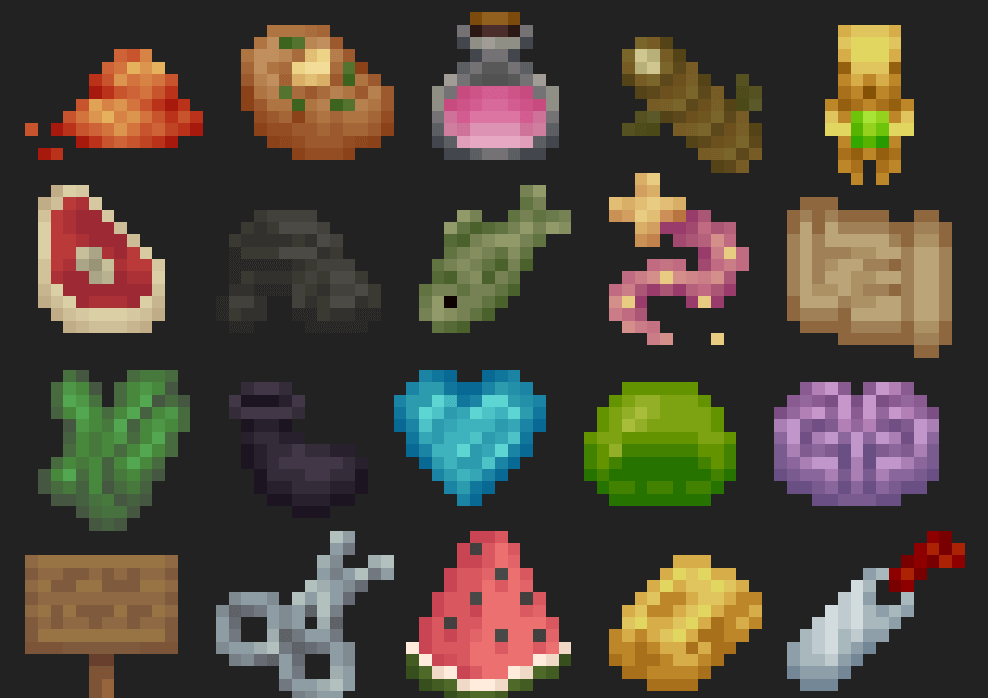
It’s immediately apparent that, in developing this project for the still quite popular Minecraft 1.13.2, the developers decided to create a unified, pleasing aesthetic with a unique colour palette primarily associated with older RPGs. It’s also worth noting that Bewitched alters quite a few of Minecraft’s standard textures, which many of us have already become accustomed to. To some extent, this is a great way to make your blocky world a little more varied.
How to install a texture pack:
Step 1: Install Optifine HD
Step 2: Copy the resource pack to the C:\Users\ИМЯ_ПОЛЬЗОВАТЕЛЯ\AppData\Roaming\.minecraft\resourcepacks folder
Step 3: Select the desired resource pack in the game settings
Comments (0)