



Better Wheat for Minecraft 1.15.1
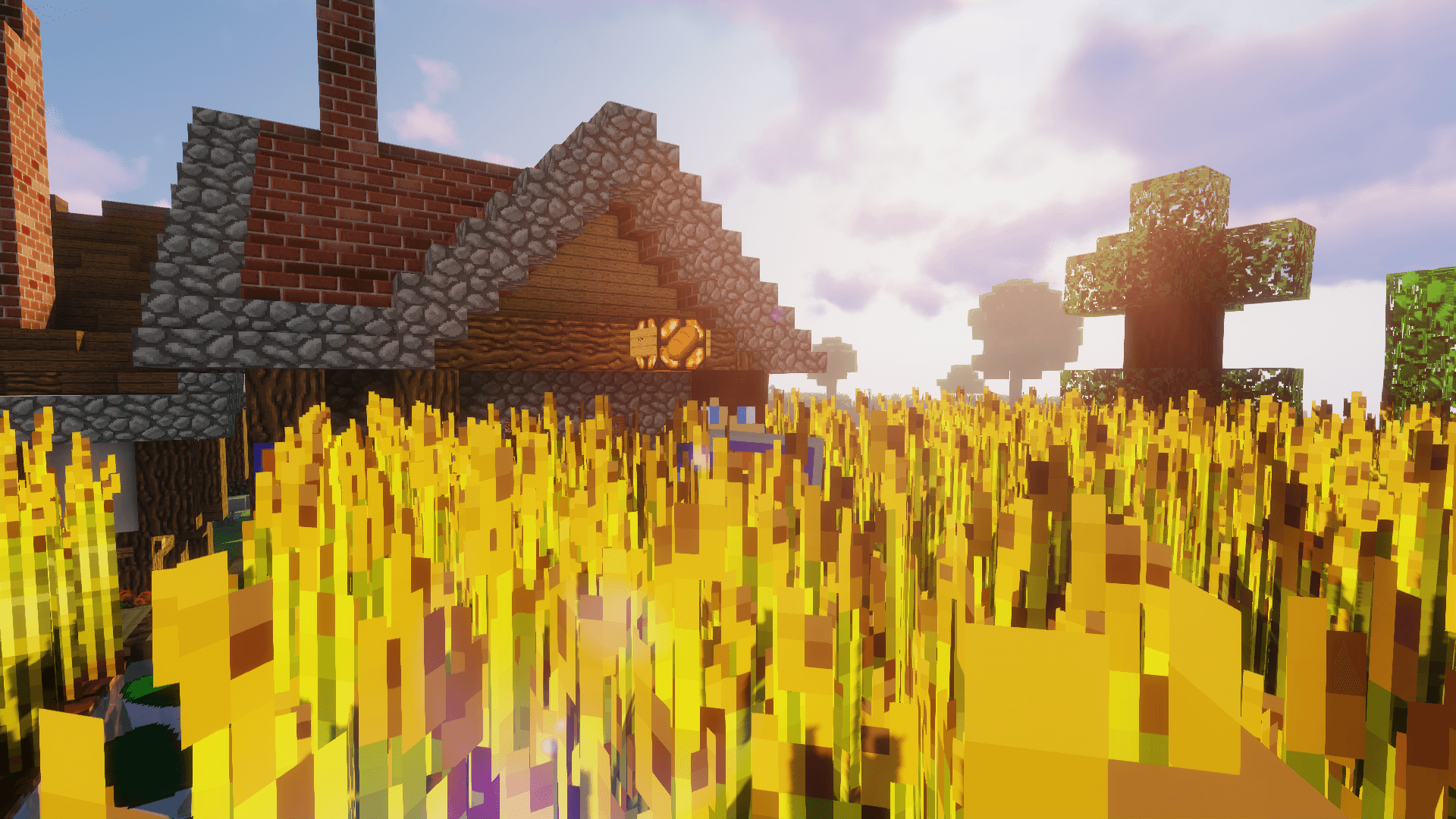 It’s unusual to see that mod creators sometimes don’t pay much attention to the in-game environment. For example, if you use the Better Wheat 1.15.1 texture pack for Minecraft, you’ll notice that there aren’t as many changes here as usual.
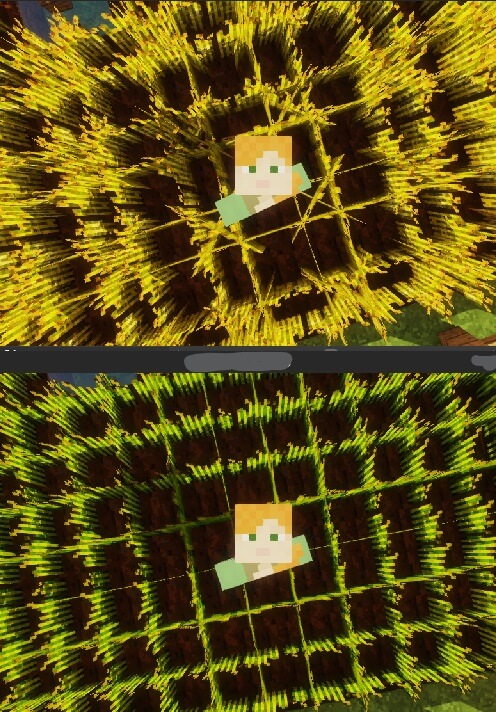
The author has simply worked on the appearance of the wheat, which now not only looks larger but also has an even more golden hue and greater detail. You can now spend a long time admiring the wheat and simply enjoying its appearance. But don’t be disappointed, as the mod is designed specifically to be used alongside other similar enhancements. This way, you can put together a comprehensive set of improvements that will transform the entire game.
How to install the texture pack:
Step 1: Download the texture pack using the link below.
Step 2: Extract the downloaded archive and copy the folder Better Wheat to c:\Users\Пользователь\AppData\Roaming\.minecraft\resourcepacks\ (if this folder does not exist, create it yourself)(For Windows)
Step 3: In the game, go to Settings, then Resource Packs. There, click on the icon for the newly added texture pack in the left-hand list.
Comments (2)