



HD Font – Roboto for Minecraft 1.15.2
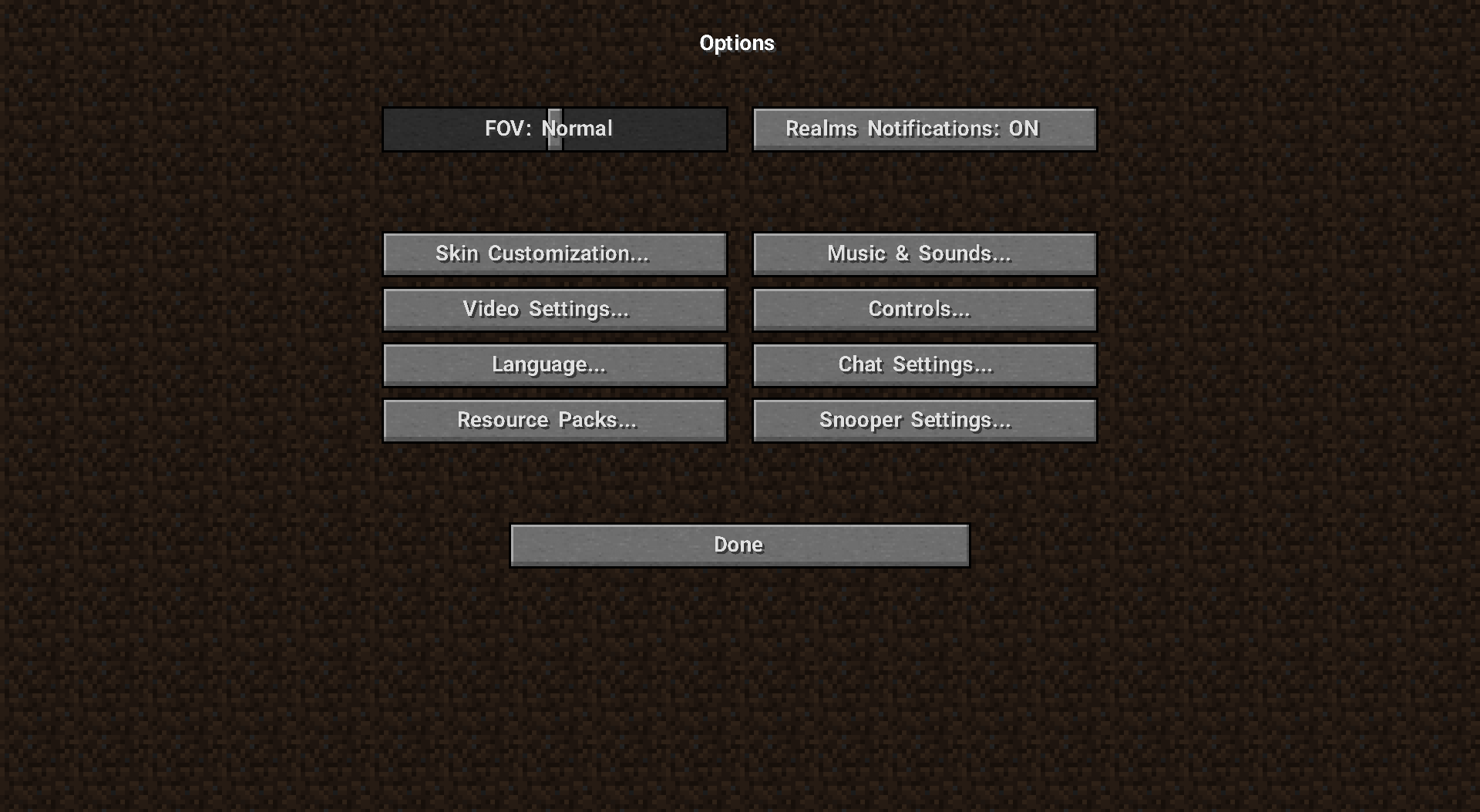 Who would have thought that fans would start changing not only the type of content but even the font? At first, it might seem that such a change isn’t all that important, but you just need to try out our next suggestion.
We recommend using HD Font – Roboto for Minecraft. This enhancement changes the game’s font, making it smoother and more minimalist. Now, all text will look more pleasing than you could imagine. Just pay attention to all these improvements, and everything will work out. We hope you enjoy the game!
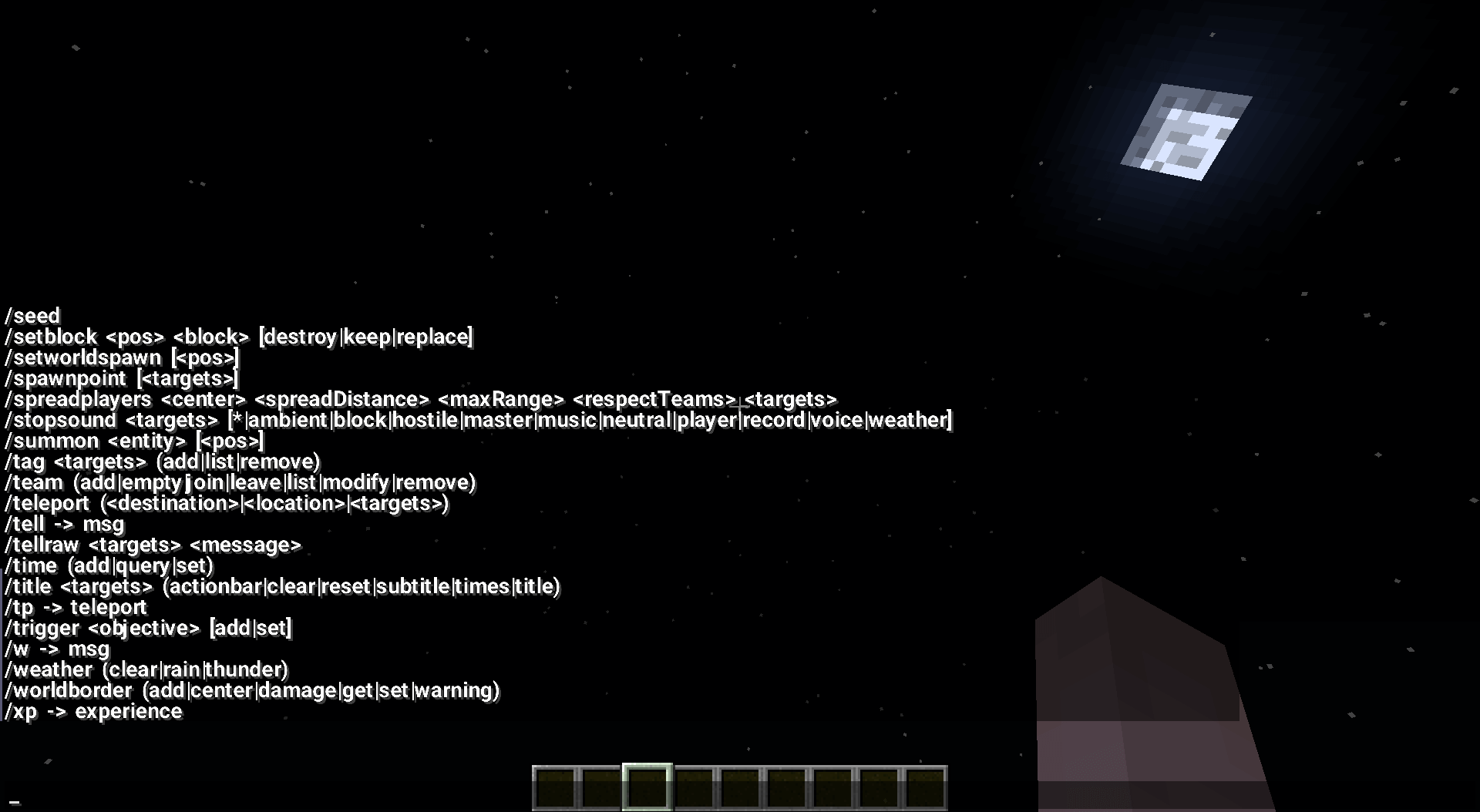
How to install the texture pack:
Step one: Download the texture pack using the link below.
Step two: Unzip the downloaded archive and copy the folder HD Font - Roboto to c:\Users\Пользователь\AppData\Roaming\.minecraft\resourcepacks\ (if this folder does not exist, create it yourself)(For Windows)
Step three: In the game, go to Settings, then to Resource Packs. There, click the icon for the new texture pack in the left-hand list.
Comments (6)