



Hollywood Blocks for Minecraft 1.15.1
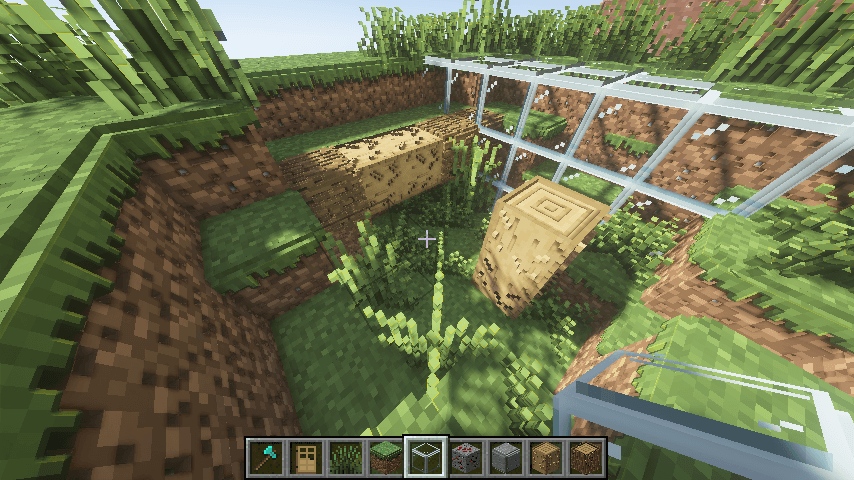
 Hollywood Blocks 1.15.1 for Minecraft is an excellent graphics mod that allows you to take full advantage of all the available benefits without any issues. You’ll now be able to significantly improve your graphics settings and enjoy every available enhancement.
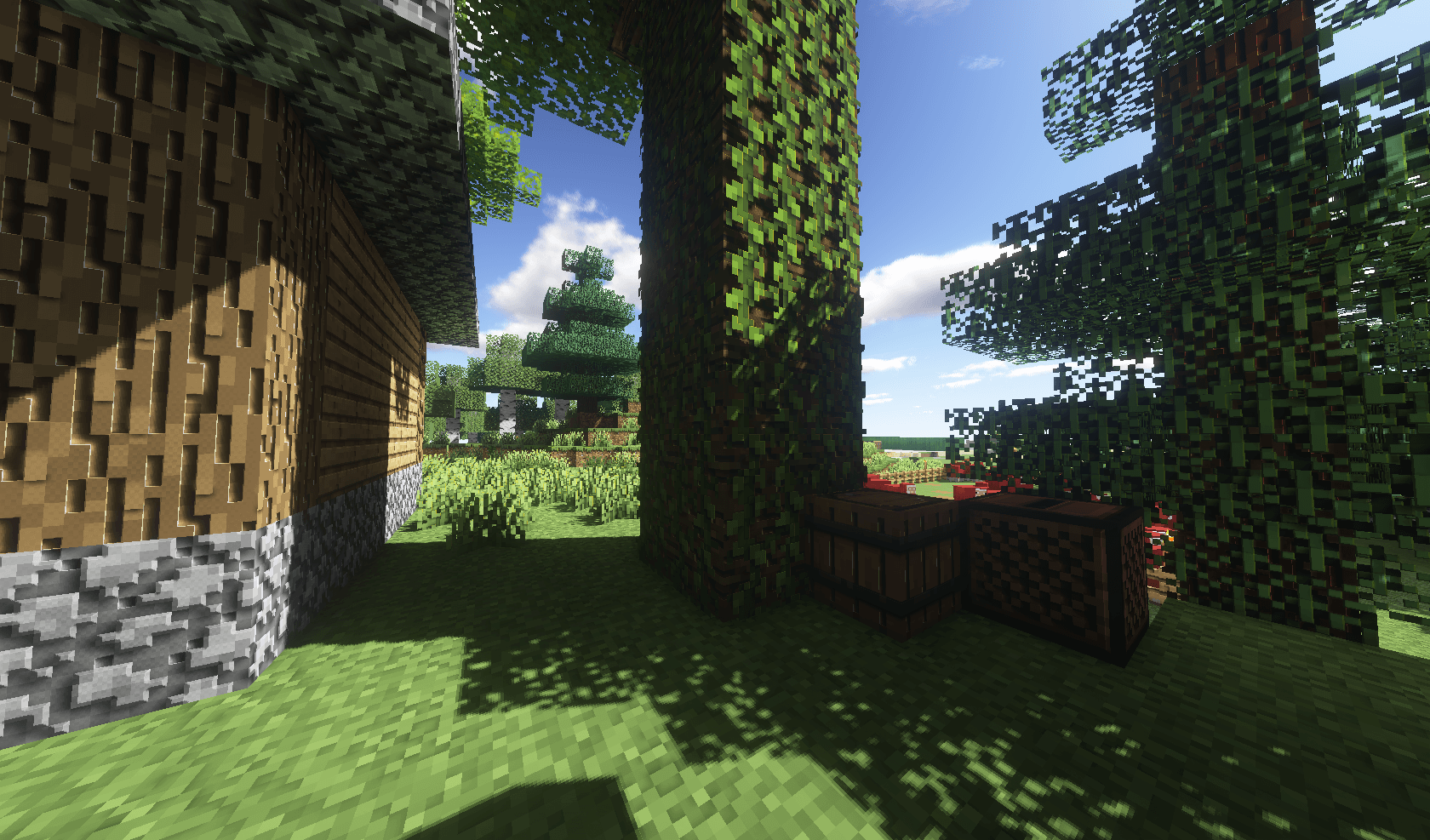 We recommend trying this mod, as the creator has modified virtually every block in the game. The visuals will now be more detailed, of higher quality and more pleasant. After all, the game will now be much better in terms of atmosphere, detail and other interesting elements. We suggest you waste no time and enjoy every moment you can.
How to install the texture pack:
Step 1: Download the texture pack using the link below.
Step 2: Extract the downloaded archive and copy the folder Hollywood Blocks to the following location: c:\Users\Пользователь\AppData\Roaming\.minecraft\resourcepacks\ (if this folder does not exist, create it yourself)(For Windows)
Step 3: In the game, go to Settings, then Resource Packs. There, click the icon for the newly added texture pack in the left-hand list.
Comments (4)