



Hollywood Blocks for Minecraft 1.15.2
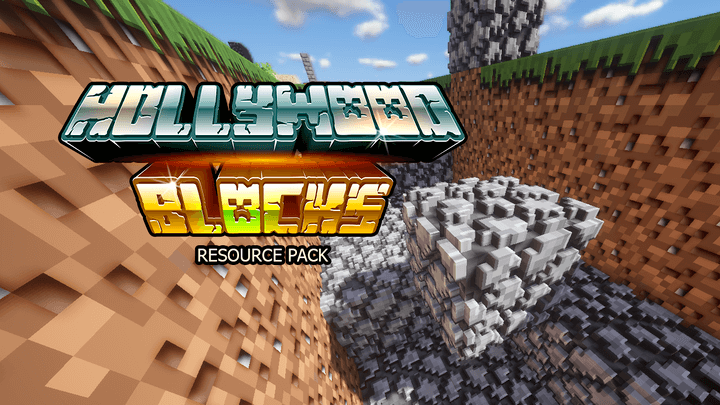 If you enjoy enhancing your Minecraft environment, we recommend using the Hollywood Blocks texture pack for Minecraft. With these new changes, you’ll be able to enjoy updated textures, which will now have a resolution of 256×256.
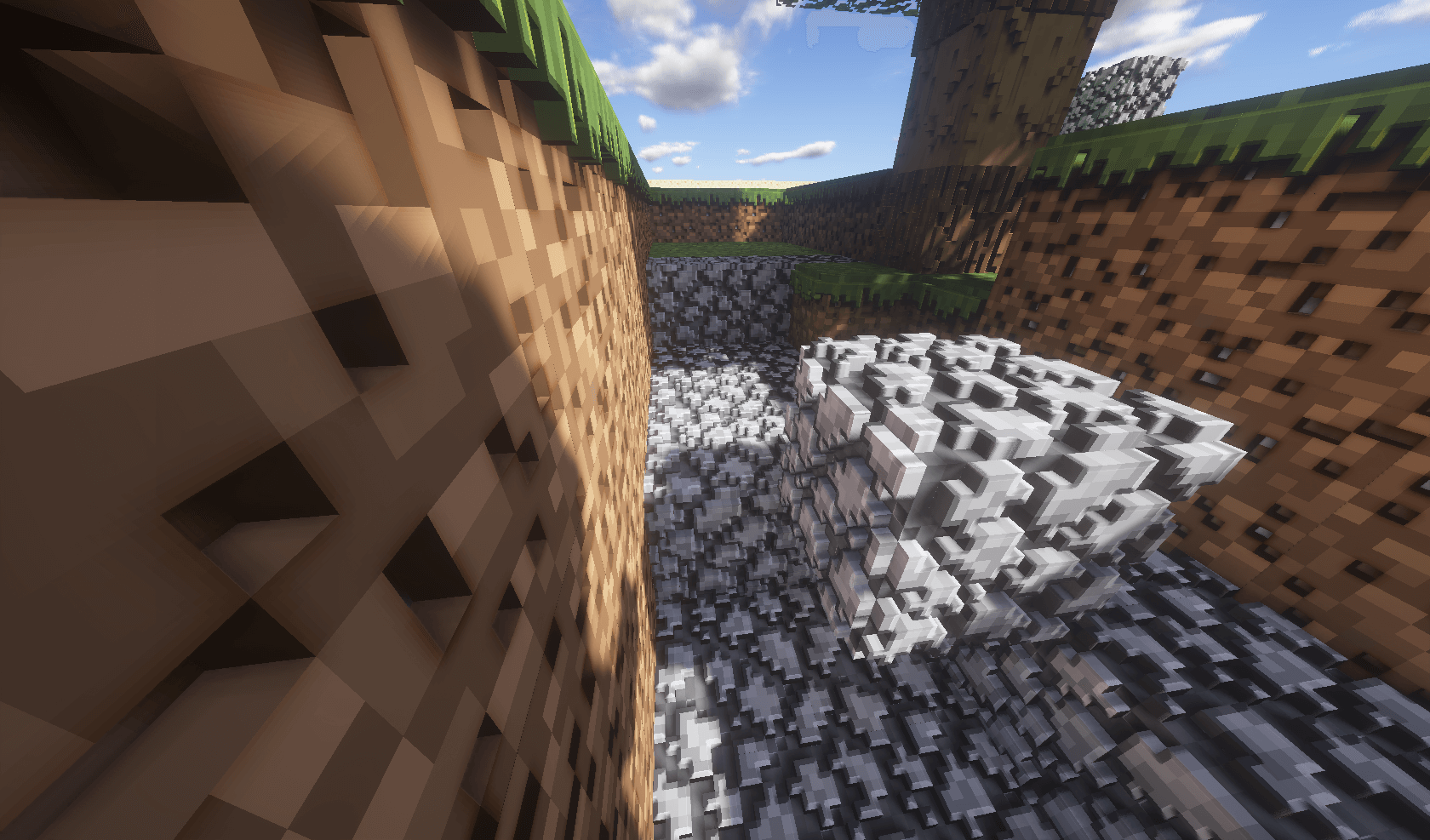
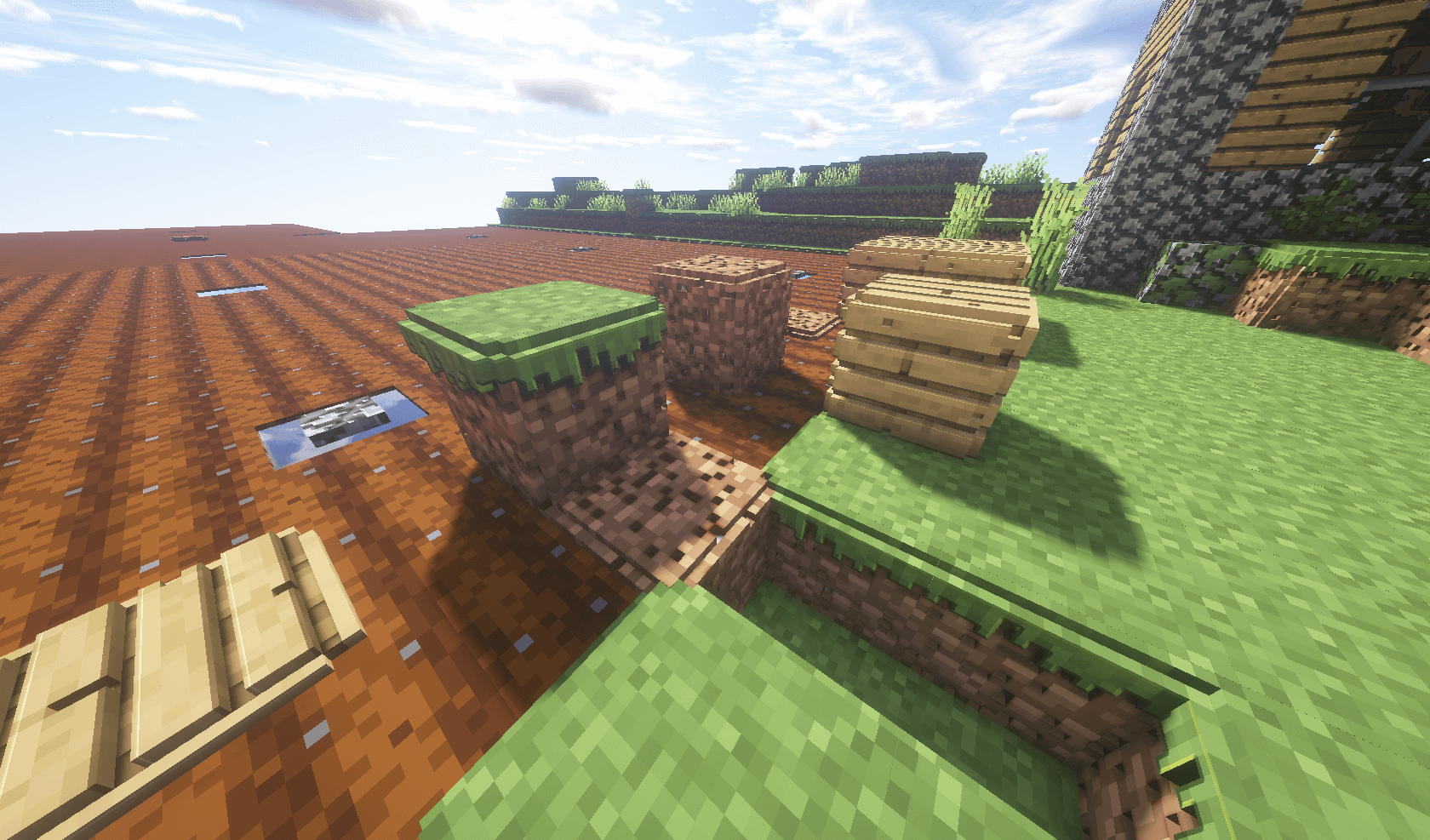
The textures will now look much better, allowing you to enjoy spending time with the new visual design. Thanks to the increased resolution, you’ll be able to examine all the available textures in detail and simply enjoy the new scenery. We wish you good luck and a pleasant time!
How to install the texture pack:
Step 1: Download the texture pack using the link below.
Step 2: Extract the downloaded archive and copy the folder Hollywood Blocks to the path c:\Users\Пользователь\AppData\Roaming\.minecraft\resourcepacks\ (if this folder does not exist, create it yourself)(For Windows)
Step 3: In the game, go to Settings, then Resource Packs. There, click on the icon for the new texture pack that appears in the left-hand list.
Comments (8)