



JermsyBoy's Vanilla Edits for Minecraft 1.15
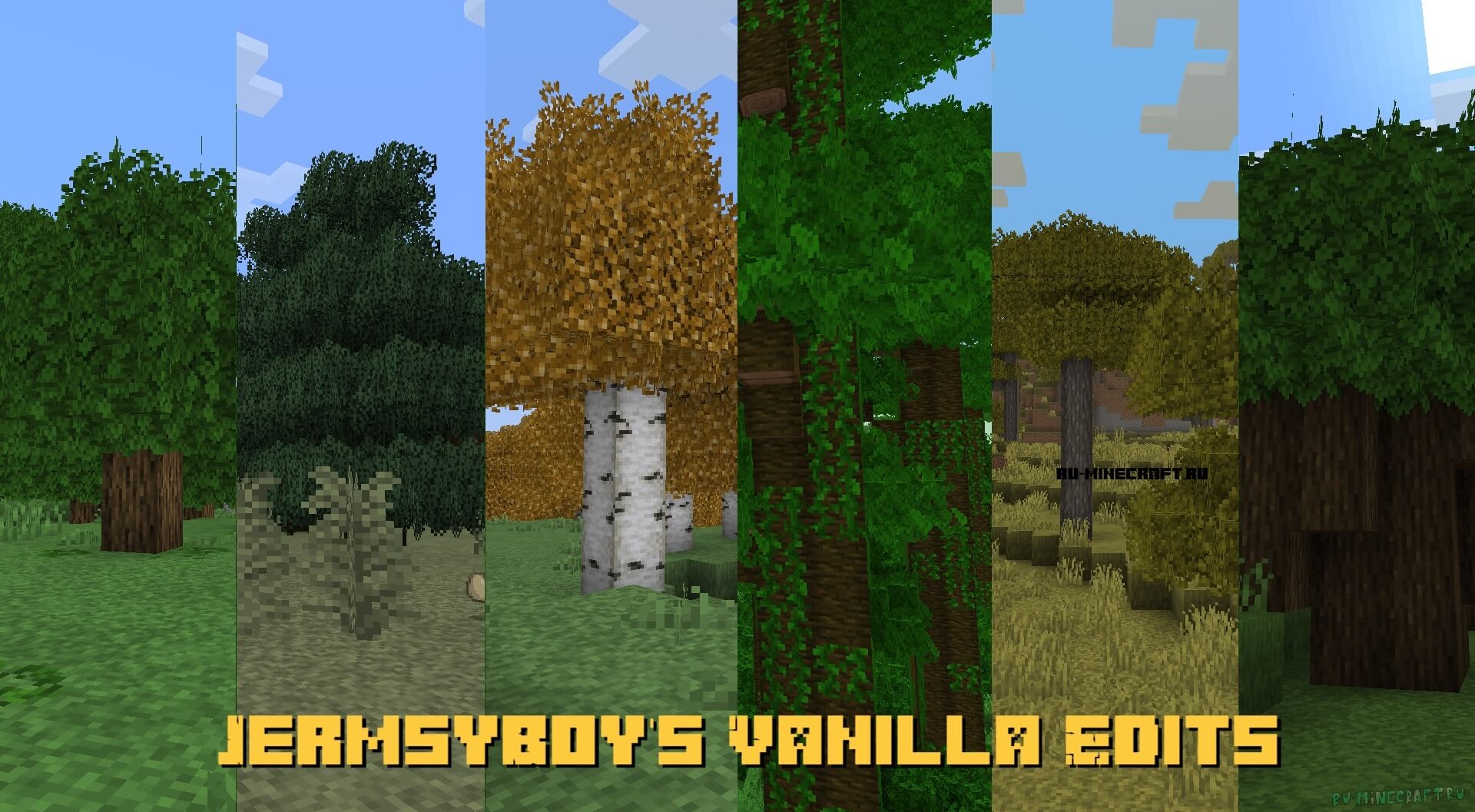 Vanilla is a classic visual style for the game that is very popular among fans. Today, you’ll have the chance to try out the updated JermsyBoy's Vanilla Edits 1.15 texture pack for Minecraft.
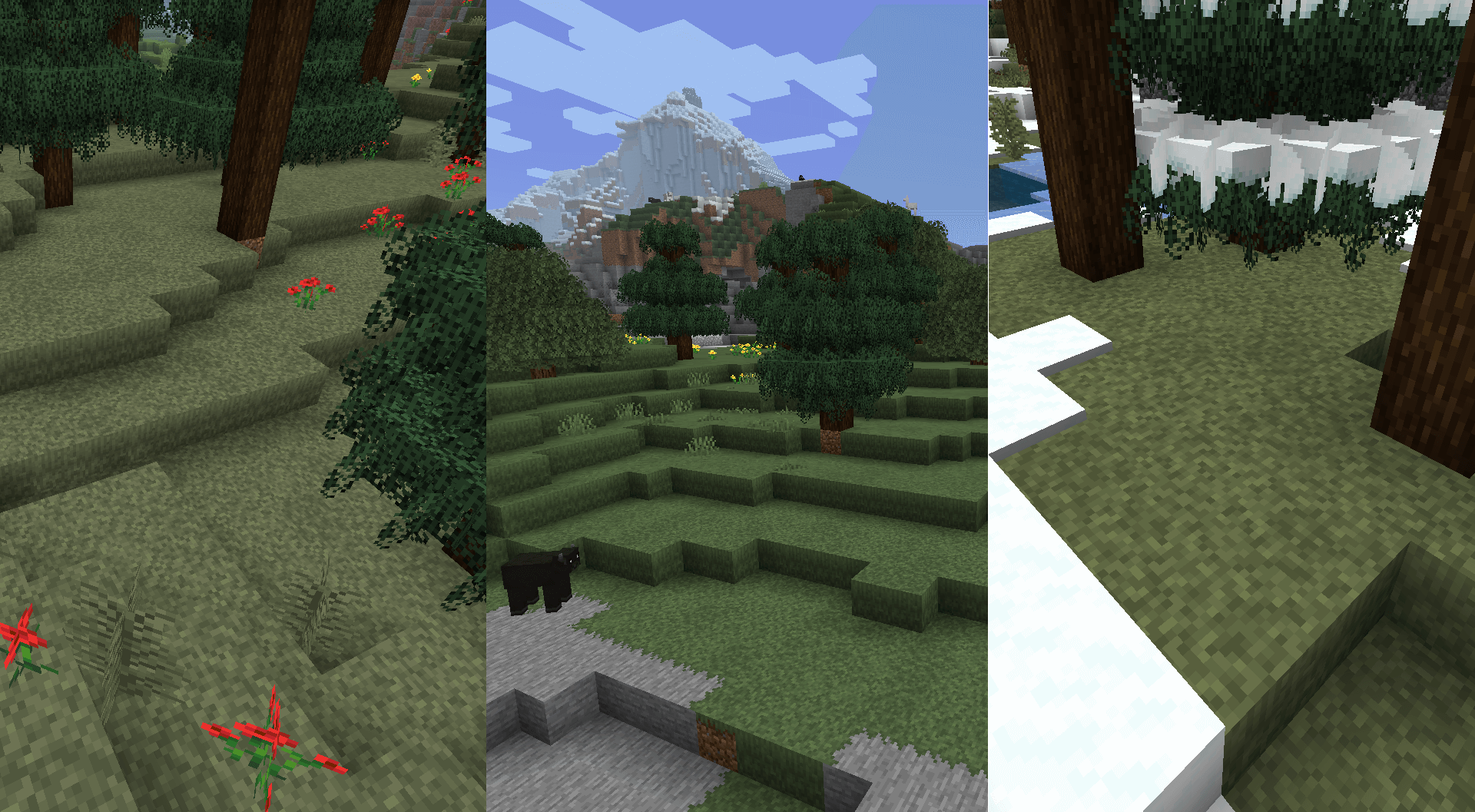
It offers improved versions of textures that were previously purely vanilla. The author has tried not to alter the underlying style and to stay strictly faithful to the classic textures.
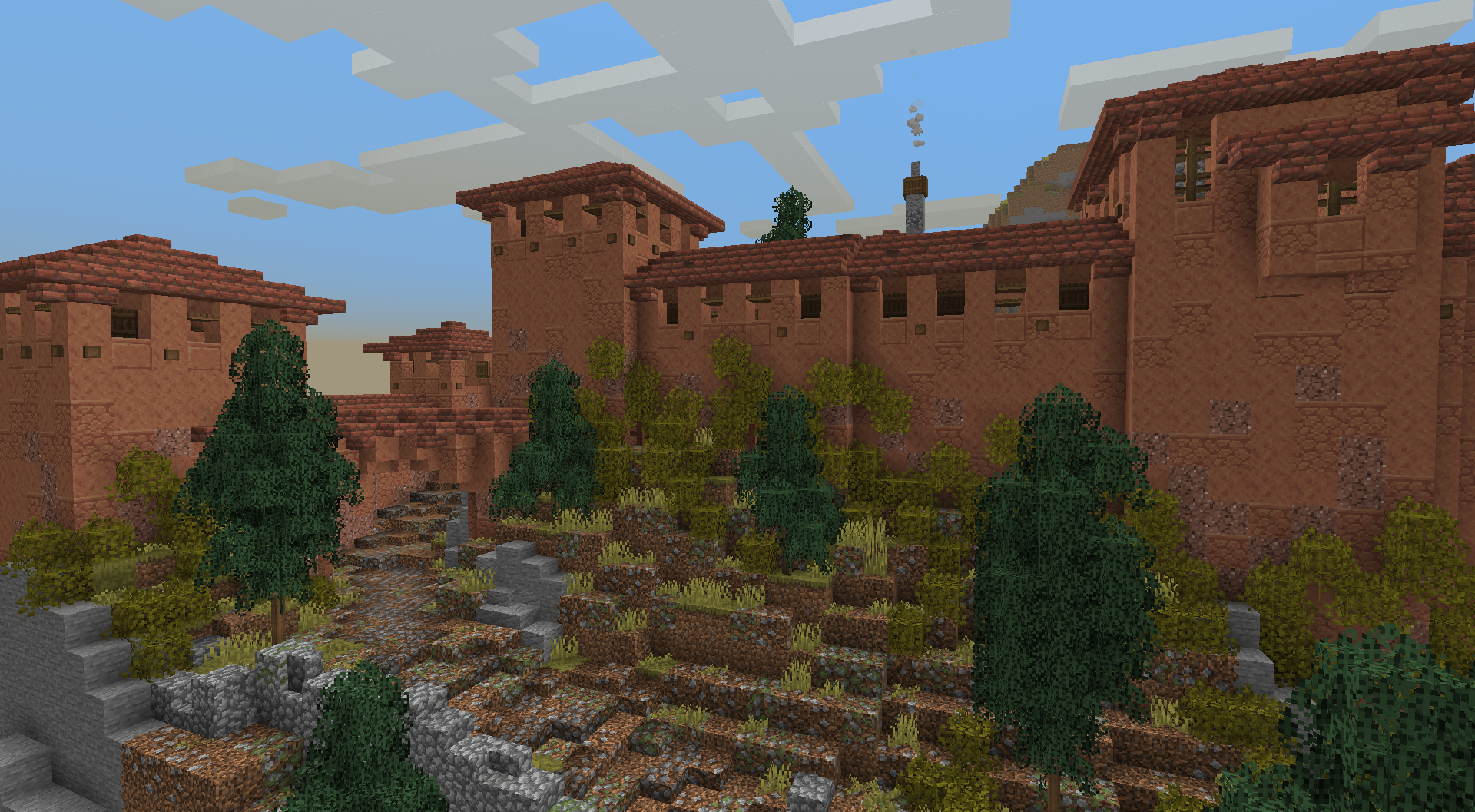 All you need to do is try out your new possibilities and enjoy the game, which will become not only a foundation but also a welcome reason to re-explore the virtual world. You certainly won’t be disappointed and will get the most enjoyment out of the game.
How to install the texture pack:
Step one: Download the texture pack using the link below.
Step two: Unzip the downloaded archive and copy the folder JermsyBoy's Vanilla Edits to the path c:\Users\Пользователь\AppData\Roaming\.minecraft\resourcepacks\ (if this folder does not exist, create it yourself)(For Windows)
Step three: In the game, go to Settings, then Resource Packs. There, click on the icon for the newly added texture pack in the left-hand list.
Comments (1)