



Terrapack3D for Minecraft 1.15.2
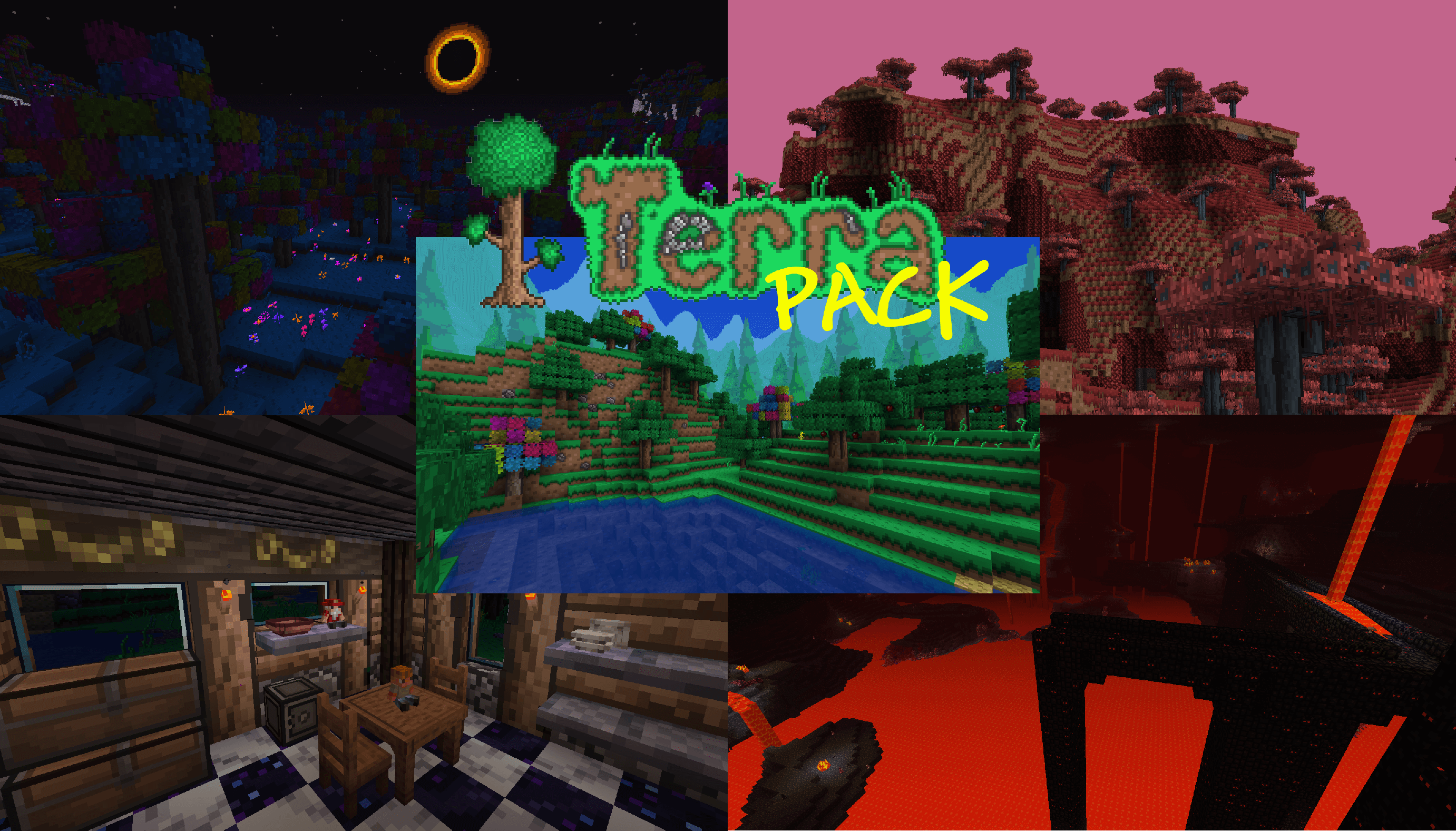 If you want Minecraft to look stunning, we strongly recommend taking a look at the Terrapack3D texture pack for Minecraft. Thanks to these enhancements, you’ll be able to make the most of the updates and enjoy improved visuals.
Simply use this pack, and you’ll immediately notice how the world around you has changed.
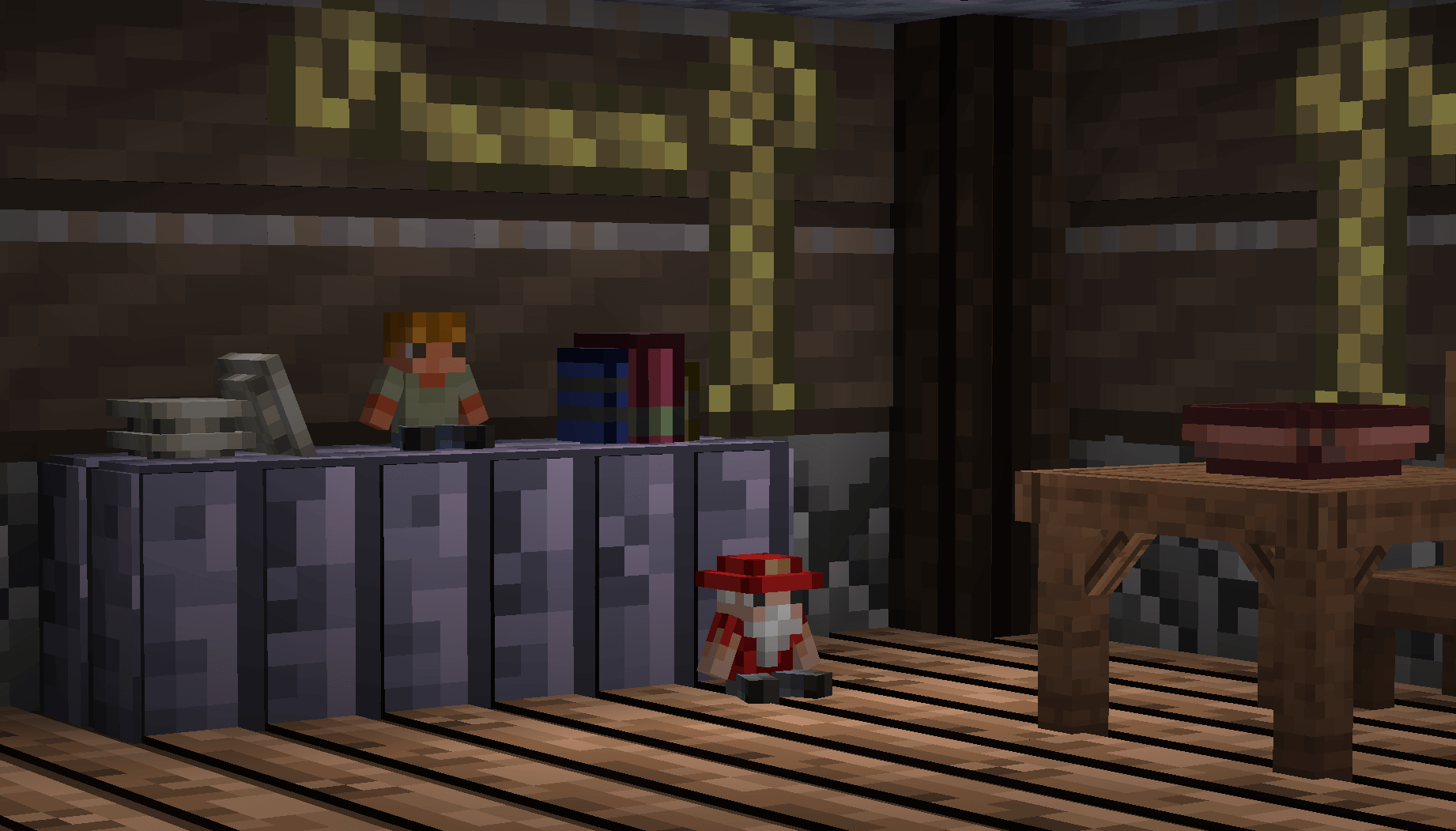 Thanks to numerous improvements, you’ll be able to enjoy sweeping changes to the textures that will radically transform everything around you. So we recommend not wasting any time and simply starting to play.
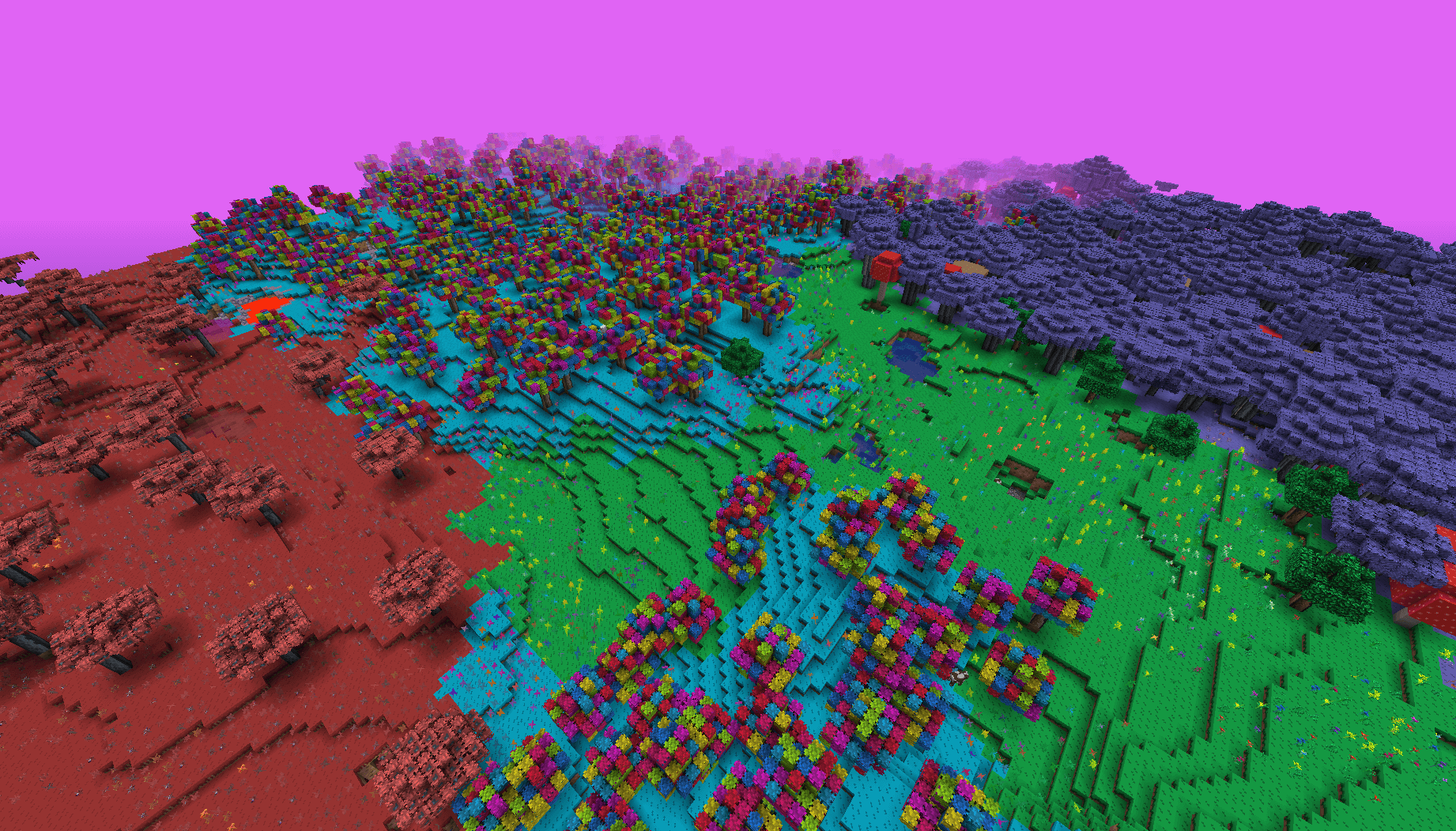
How to install the texture pack:
Step one: Download the texture pack using the link below.
Step two: Unzip the downloaded archive and copy the folder Terrapack3D to c:\Users\Пользователь\AppData\Roaming\.minecraft\resourcepacks\ (if this folder does not exist, create it yourself)(For Windows)
Step three: In the game, go to Settings, then Resource Packs. In the list on the left, click the icon for the newly added texture pack.
Comments (5)