



A Very Minecraft Christmas for Minecraft 26.3
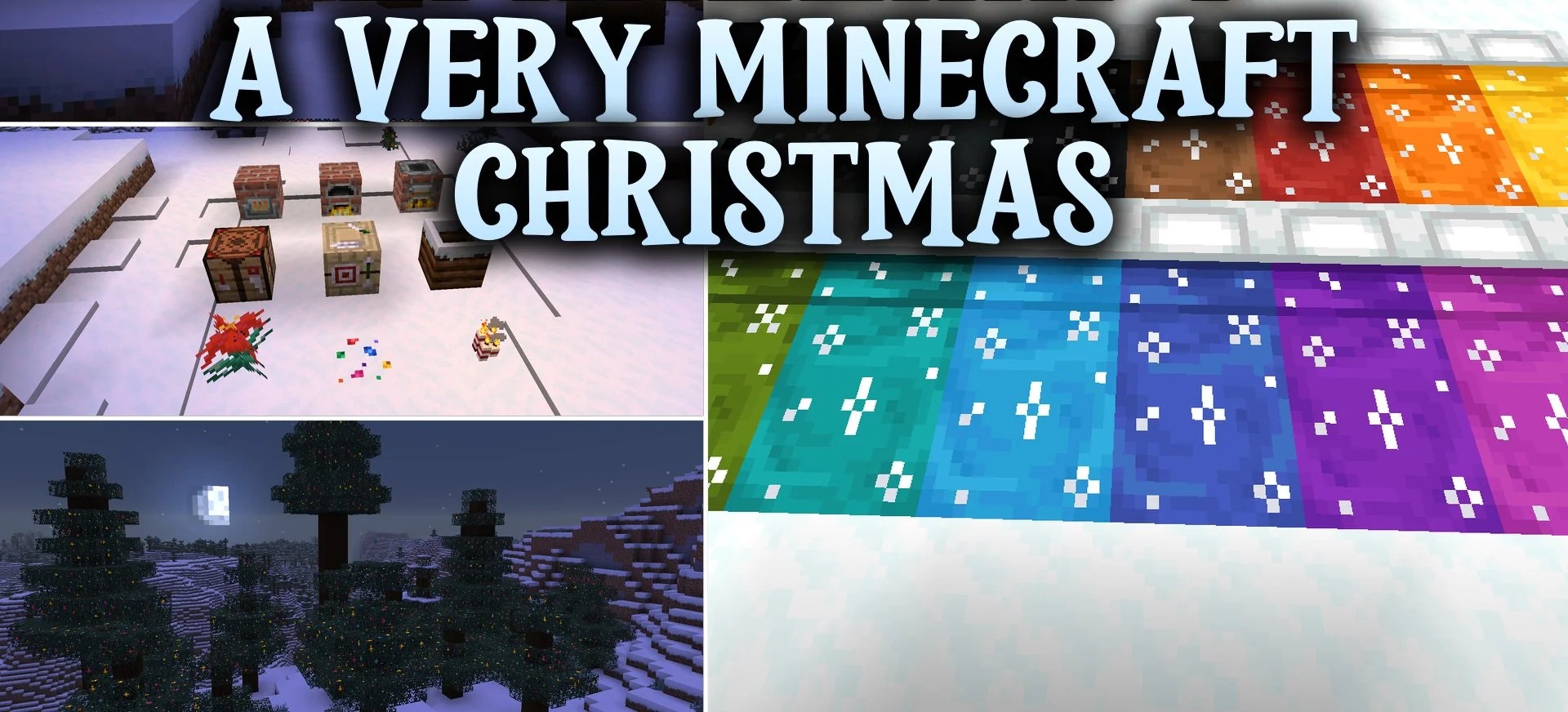
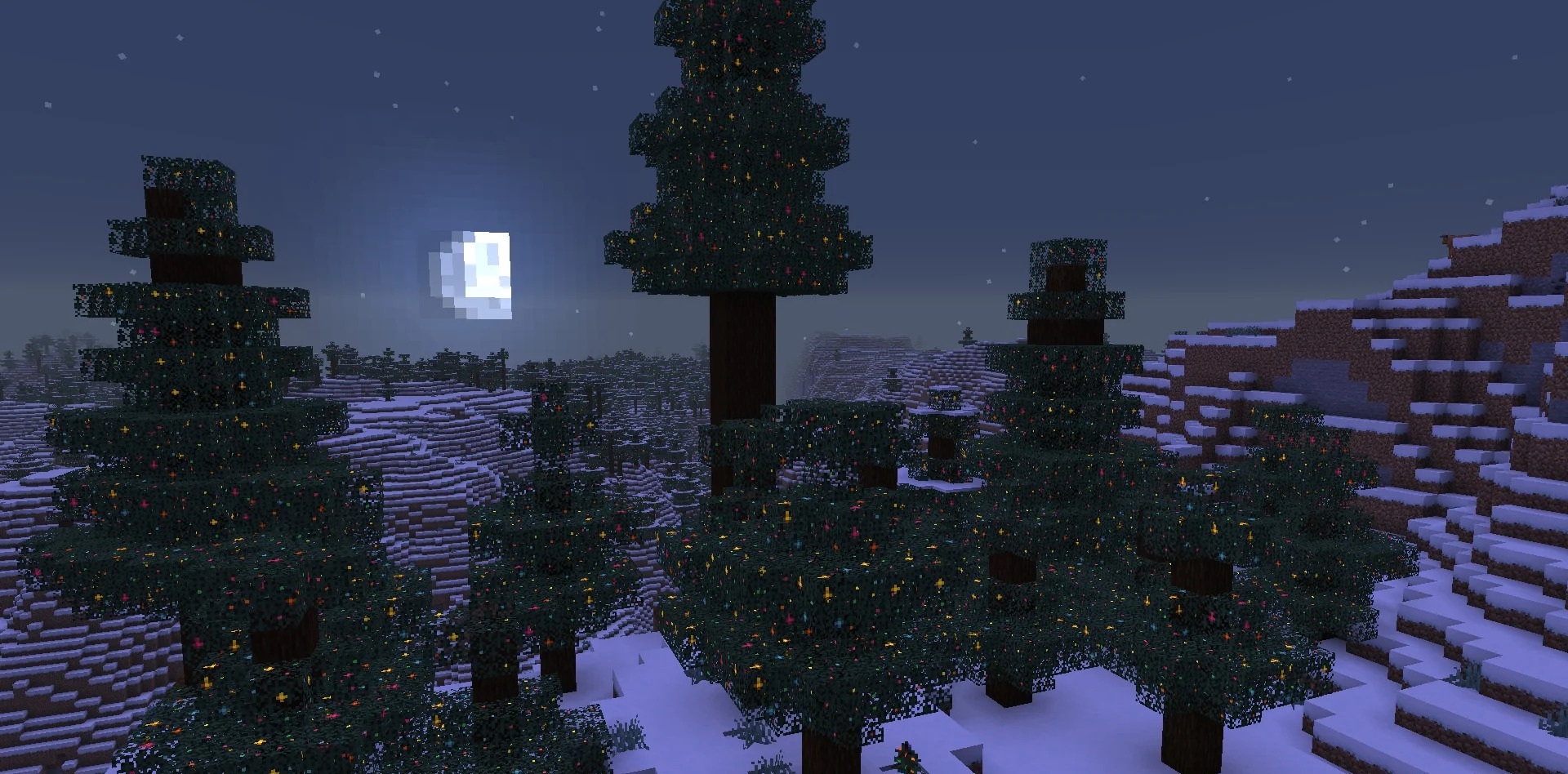
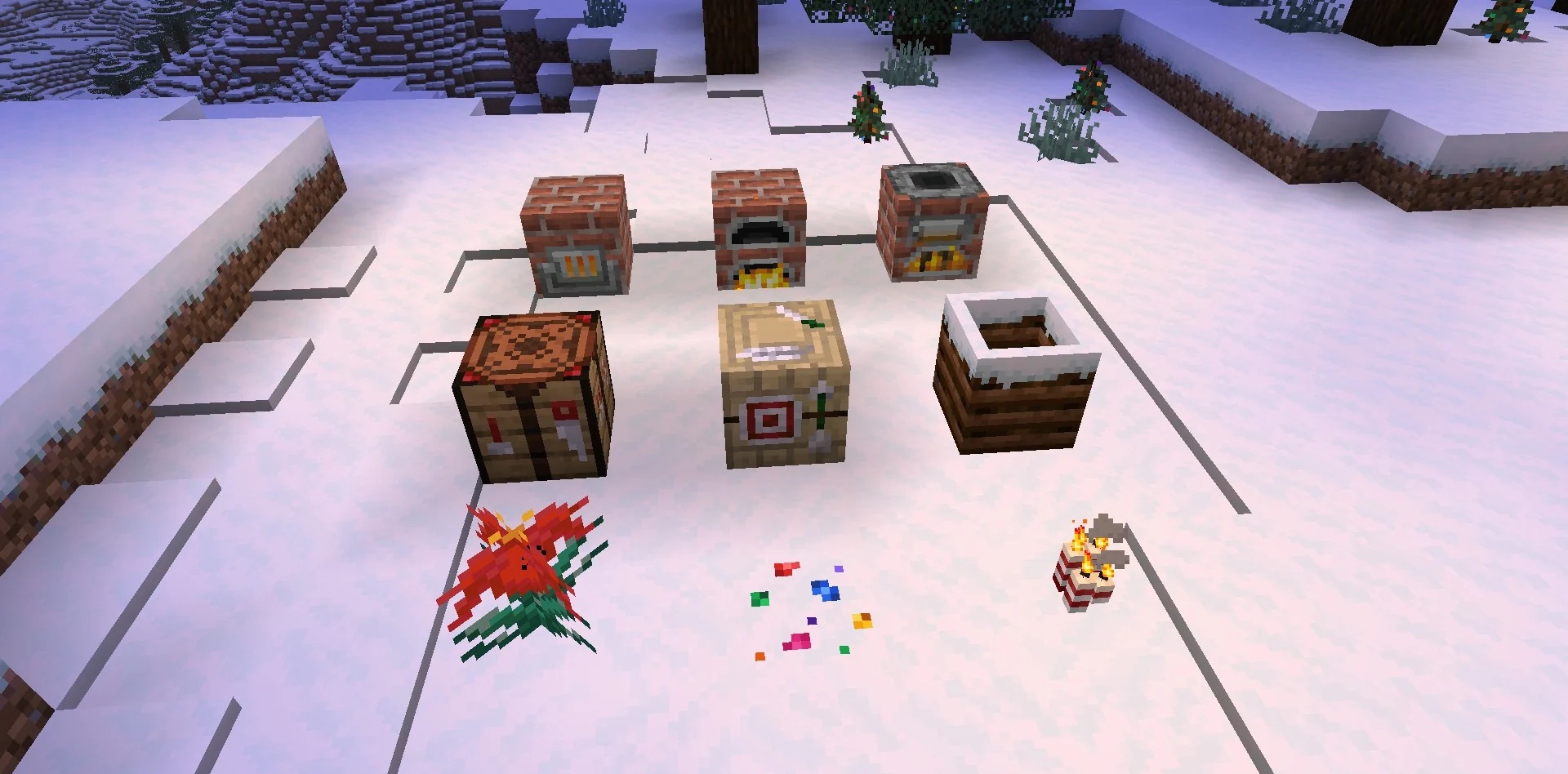
Even a green plain can be transformed into a New Year’s card with A Very Minecraft Christmas. Grass, mycelium and podzol are covered in snow, and ordinary footsteps on grass are accompanied by snowy sounds. Bamboo now resembles striped Christmas sweets, spruce leaves are adorned with fairy lights, and wreaths and garlands appear on doors.
Most mobs are also getting ready for the festive season: they’re sporting themed accessories, and the iron golem even transforms into Santa Claus. Santa hats in sixteen colours are available for your character. You can obtain them by renaming a carved pumpkin on an anvil.
How to install a texture pack:
Step one: Download the texture pack using the link below.
Step two: Extract the downloaded archive and copy the folder A Very Minecraft Christmas to the path c:\Users\Пользователь\AppData\Roaming\.minecraft\resourcepacks\ (if this folder does not exist, create it yourself) (For Windows)
Step three: In the game, go to Settings, then Resource Packs. There, click the icon for the newly added texture pack in the left-hand list.
Comments (0)