



Bushy Leaves Enhanced for Minecraft 26.3

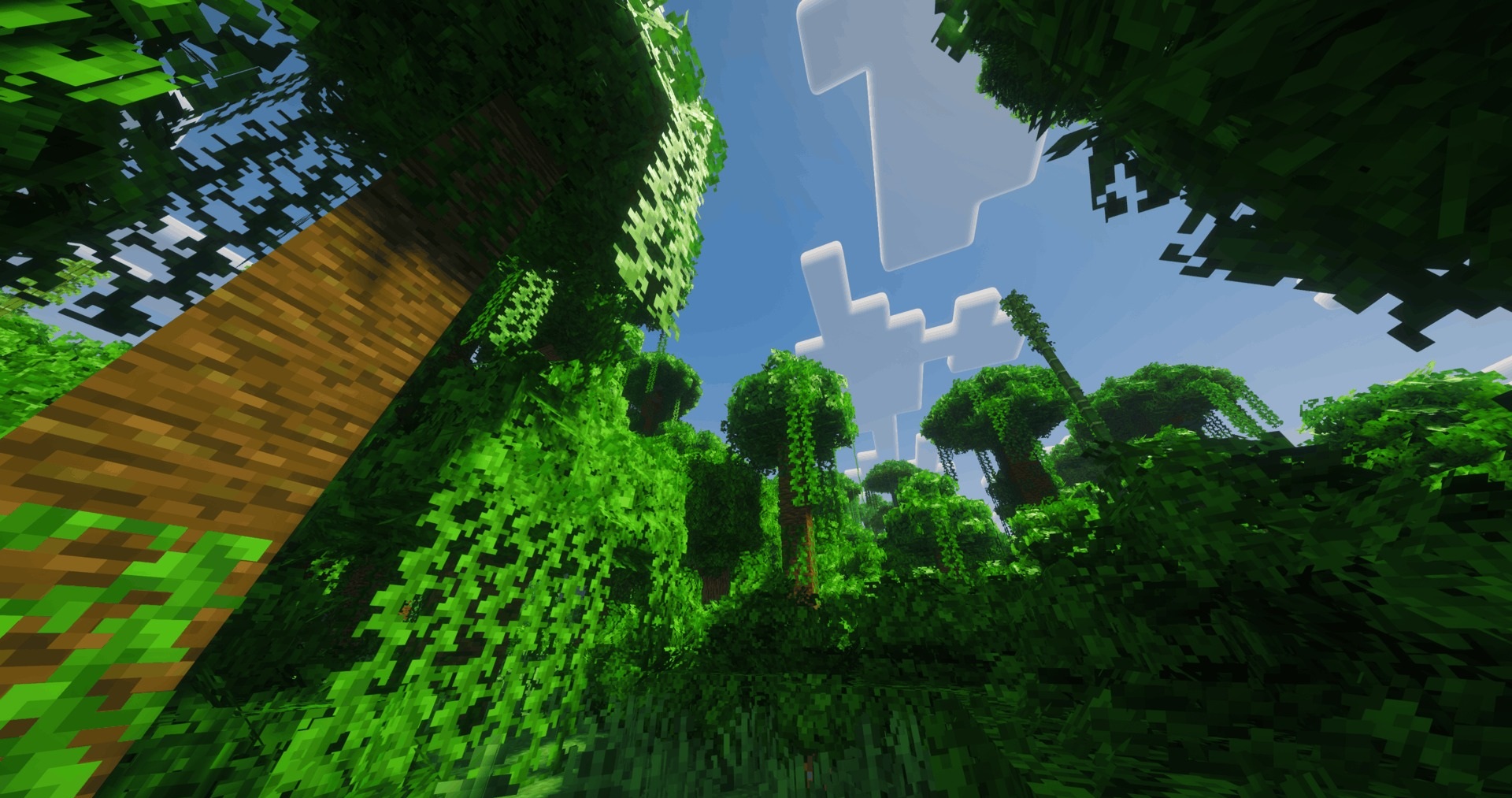
After installing Bushy Leaves Enhanced, trees become noticeably bushier. Additional planes of leaves appear on standard foliage blocks, extending beyond the boundaries of the cube. As a result, the tree canopies no longer look quite so square, although the familiar Minecraft colours and textures are retained.
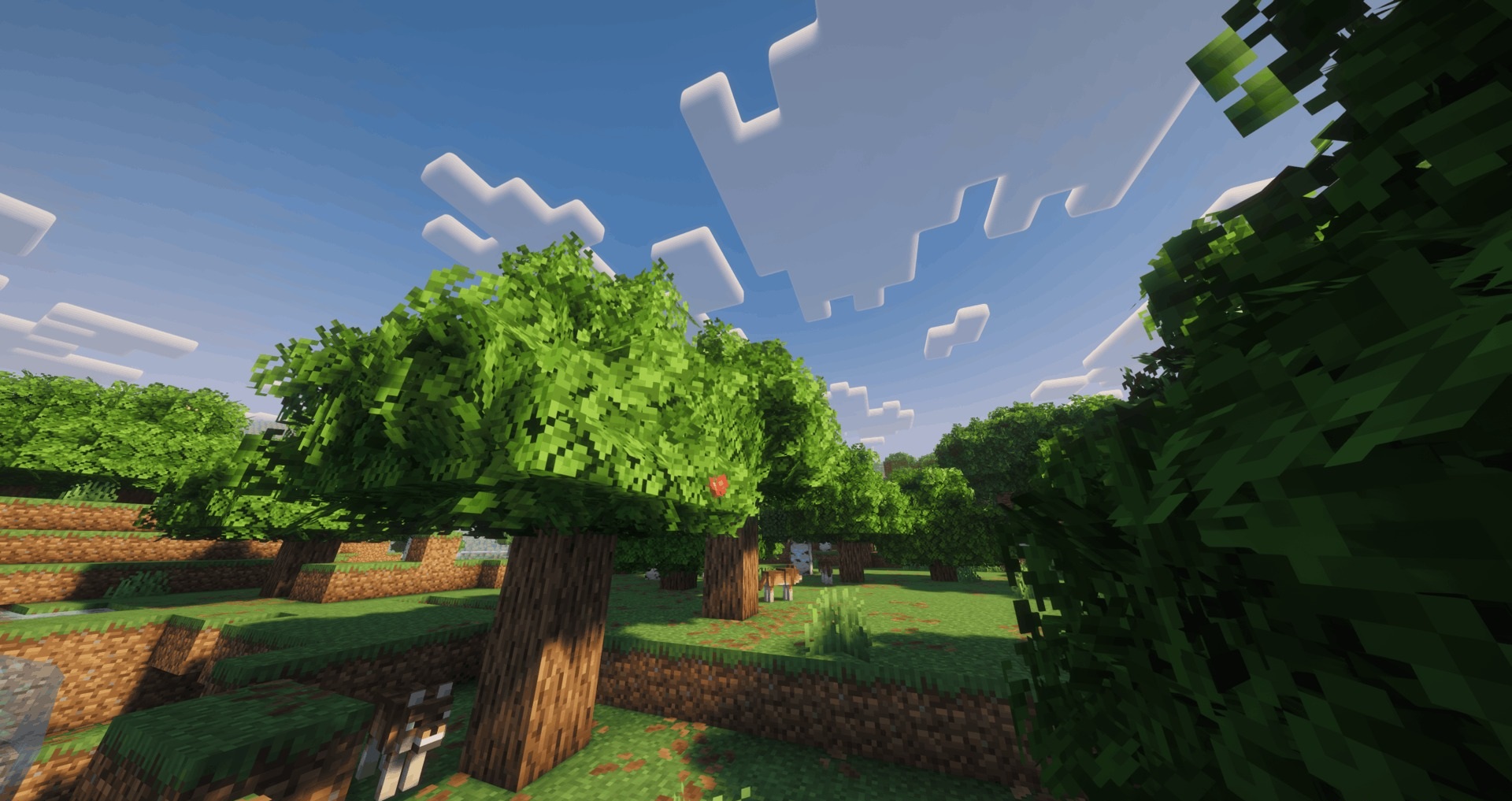
The author has created distinct designs for different tree species. Here and there among the leaves, you can spot flowers or fruit; coniferous trees feature cones, while certain varieties are adorned with catkins and small vines. To prevent the same elements from repeating too often, three foliage layouts with four rotations are used.
How to install the texture pack:
Step one: Download the texture pack using the link below.
Step two: Extract the downloaded archive and copy the folder Bushy Leaves Enhanced to c:\Users\Пользователь\AppData\Roaming\.minecraft\resourcepacks\ (if this folder does not exist, create it yourself) (For Windows)
Step three: In the game, go to Settings, then Resource Packs. There, click on the icon for the newly added texture pack in the left-hand list.
Comments (0)