



CuteGUI for Minecraft 26.3
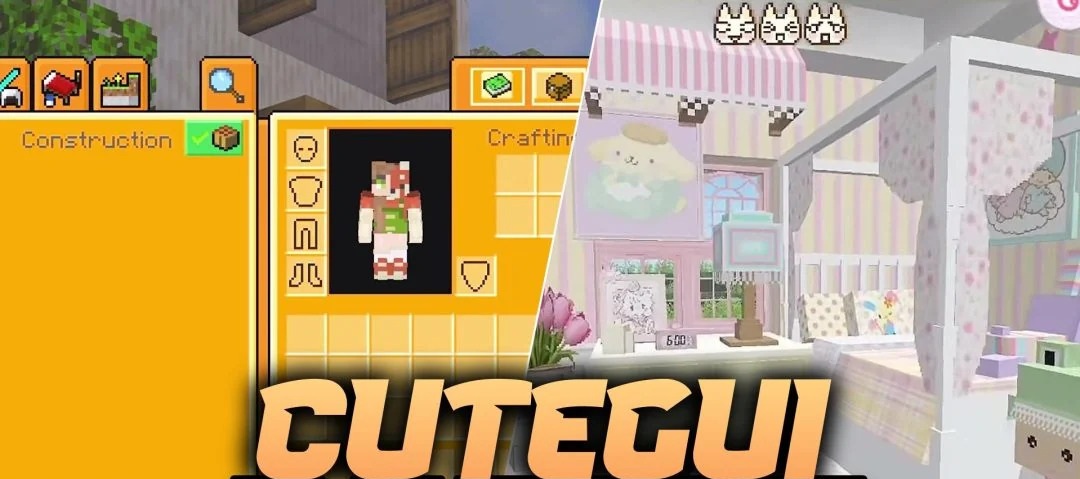
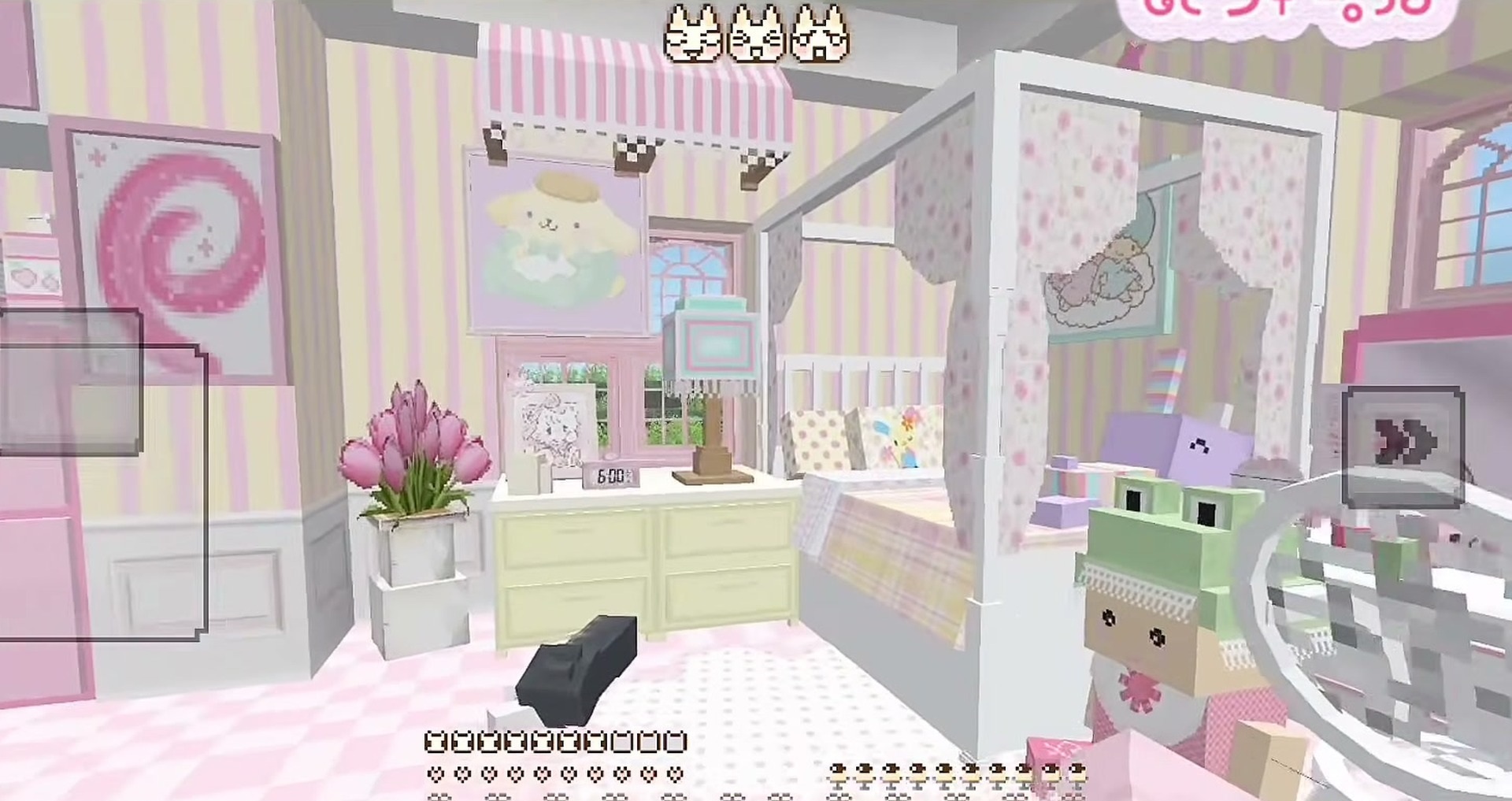
With CuteGUI, Minecraft’s familiar grey windows are replaced by a soft pink interface with small decorative details. The inventory, buttons and other in-game menus take on a fresh look. The author has also tweaked the elements that are constantly in view during gameplay.
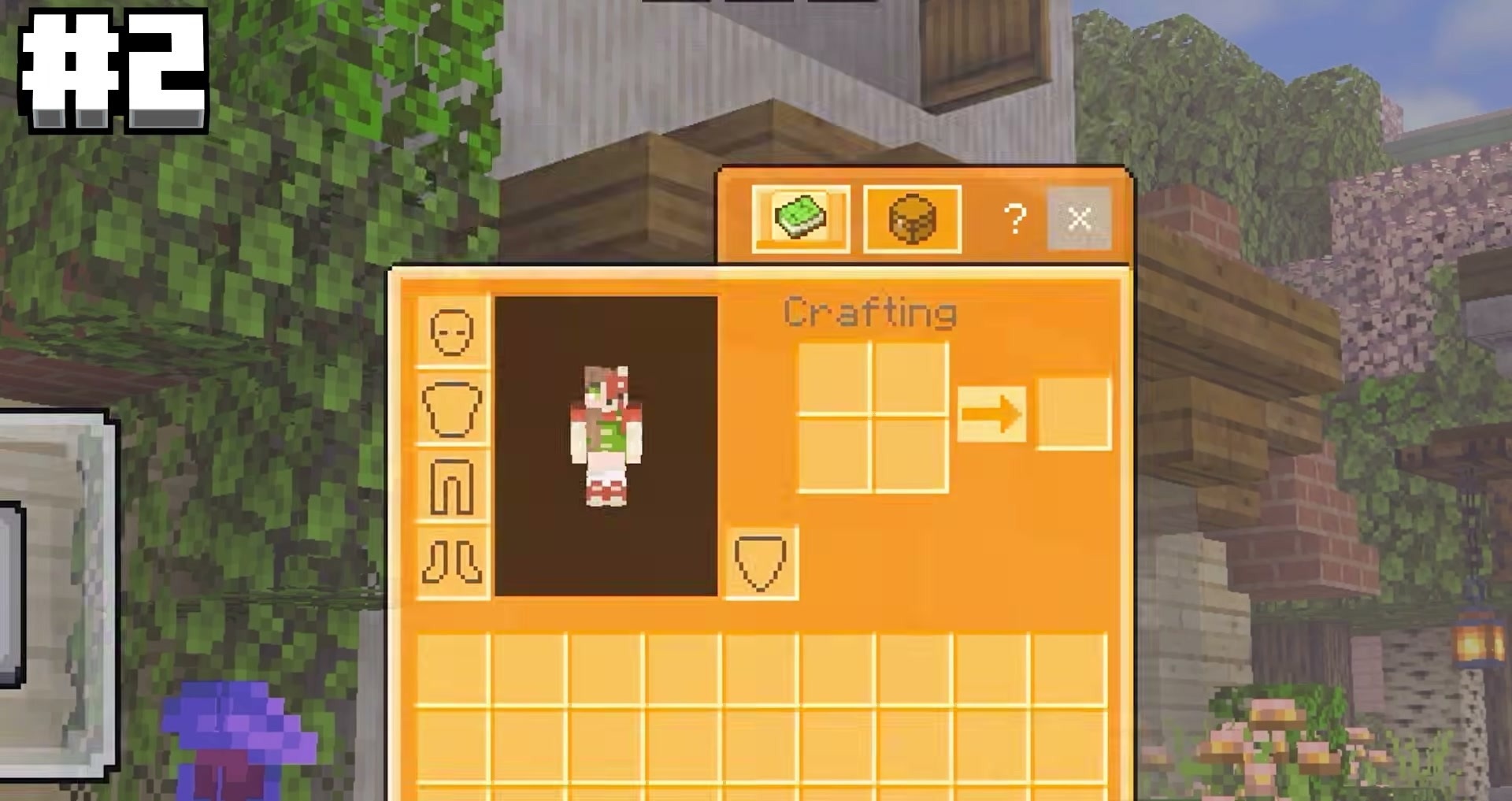
For example, the standard crosshair has been scaled down, while the attack cooldown indicator now matches the overall colour scheme. The pack contains a total of 363 textures, all of which relate exclusively to the interface. Blocks, items and mobs will remain the same as before. The pack can easily be combined with other resource packs; for example, you can change the vegetation or weapons separately.
How to install the texture pack:
Step one: Download the texture pack using the link below.
Step two: Extract the downloaded archive and copy the CuteGUI folder to c:\Users\Пользователь\AppData\Roaming\.minecraft\resourcepacks\ (if this folder does not exist, create it yourself) (For Windows)
Step three: In the game, go to Settings, then to Resource Packs. Click the icon for the newly added texture pack in the left-hand list.
Comments (0)