



Hearthwood 128x for Minecraft 26.3
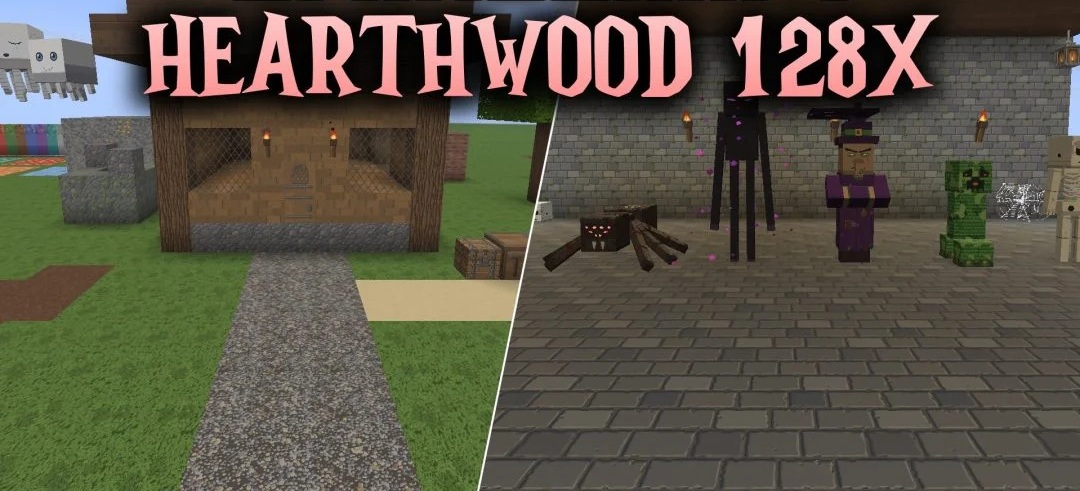
If you’re planning to build a medieval fortress or a small village, take a closer look at Hearthwood 128x. The wooden planks look as though they’ve been fastened together by hand, metal surfaces now feature rivets, and the stone blocks bear tool marks. Everything is rendered at 128x resolution, including items, mobs, the interface and particles.
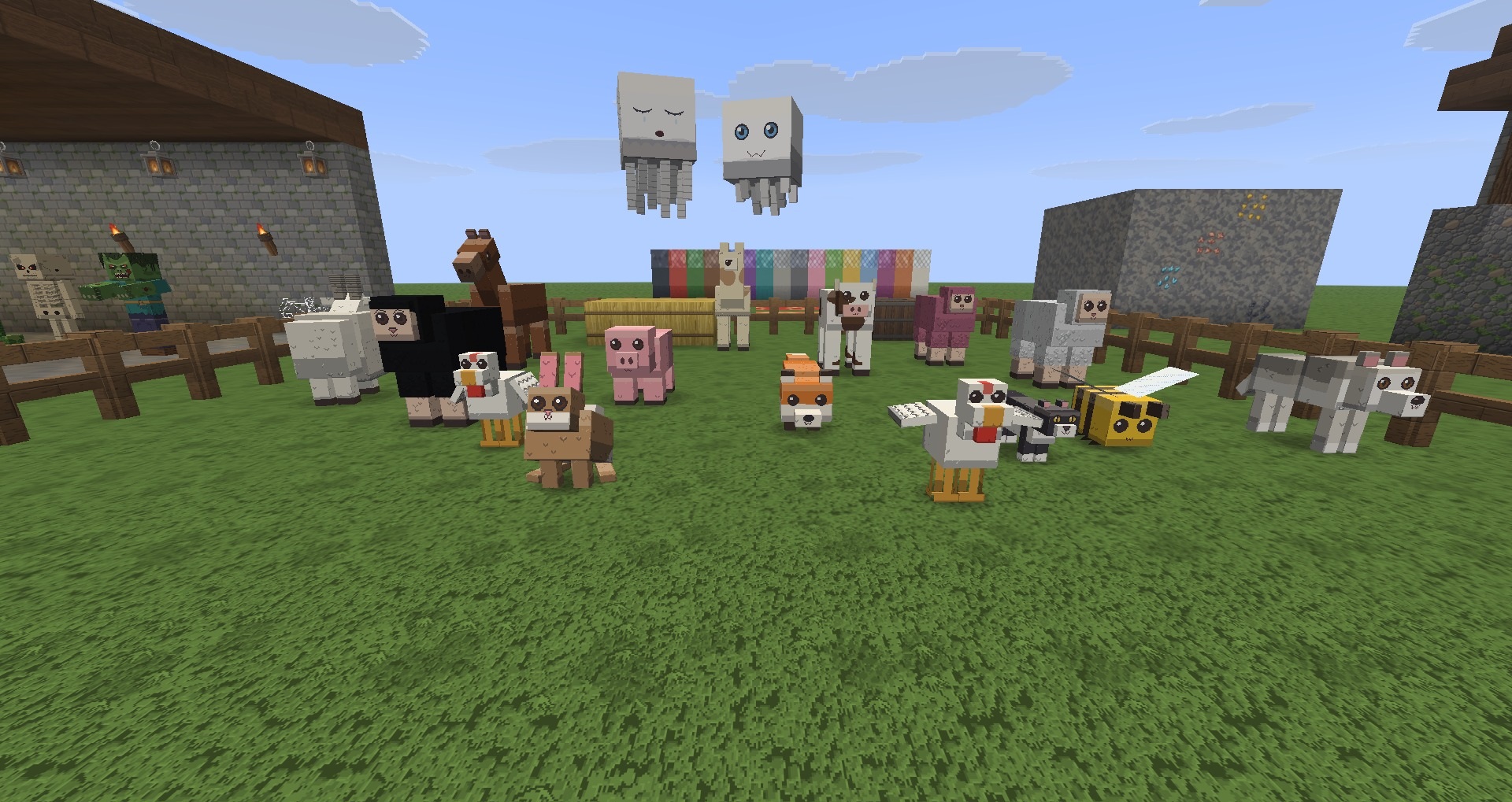
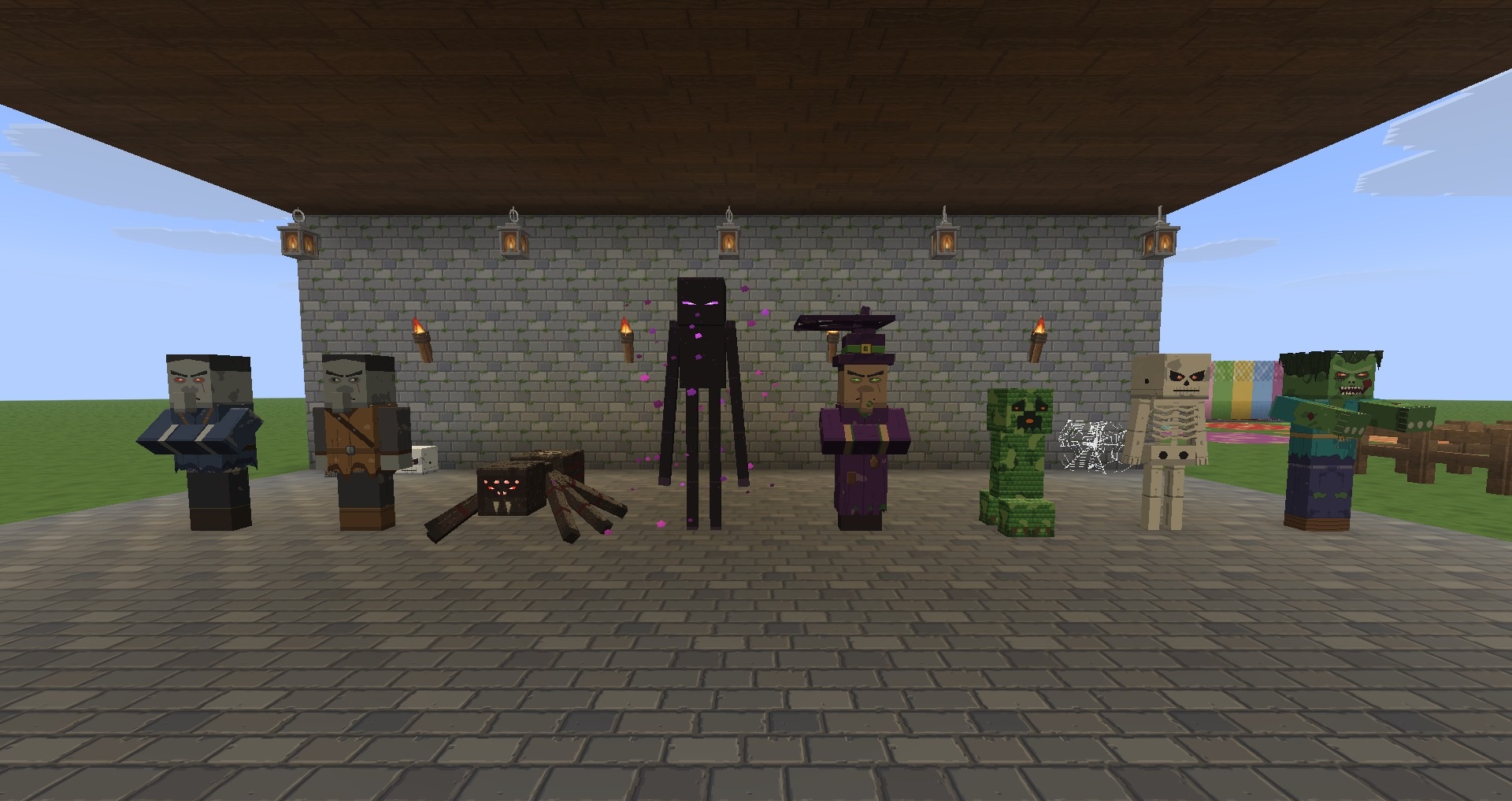
The equipment has been reworked in particularly interesting ways. Tools and armour have four stages of wear that alter their appearance. Different armour materials have their own distinct shapes, while dyed leather armour can be used to create the look of a monk, a pirate or a plague doctor. Many decorative items are now three-dimensional.
How to install a texture pack:
Step one: Download the texture pack using the link below.
Step two: Extract the downloaded archive and copy the folder Hearthwood 128x to c:\Users\Пользователь\AppData\Roaming\.minecraft\resourcepacks\ (if this folder does not exist, create it yourself) (For Windows)
Step three: In the game, go to Settings, then Resource Packs. Click the icon for the new texture pack that appears in the list on the left.
Comments (0)