



Keaton’s Reimagined Bookshelves for Minecraft 26.3
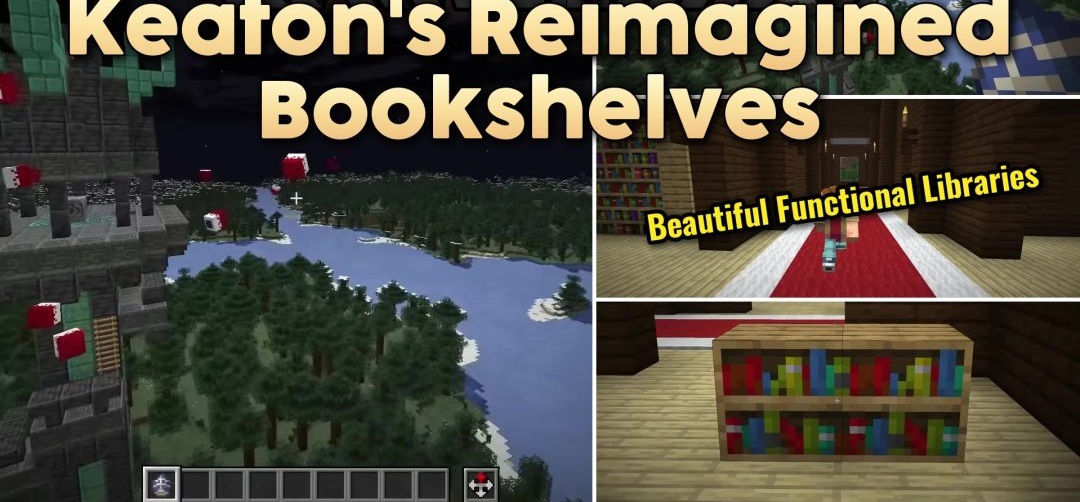
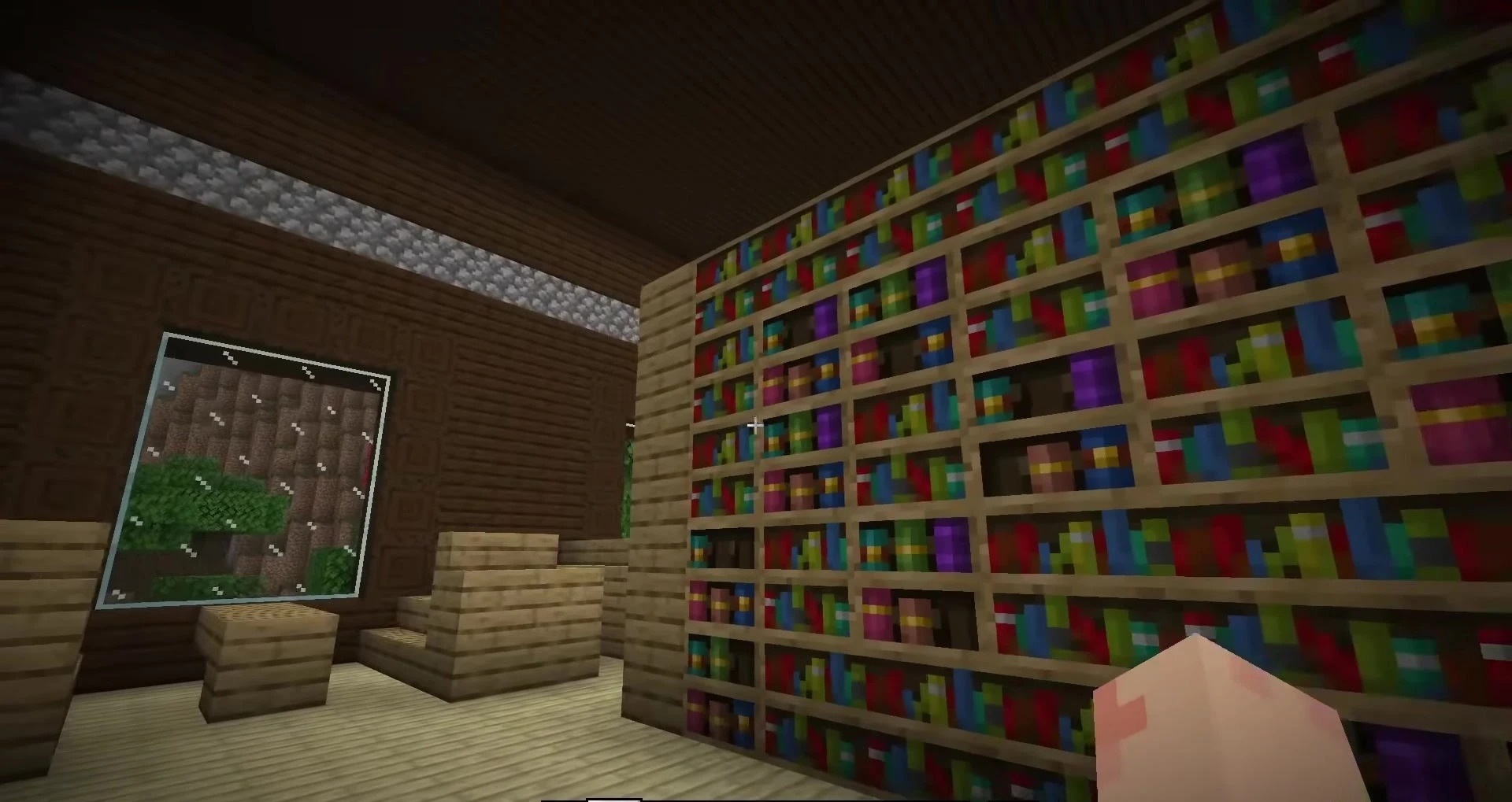
Keaton’s Reimagined Bookshelves focuses on a single block and offers four different design options for it. The standard bookshelf receives a cleaner redesigned texture that can be selected to match a library interior, living room, or another type of space.

Only one of the four designs is used at a time, so the pack does not add unnecessary variants directly into the game and remains small in size. The top surface of the block has also been reworked: its design matches the texture of the chiseled bookshelf and helps both types look consistent when placed next to each other.
How to install the texture pack:
First step: download and install Keaton’s Reimagined Bookshelves
Second step: copy the texture pack to the C:\Users\USER_NAME\AppData\Roaming\.minecraft\resourcepacks
Third step: in game settings choose needed resource pack.
Comments (0)