



Marin Kitagaa Gui for Minecraft 26.3
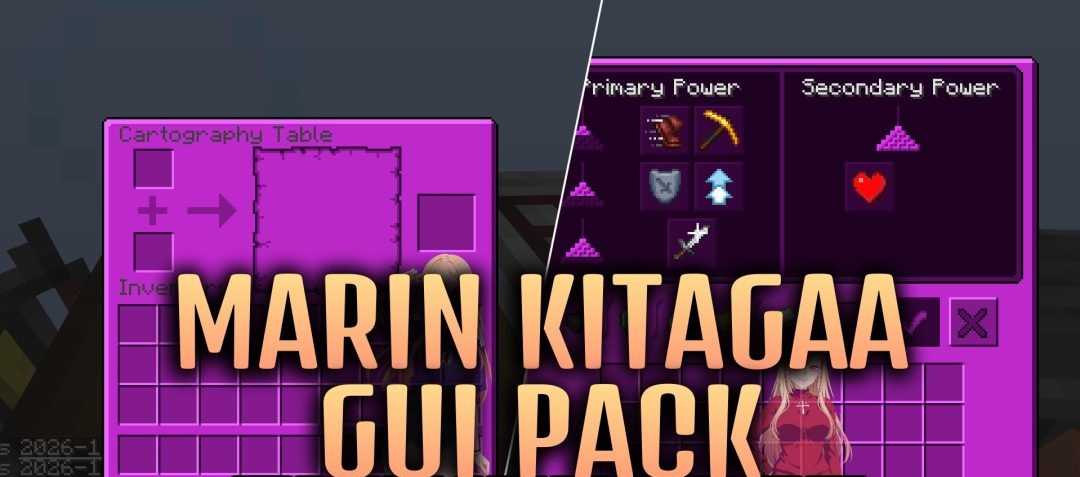
Marin Kitagawa now appears directly within the Minecraft interface. Marin Kitagaa Gui replaces the standard grey windows with a themed design featuring images of the famous anime heroine. The changes start with the main menu and the standard inventory, but they don’t stop there.
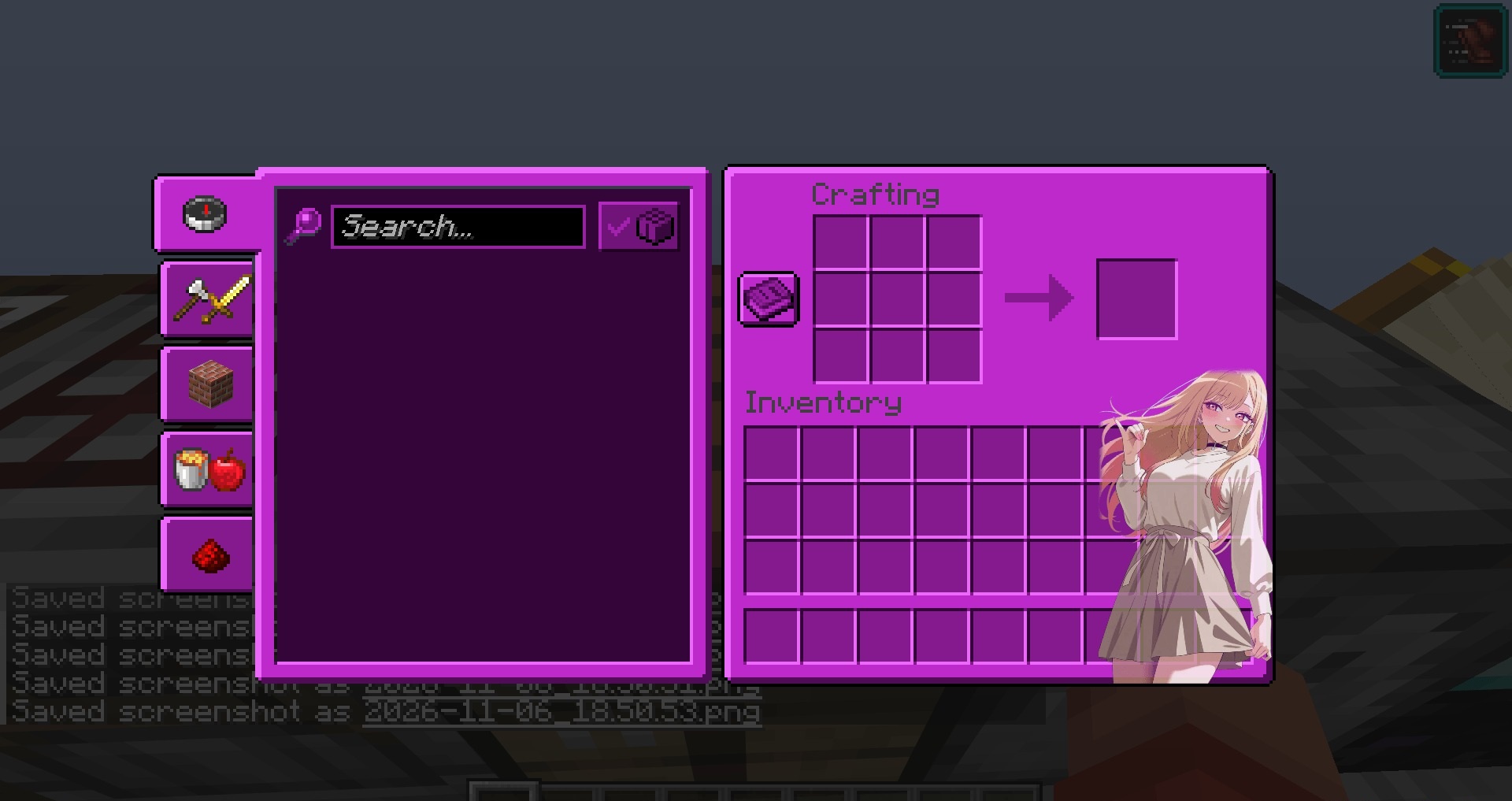
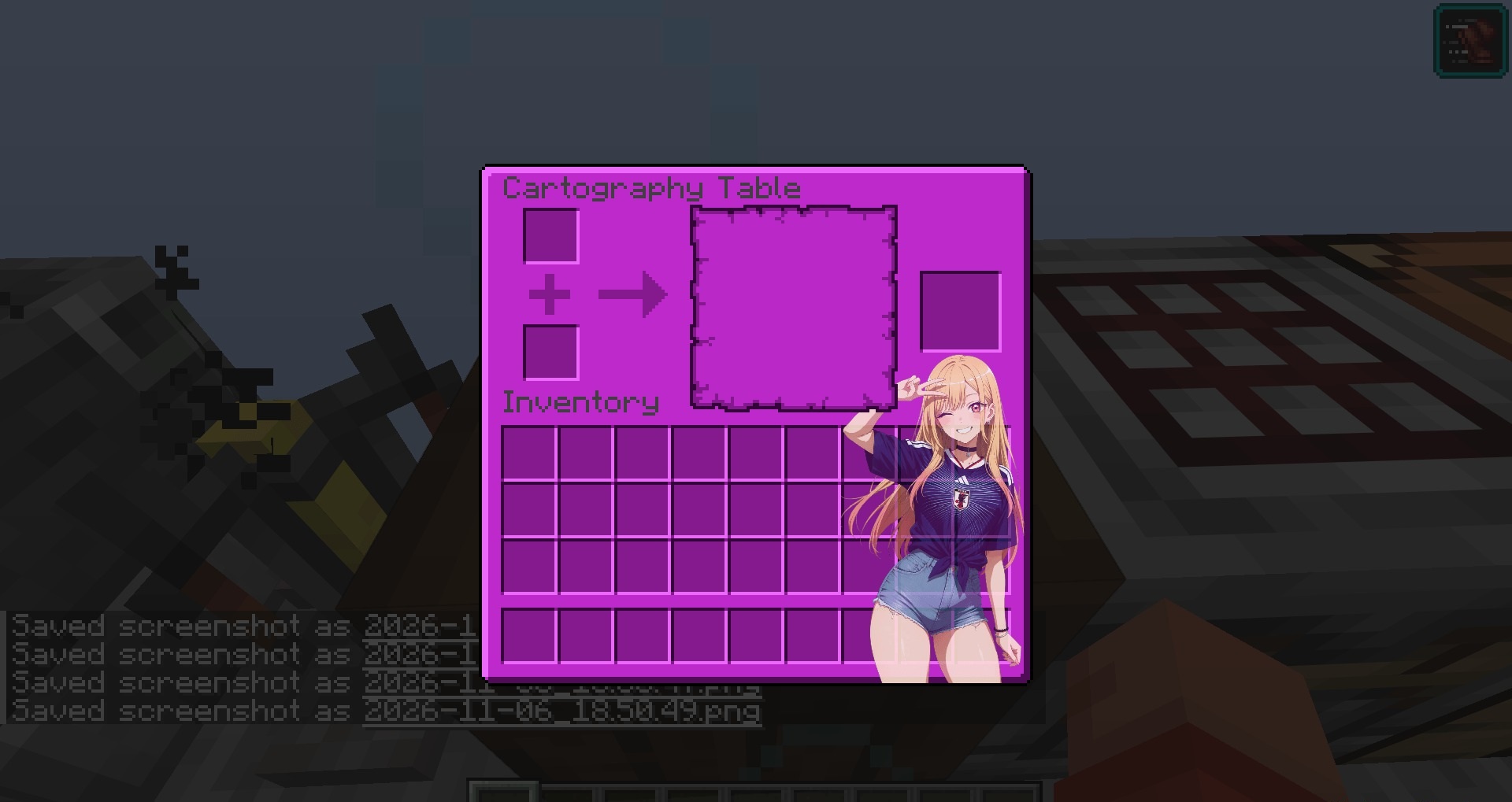
The crafting table, furnaces, anvil, enchanting table, chests and shulker boxes have all received new screens. The Creative mode tabs, item search and villager trading windows have been redesigned. There are even custom designs for interacting with horses and nautiluses. The stonecutter, beacon, loom and cartography table have not been forgotten either.
How to install the texture pack:
Step one: Download the texture pack using the link below.
Step two: Extract the downloaded archive and copy the folder Marin Kitagaa Gui to the path c:\Users\Пользователь\AppData\Roaming\.minecraft\resourcepacks\ (if this folder does not exist, create it yourself) (For Windows)
Step three: In the game, go to Settings, then Resource Packs. There, click the icon for the new texture pack in the left-hand list.
Comments (0)