



Vayu Pack Immersion for Minecraft 26.3
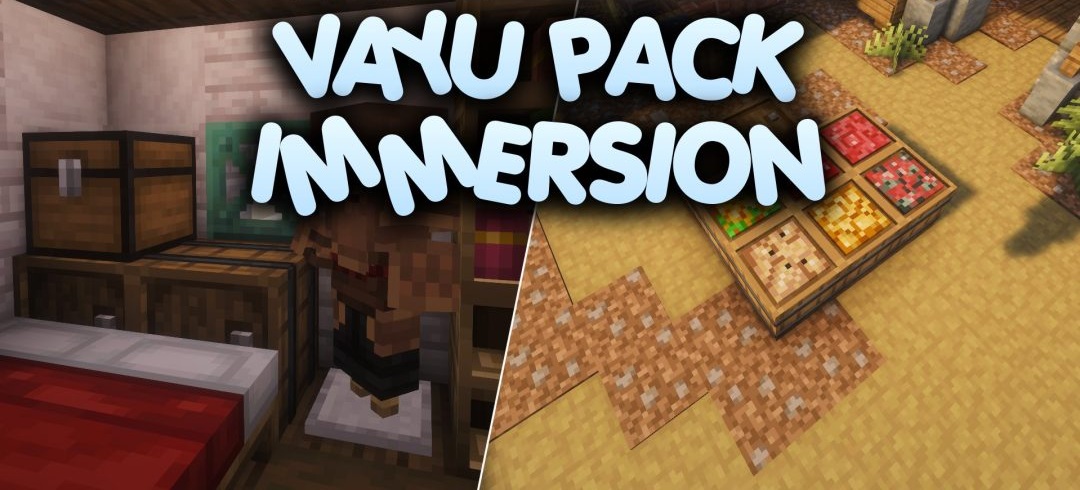
Start trading with a farmer, then visit another villager — in Vayu Pack Immersion, their trading windows will differ depending on their profession. This is just one of the many little details the author has reworked. The usual light-coloured menus have been replaced by dark panels, and a small hint with potion recipes has been added to the brewing stand interface.
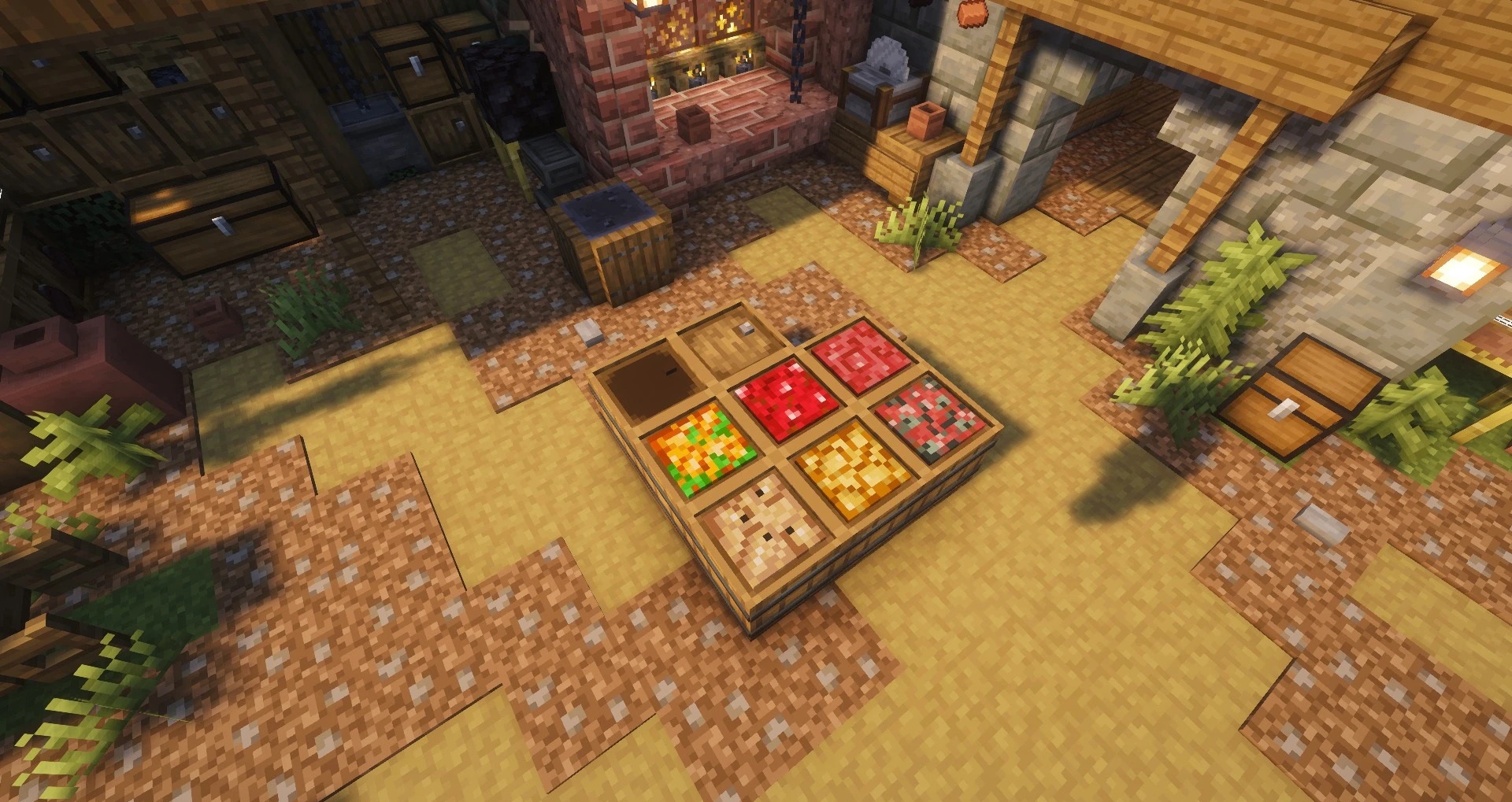
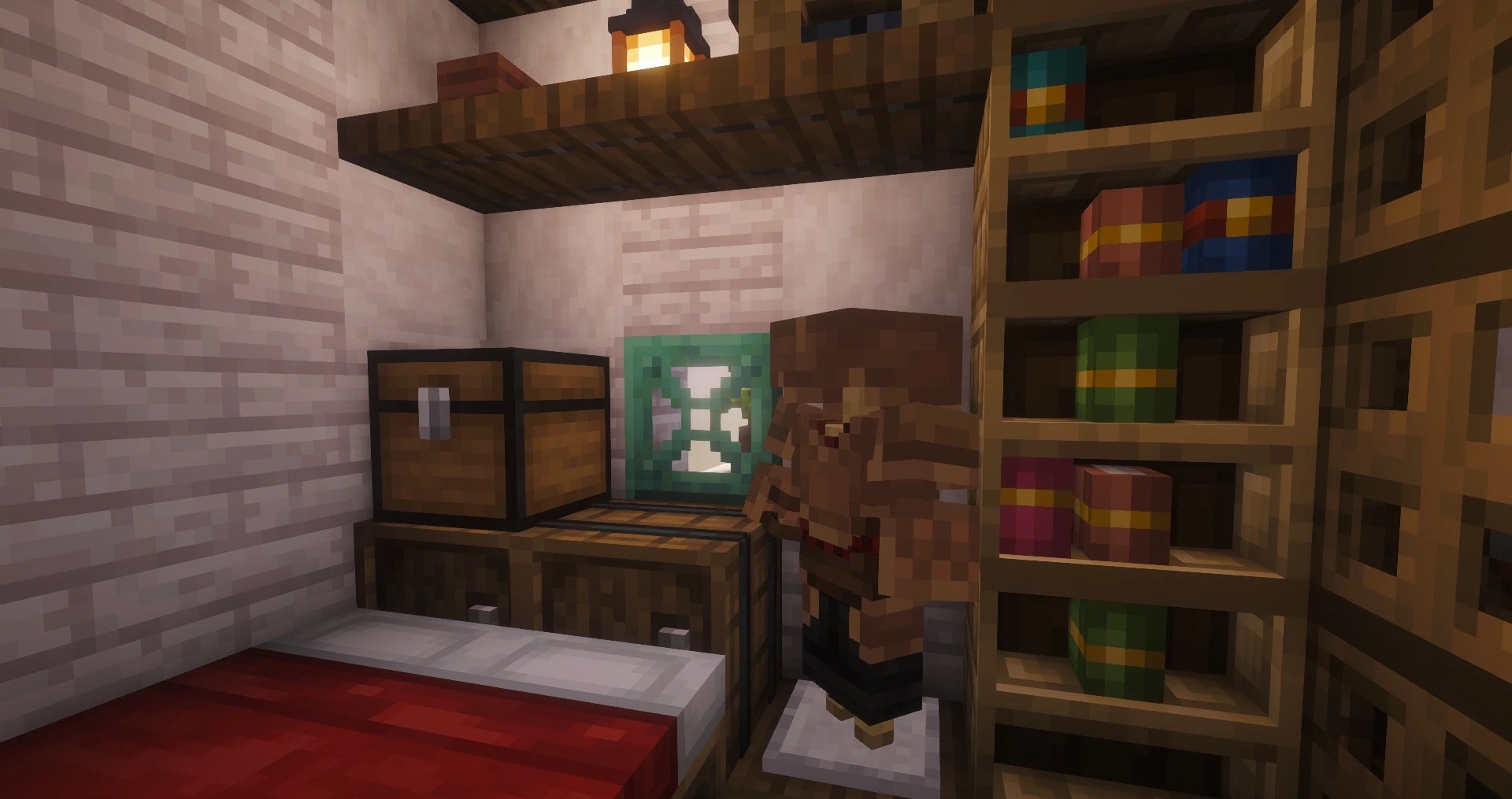
There have also been changes to the world itself. Ladders, bookshelves and wildflowers now have 3D models, item frames have become invisible, and tools and armour have been given new textures. The author has also altered the colours of some natural blocks and the design of certain enchanted books.
How to install the texture pack:
Step one: Download the texture pack using the link below.
Step two: Extract the downloaded archive and copy the folder Vayu Pack Immersion to the path c:\Users\Пользователь\AppData\Roaming\.minecraft\resourcepacks\ (if this folder does not exist, create it yourself) (for Windows)
Step three: In the game, go to Settings, then Resource Packs. Click the icon for the new texture pack in the left-hand list.
Comments (0)