



Enchanted Tools for Minecraft 1.16.4
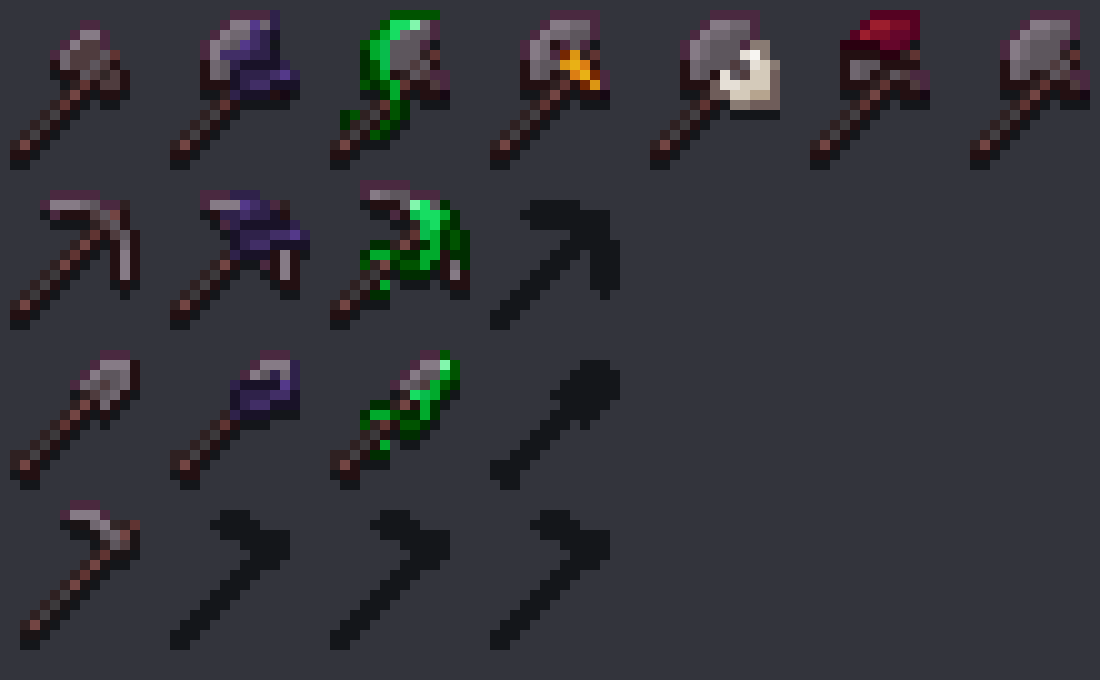
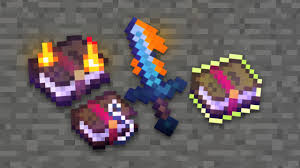 If you notice that weapons and tools do not feature any decent visual display, it's time to use the Enchanted Tools add-on for Minecraft. This time you will just need to use the new functionality and see how the icons of weapons and tools take on a completely new look.
You will notice the characteristic designations that will allow you to immediately determine what exactly is hidden behind an enchantment. Do not worry: thanks to such an add-on, you will be able to enjoy each moment. We wish you good luck and all the best!
How to install the texture pack:
First step: download and install Enchanted Tools
Second step: copy the texture pack to the C:\Users\USER_NAME\AppData\Roaming\.minecraft\resourcepacks
Third step: in game settings choose needed resource pack.
Comments (8)