



EssentialGUI for Minecraft 1.19.4
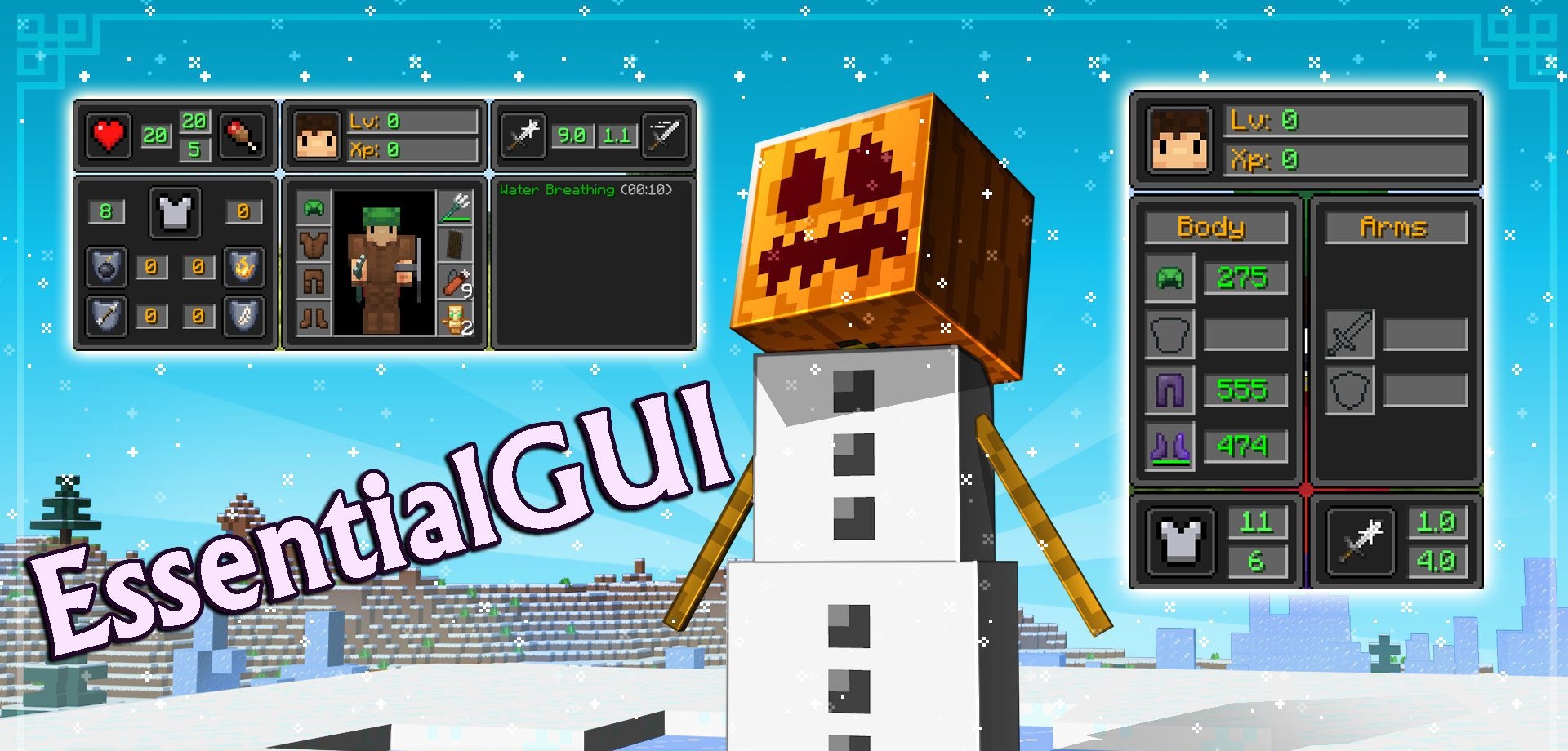
Convenience is often underestimated, but a few visual improvements can significantly enhance the gameplay experience. EssentialGUI mod offers an expanded HUD that displays: client FPS, CPU load, network packets (in multiplayer), coordinates, movement speed, block light level, and even rotation angle.
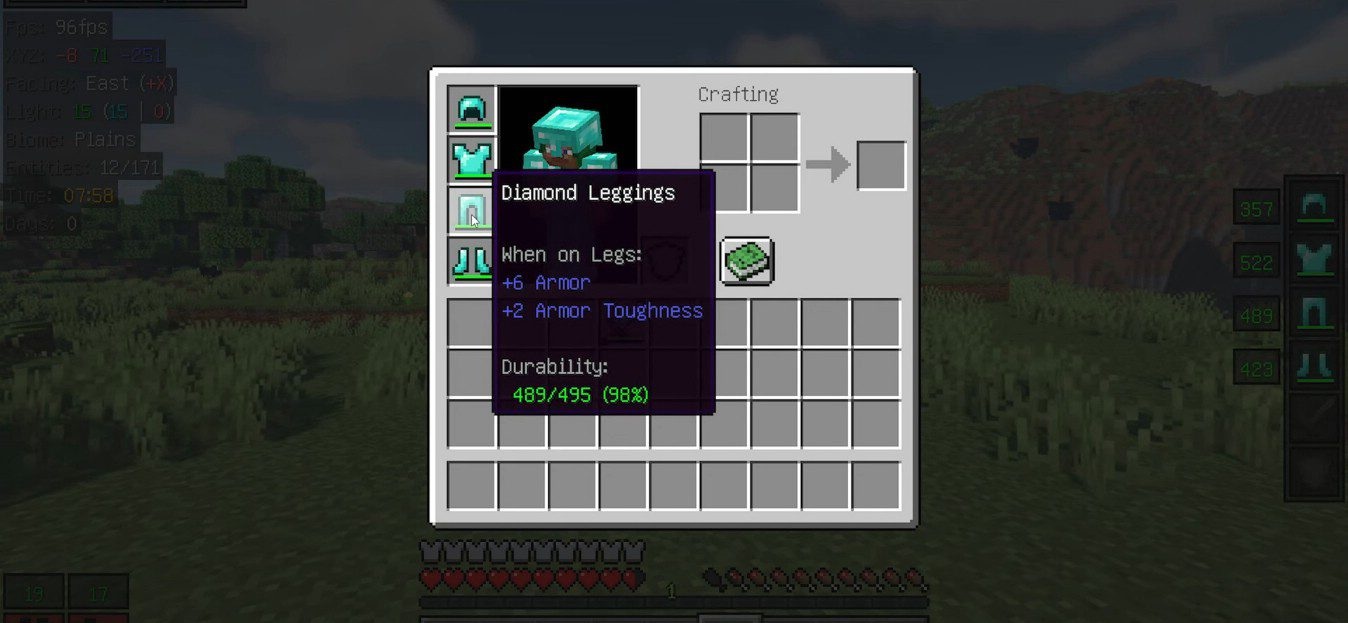
The interface can be toggled through convenient options (such as F12) and you can choose different HUD panel styles. For experienced players or those who like to keep technical parameters under control, it’s a real helper. At the same time, the mod doesn’t change fundamental mechanics — it only makes the experience more comfortable and informative.
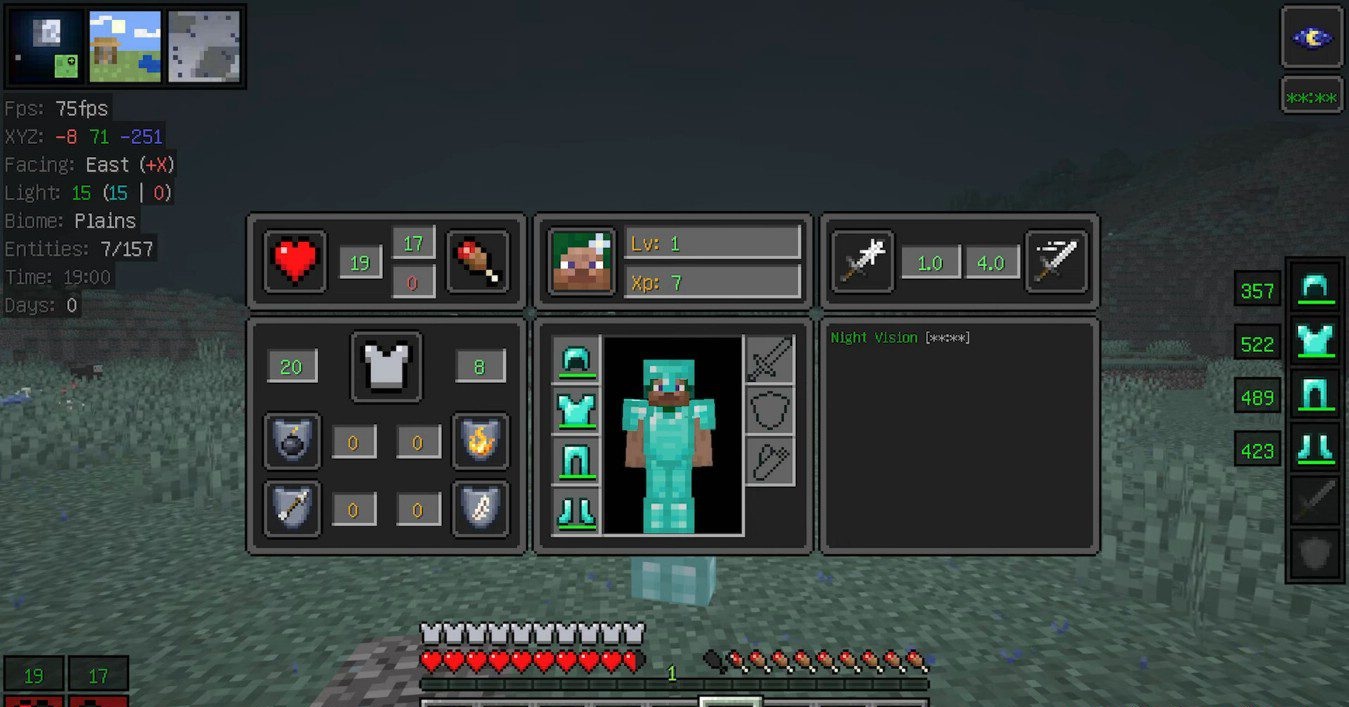
How to install the modification:
First step: download and install Fabric и Fabric API.
Second step: download the mod file.
Third step: copy EssentialGUI mod package to the .minecraft/mods folder (if it does not exist, install Forge again or create it yourself).
Comments (0)