



Render Scale for Minecraft 1.21.10
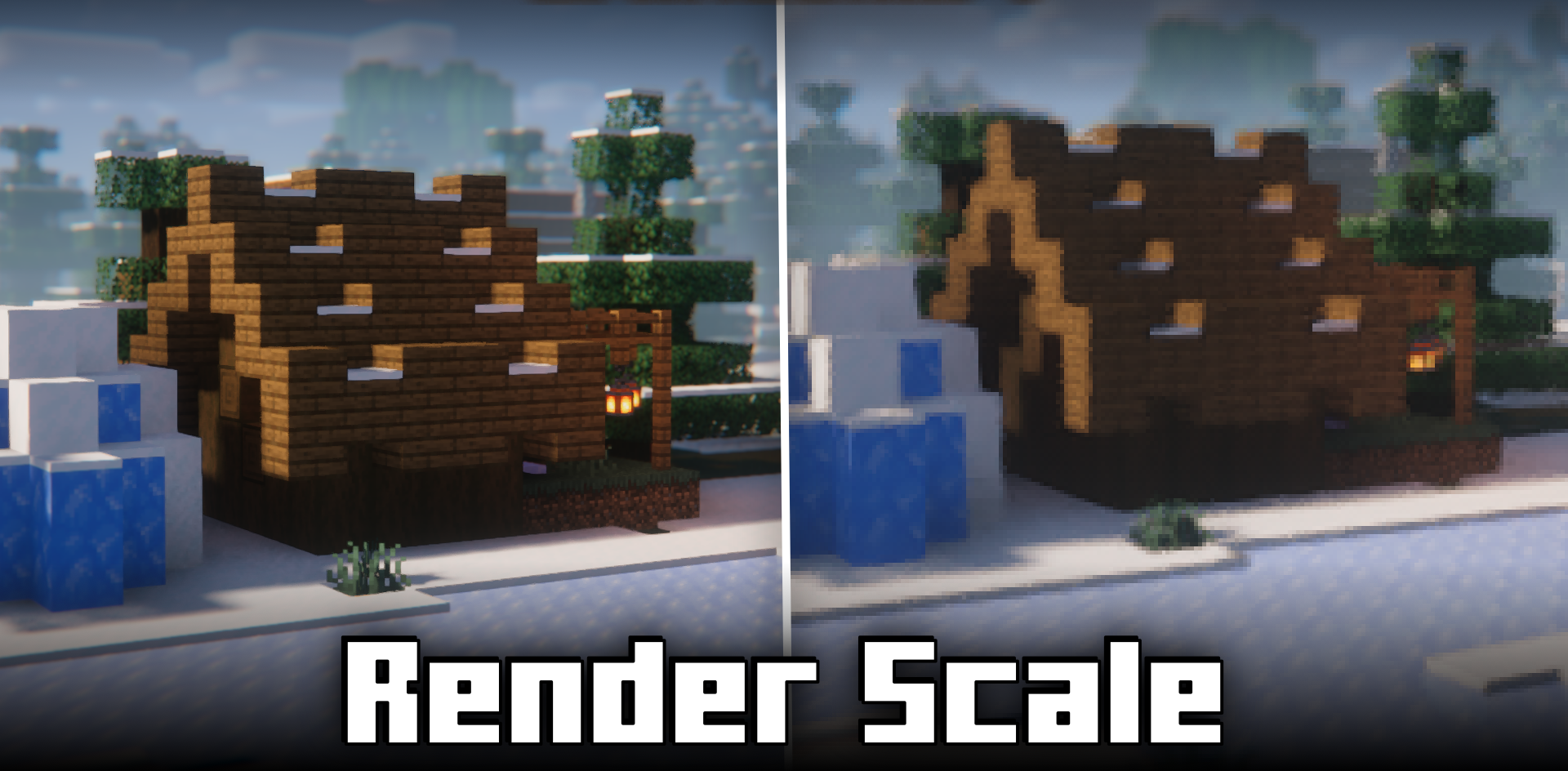
When working with graphics, Render Scale mod becomes an incredibly useful tool. It allows you to change the game’s render resolution independently from the HUD, making image adjustment very flexible.
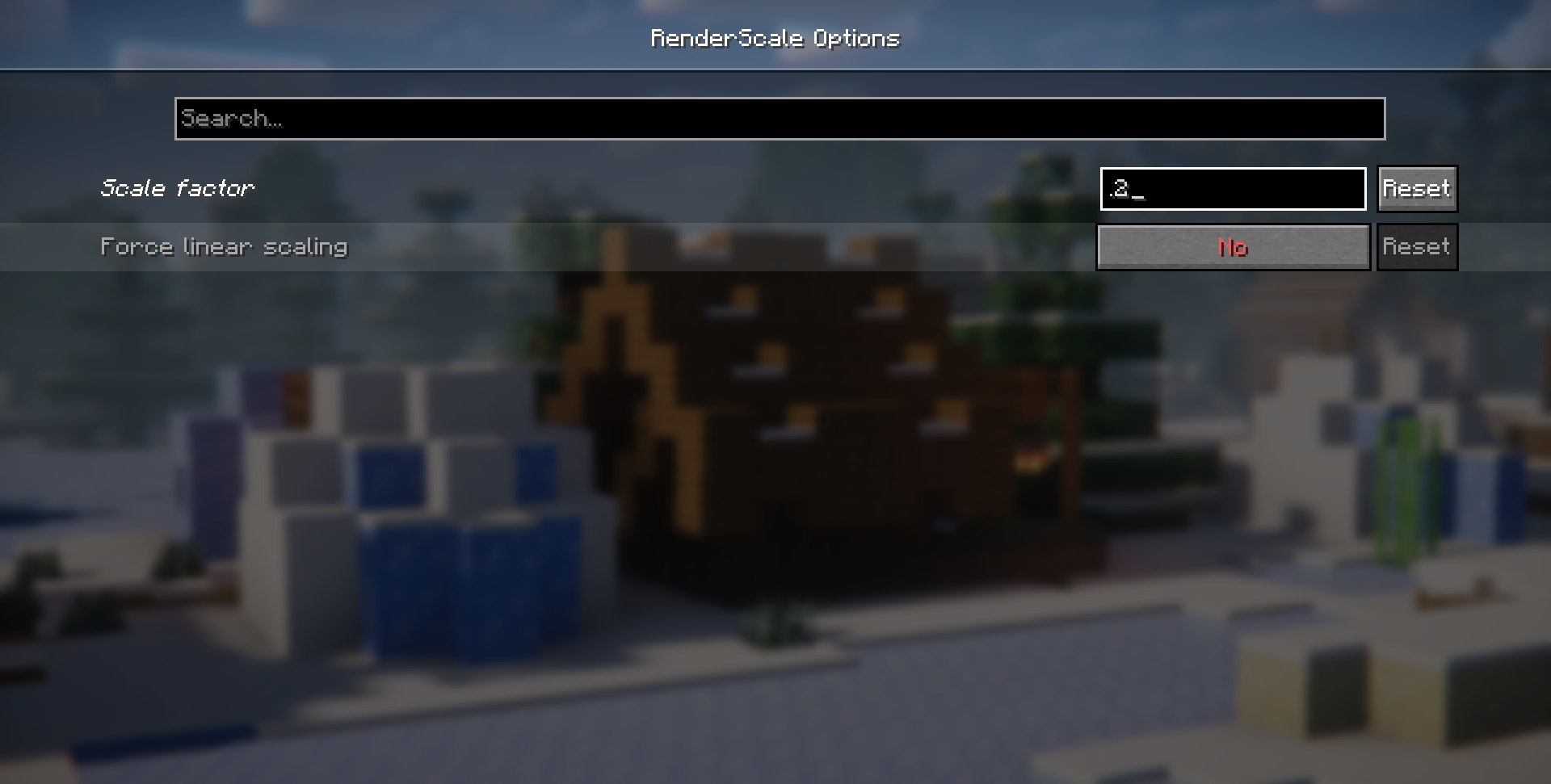
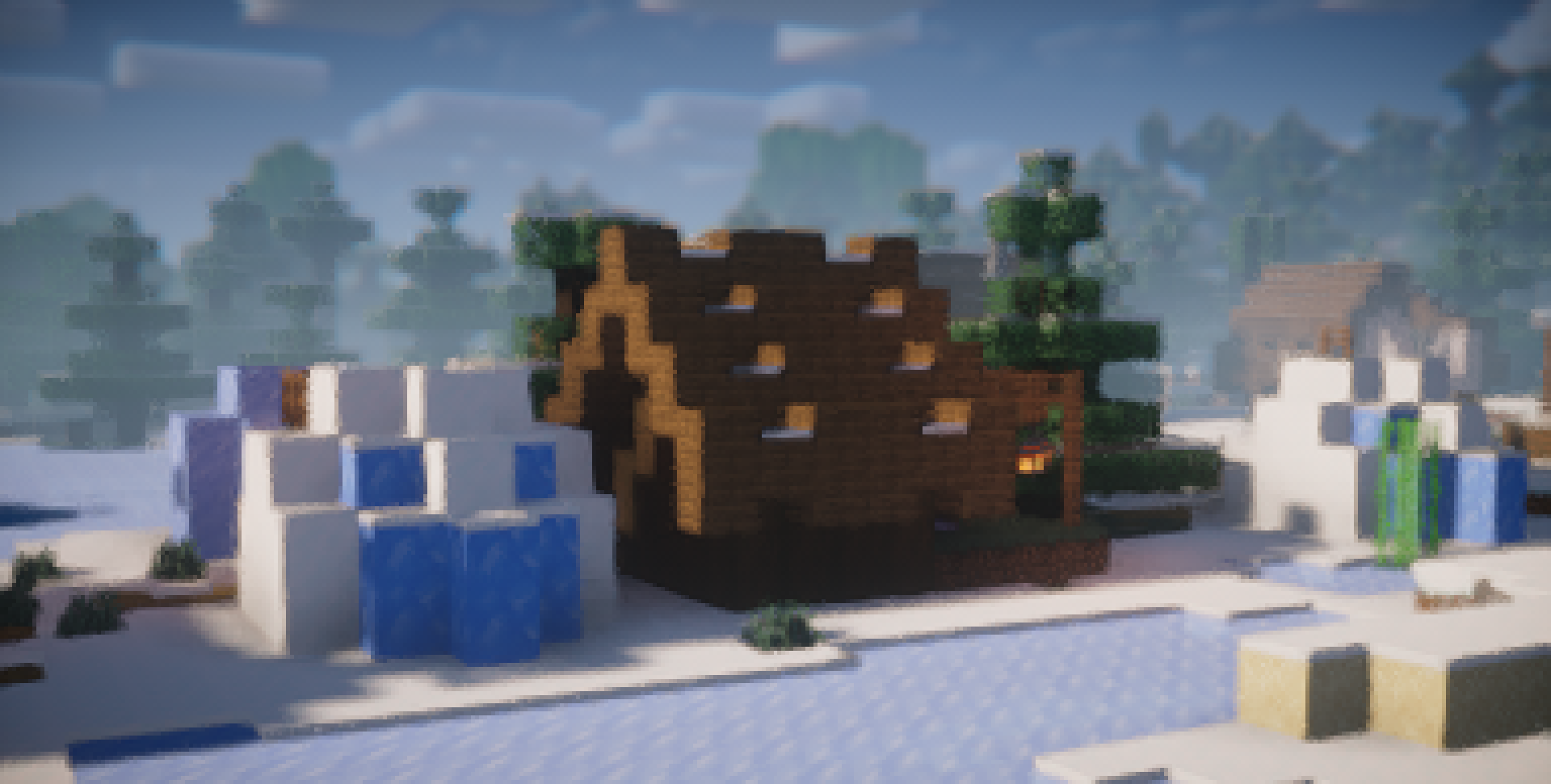
If the computer struggles under high load, it is enough to lower the scale — and performance increases noticeably. Conversely, to create beautiful screenshots, you can raise the resolution above normal, getting a detailed image without affecting the interface. The control is conveniently placed in Mod Menu and presented as a simple slider. At the same time, it does not break vanilla logic and fits into any modpack.
How to install the modification:
First step: download and install Fabric и Fabric API.
Second step: download the mod file.
Third step: copy Render Scale mod package to the .minecraft/mods folder (if it does not exist, install Forge again or create it yourself).
Comments (0)